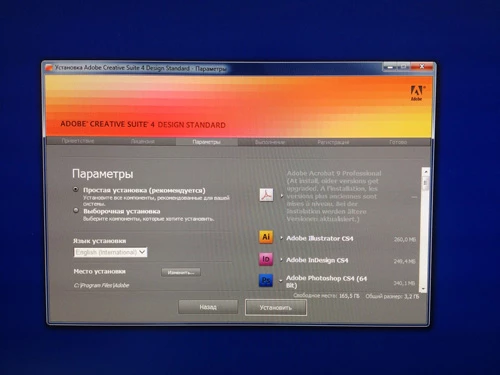
Installing:
1.
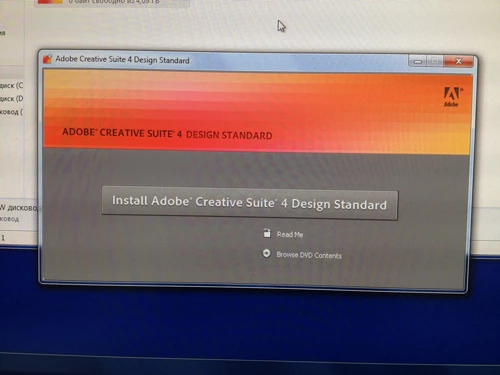
2.
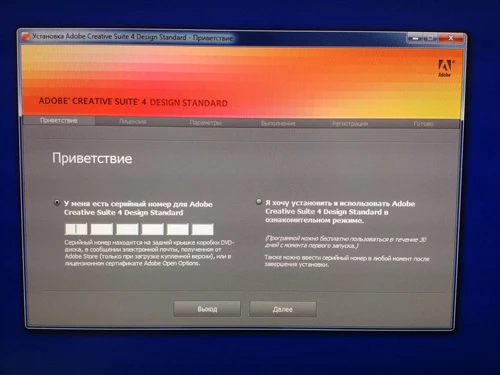
3. Note that s/n is ok.
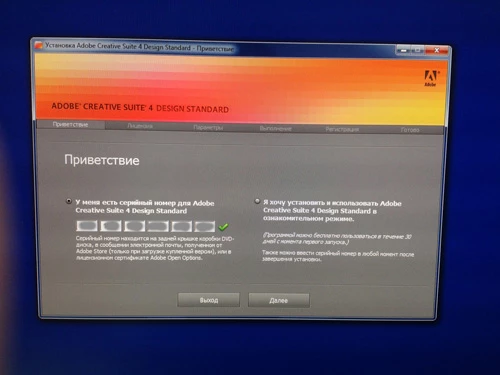
4.
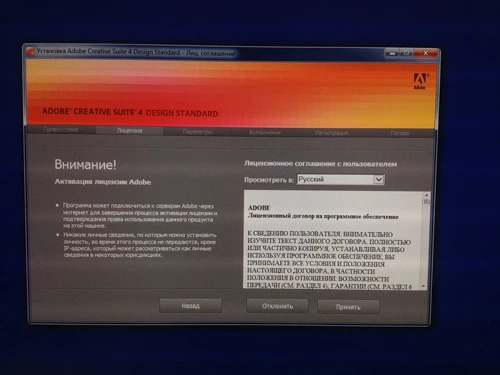
5.
6. Setup complete
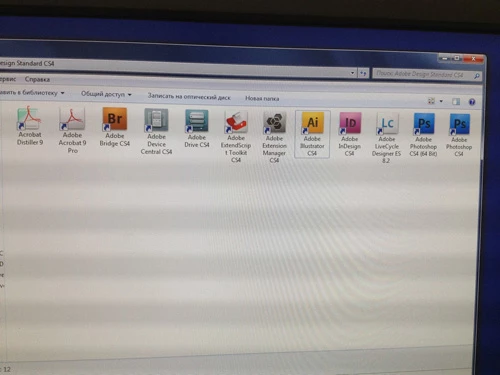
7. But when I try to run application..:
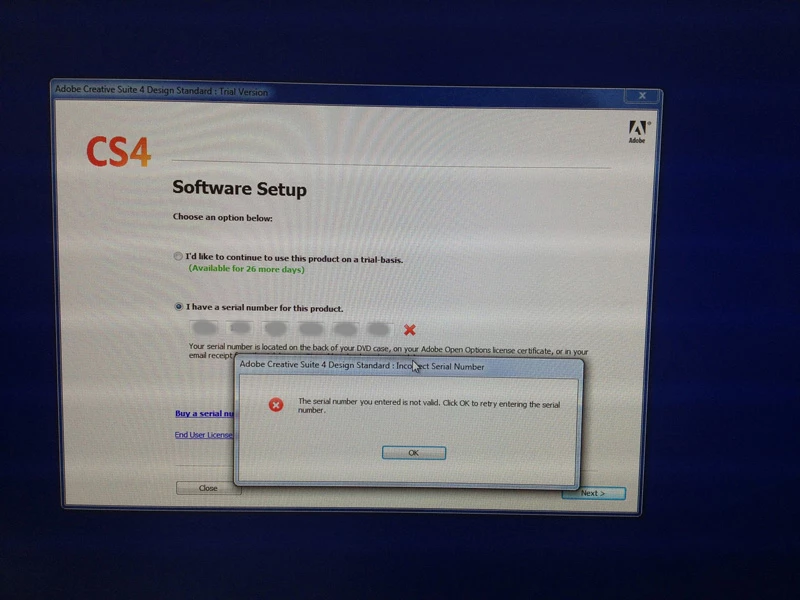
I haven't dealt personally with this error... at least not in a form that resists all standard troubleshooting. I have heard of similar issues arising with folks using newer operating systems like Windows 10 because of compatibility issues. However, I don't know that this would be a problem for your fresh Windows 7 system. Nonetheless, it might be worth running the Microsoft Program Compatibility Troubleshooter: https://support.microsoft.com/en-us/help/15078/windows-make-older-programs-compatible. You can read about one person's experience with this here (last response in the thread): Win10 anniversary update caused my Adobe software to stop working - Microsoft Community.
Other than that, I'm afraid I don't have additional solutions. The only suggestion I can make if the Compatibility Troubleshooter doesn't help is to search the Downloading, Installing, Setting Up forum for an Adobe staff person, and then sending him or her a private message with a request for help on this discussion. Staff have a red badge next to their name that says... you guessed it... "staff". THere's no guarantee they will respond, but it's worth a shot.



 AdChoices