


Question
File and Font panel are keep spinning on Creative Cloud desktop app
Hi!
My creative cloud desktop app went something wrong therefor I can't load any of these panels.
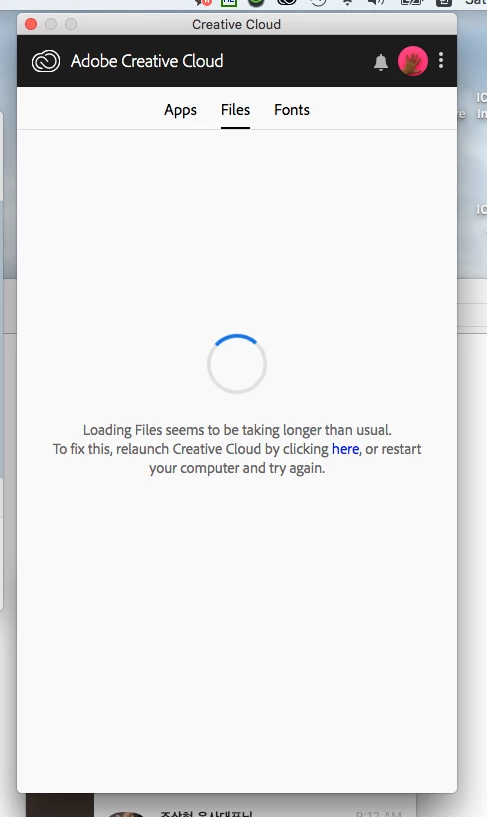
My macbook pro is 2011 late version and it runs with OS X 10.11 Capitan so I was able to launch Premiere Pro and After Effct 2018 cc. So far no problems to using these programs on my MacBook but I can't install plug-ins like Motion Bro which I could install it via Creative Cloud desktop app.
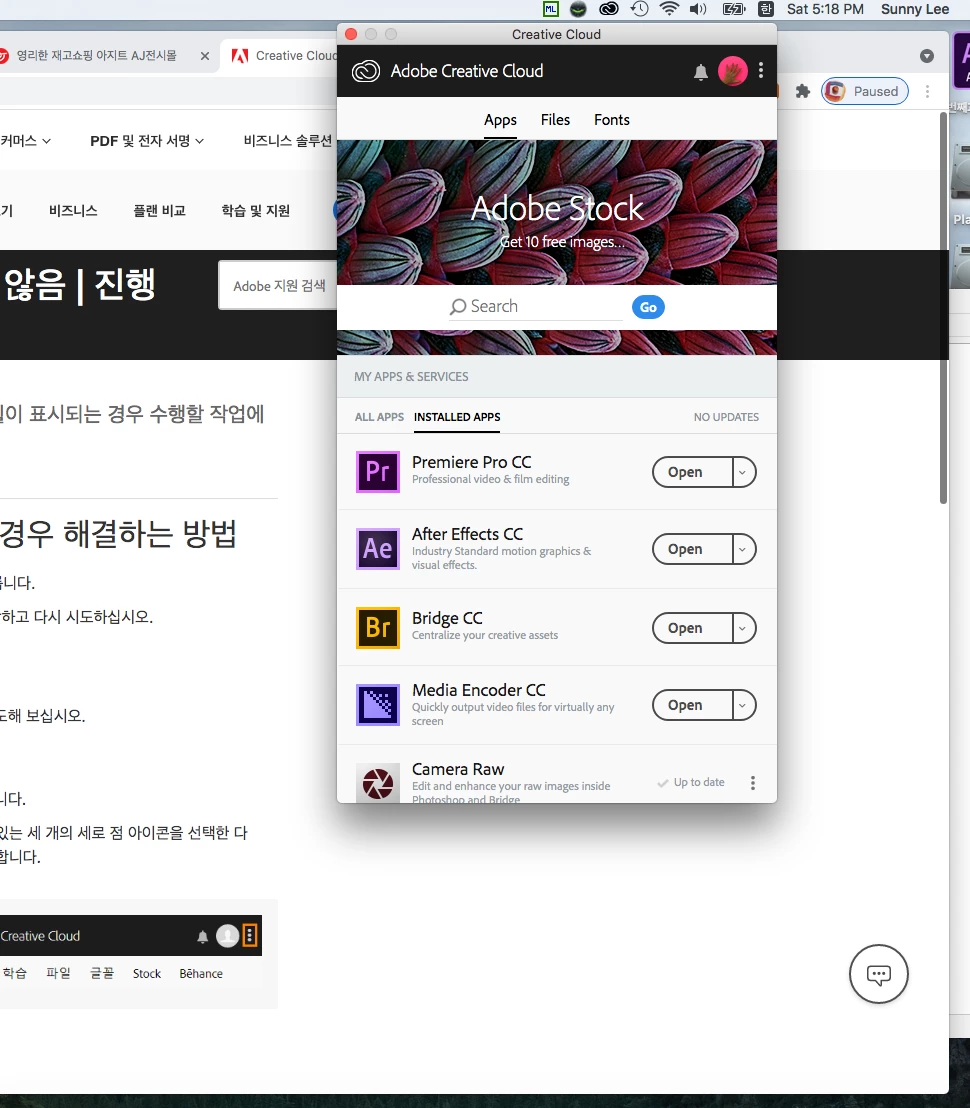
Tried to slove it via Adobe help center FAQ and I even deleted creative cloud with Adobe Creative Cloud Clean Tools and then relaunched it several times-adobe apps are also- I haven't solved yet
What should I do to slove this problem?? OTL
 AdChoices