


Known Participant
December 5, 2018
Answered

How to change install location

  • December 5, 2018
  • 3 replies
  • 749 views

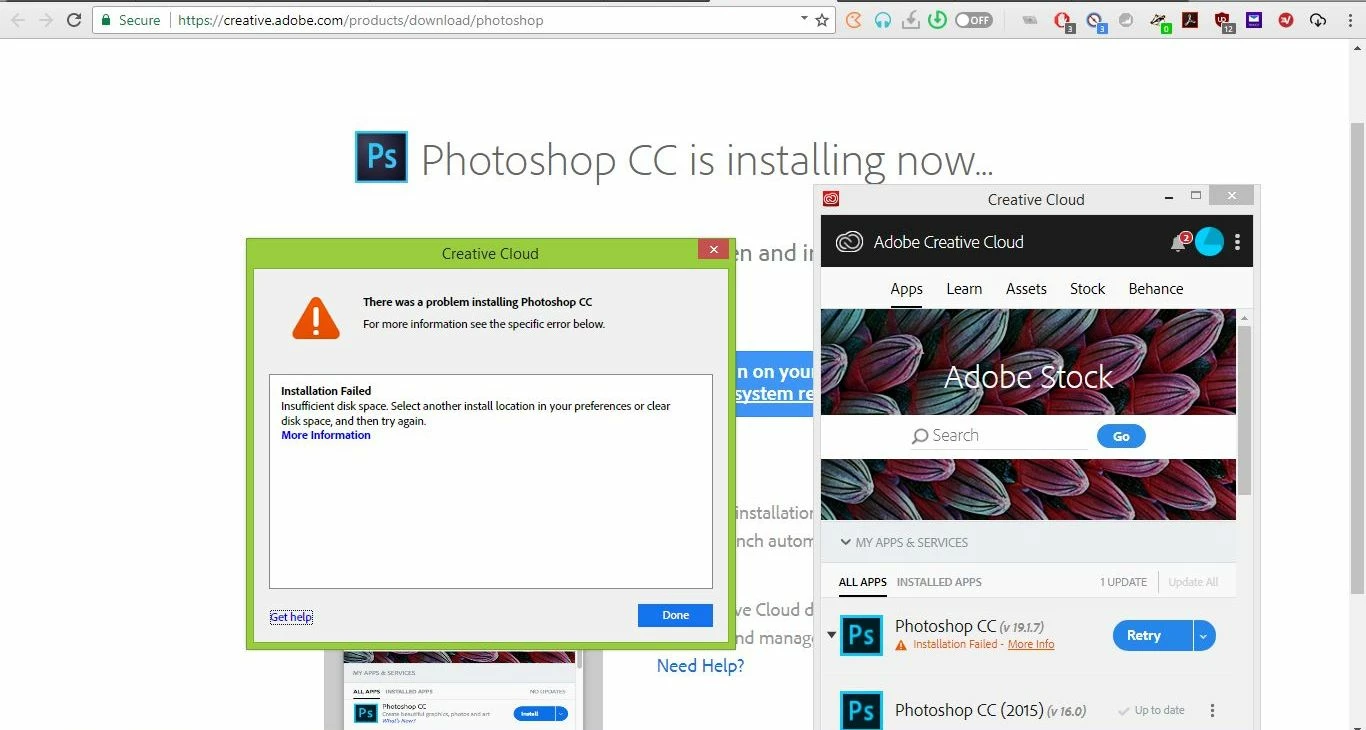
I try do install Photoshop 19.1.7 x64 via the Creative Cloud. The new version wouldn't run on my Windows 8.1

It failed as to no sufficient space, I was instructed to choose another location; I couldn't find out though how.

Alternatively, I could use an off-line installer, that usually asks for the location to install, but I couldn't find that either.

Tanks a lot.
This topic has been closed for replies.
Correct answer John T Smith

Install on non-boot drive see reply #1 https://forums.adobe.com/thread/2549431

3 replies

Participant
December 5, 2018

Hi

George_XYAuthor
Known Participant
December 5, 2018

Solved, thank you very much.

John T Smith
Community Expert
John T SmithCommunity ExpertCorrect answer
Community Expert
December 5, 2018

Install on non-boot drive see reply #1 https://forums.adobe.com/thread/2549431