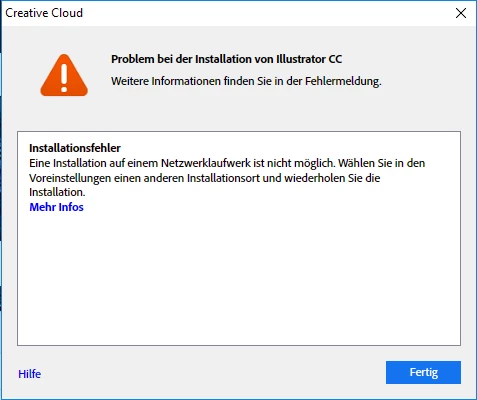
Adobe doesn't let me install on external drive. I get the red box message: Unable to install at this location. I am going to try to clean out my mac. I just read an article that may help. Thanks for your help.
you're welcome.
p.s. erase your external hard drive and format it to ExFAT.
you can find what format your external hard drive by:
disk utility > your external hard-drive name > below the icon and the name of your drive will say a format type like AFFS or Mac OS Extended (Journaled).
to change your external hard drive format follow these steps:
disk utility > your external hard drive name > right click > click erase ( this will get rid of everything on the external drive so make sure to back-up somewhere else ) > under format choose ExFAT > erase




 AdChoices