
It is impossible to change my adobe password
I am not even sure if this is the right community for seeking help with my issue, my apologies if that is the case, but I am a desperate man.
I cannot change my adobe password.
I wanted to add my phone number to add a second layer of authentication. So I go to the adobe website and I click on the login link. I enter my email address (I am not using Google or any other login provider). Then I get a screen that says that they need to verify my account. They then send a 6 digit code to my email. I receive the code, and enter it. The site accepts it and sends me to my account page.
After this, I click on my account page. I click on the Add button of the Mobile Phone section. And then it sends me again to the authentication page. I enter my email one more time. And the Continue button never gets enabled. It just keeps spinning there: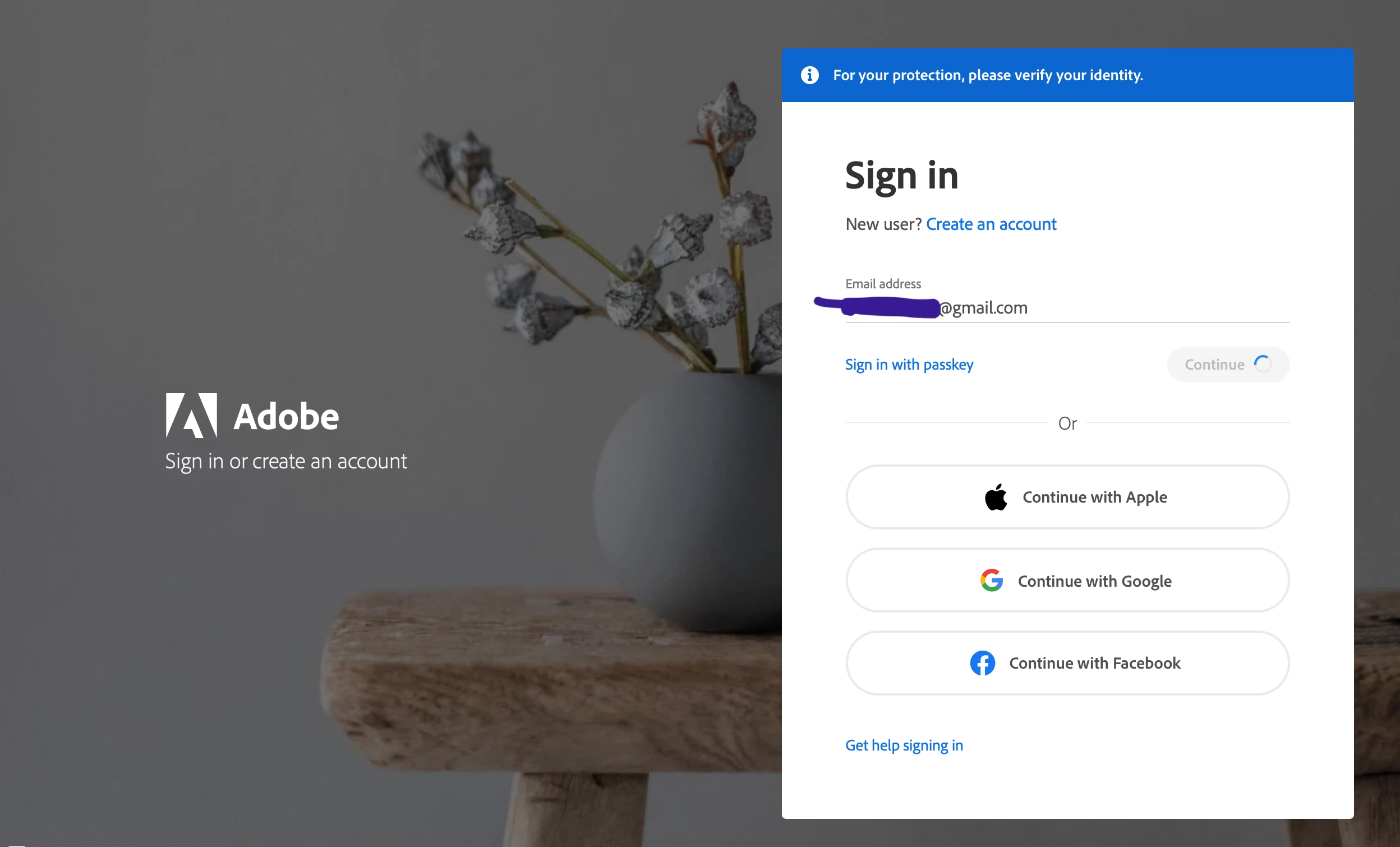
I went to chat with an agent, and I am going to list all the things they told me to do. None of those work:
1. Tried with different browsers (Chrome, Firefox, Safari)
2. Tried with different computers (1 Windows desktop, 1 Surface table, 1 MacBook, 1 Ipad, 1 Android phone)
3. Cleared the cache
4. Logged off from all the sessions and tried again 4 to 5 hours later.
5. Logged in using the code to my email, logged off using the logoff link, and tried again. Both immediately and after 4 to 5 hours.
Tech support was useless and the "try in 4 to 5 hours" thing was of course for them to get rid of me, because they reached the end of the script. For that matter, it is not just trying to add a phone number. Any operation that requires enter a password, like change the email address, change the password, update the billing information, and so on, have this same behaviour.
This is my last desperate attempt to regain my account, which by the way, has my credit card information on it. Anything at all you think can help me, will be much appreciated.
 AdChoices