Aytze
Known Participant
October 19, 2018
Question

It won't connect, so i can't download apps

  • October 19, 2018
  • 5 replies
  • 1909 views

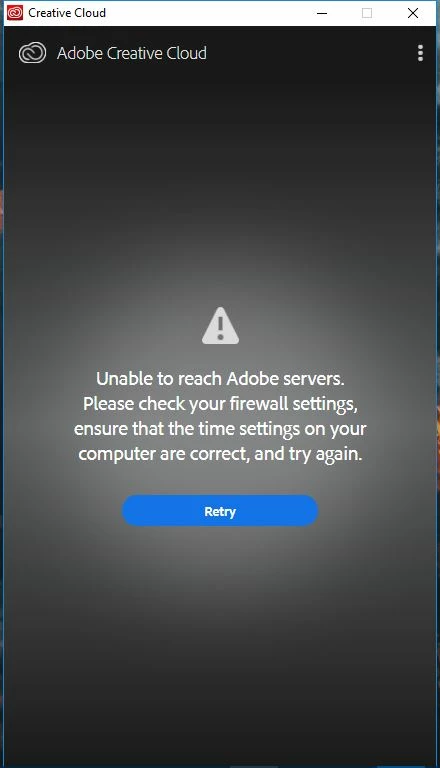
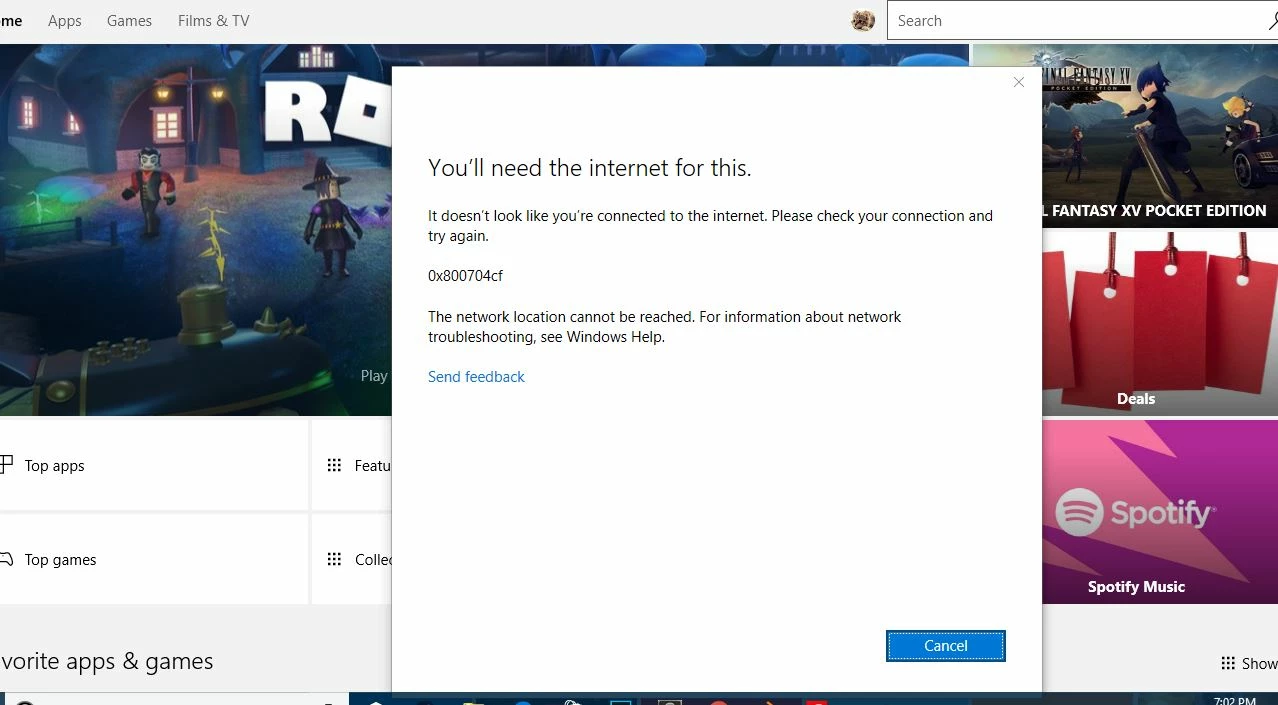
This probably (100%) isn't Adobe's fault or anything but I'm getting this issue. I'm connected to the internet but it shows this. It also happens on my Windows store. If anyone has experienced this issue, please help :3. Thanks so much! If you need for information pls ask

This topic has been closed for replies.

5 replies

Participant
November 22, 2018

Hi Aytze,

i have exactly the same problem and dont know what to do! Getting frustraded over here. Did you find out how to solve it? Sorry for my english, iam from germany.

My applications like Lightroom and Photoshop work fine, only the creative cloud on my pc shows the same window like yours... so i cant install or uninstall anything

Greetings

lorena

Aytze
AytzeAuthor
Known Participant
November 24, 2018

Ahha nah not yet ;-; kinda sad, contacted Asus and they were like reset ur pc. Apps i already installed work fine but i can't download apps or verify my subscription on apps i downloaded on other networks (which had a proxy and when i tried logging into my proxy wouldn't work cuz it said wrong user / pass when it worked fine on the CC app itself) and literally all Microsoft stuff and Adobe wont work.

arij2010
Inspiring
October 24, 2018
Aytze
AytzeAuthor
Known Participant
November 16, 2018

Um thing is that i cant use dreamweaver because it says it cant connect to the internet so it just quits the app. FML

Kanikas
Community Manager
Community Manager
October 22, 2018
arij2010
Inspiring
October 19, 2018
DelphiZoa
Participating Frequently
October 19, 2018

Hi Unicorn1,

Are you behind a firewall? If so, can you disable it temporarily? Also, as it says in the Adobe error message, check your time and location settings to make sure they're correct (under Settings > Time & Location). Incorrect settings can interfere with the connection to both Adobe and the Windows Store.

If those suggestions don't address the issue, try the steps in this help document: Resolve connection errors with Adobe Creative Cloud and Creative Suite applications​.

Aytze
AytzeAuthor
Known Participant
October 20, 2018

I tried it but didnt work unfortunately. I dont think this is necessarily Adobe's issue...