



macOS Big Sur (RTM) 11.0.1 Compatibility - Creative Cloud Installer Trouble - infinity....and beyond
Experience of Adobe Creative Cloud Software Install on MacOS Bug Sur RTM
Date: December 2020
Conclusion: Avoid MacOS Big Sur at the moment until Adobe corrects their Installer
I have just upgraded my MacBook to MacOS Big Sur release version (upgrade from Catalina) - all seems to be very stable with everyting else except Adobe Creative Cloud. I have tried to install Adobe Creative Cloud and this is my current experience which Adobe Support do not seem to be able to help with or even understand the issue when I contacted them - instead saying I had Firewalls or Antivirus software enabled - which I do not. To be clear I have installed successfully on Mojave and Catalina fine BUT not on MacOS Big Sur. My details are here:
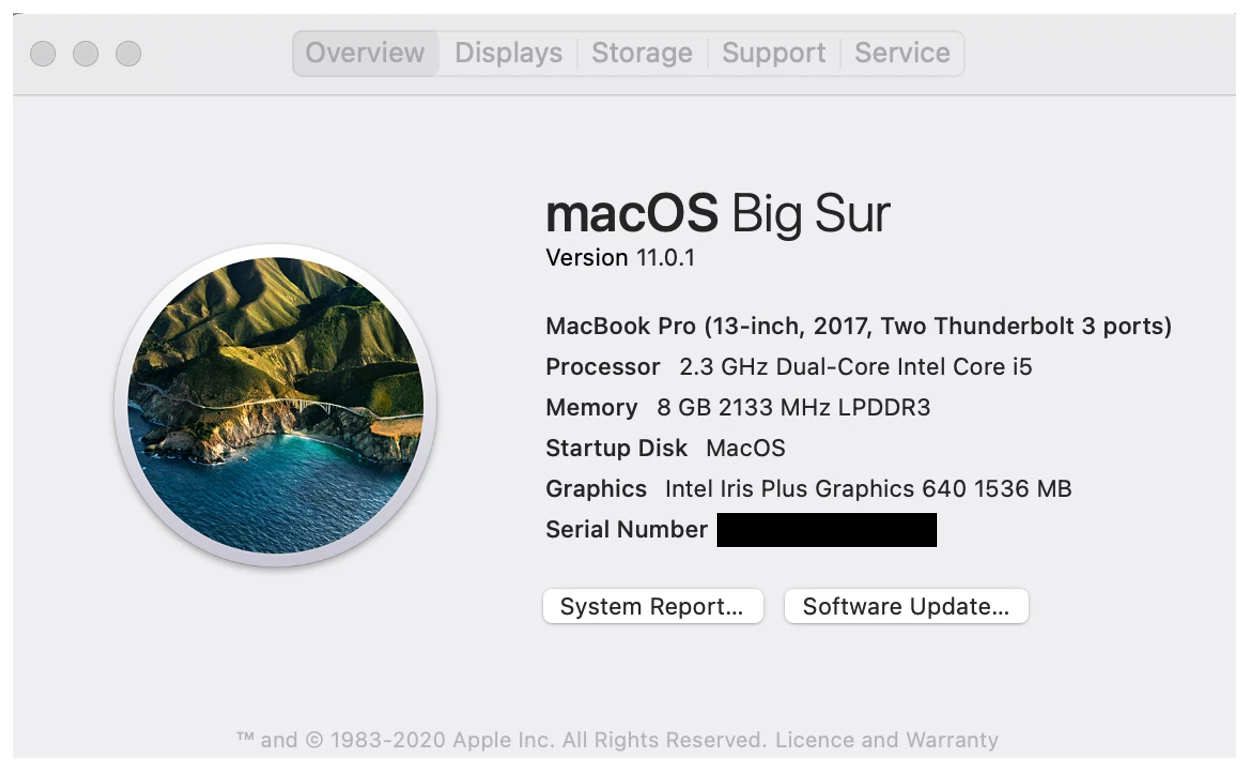
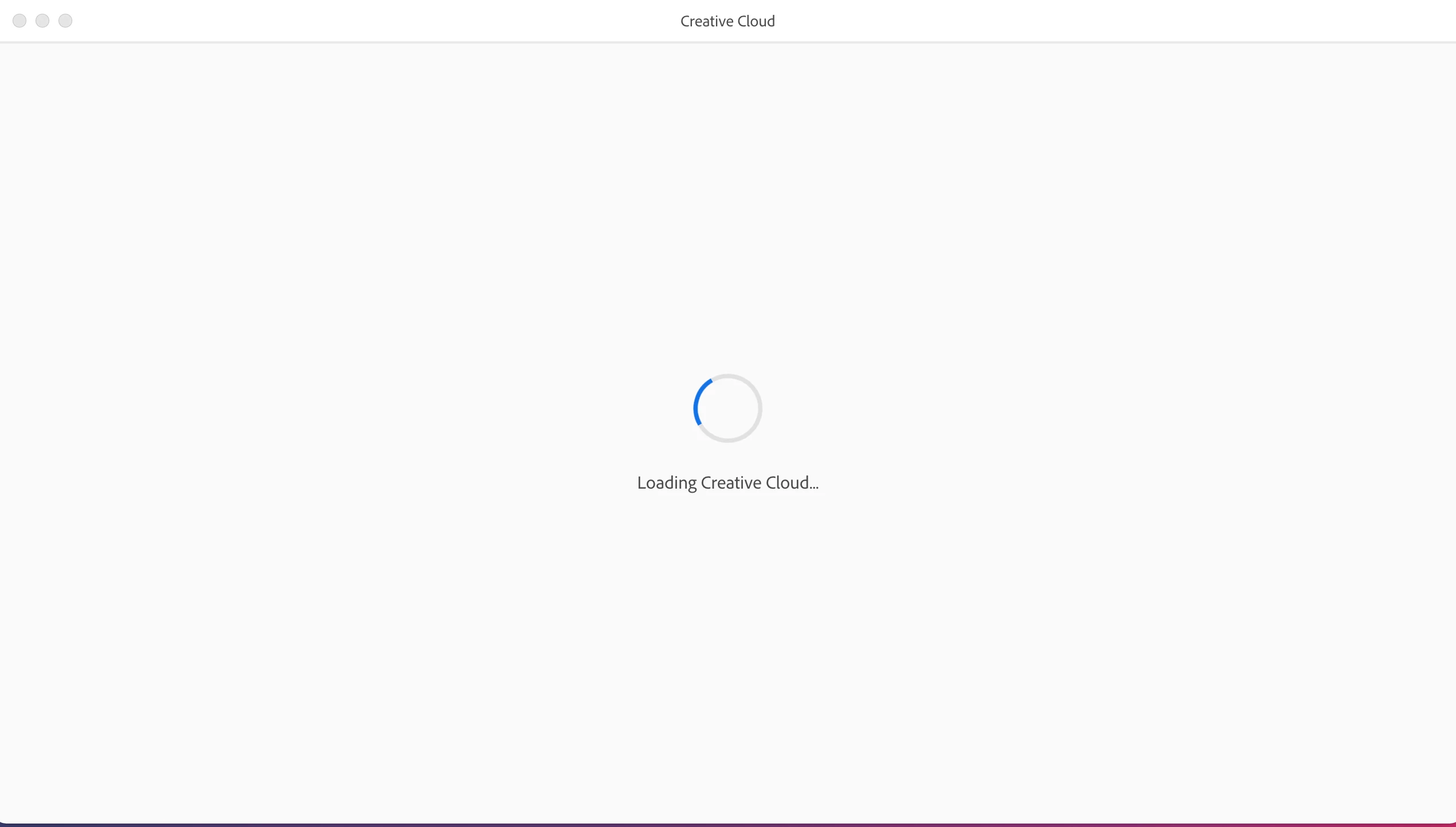
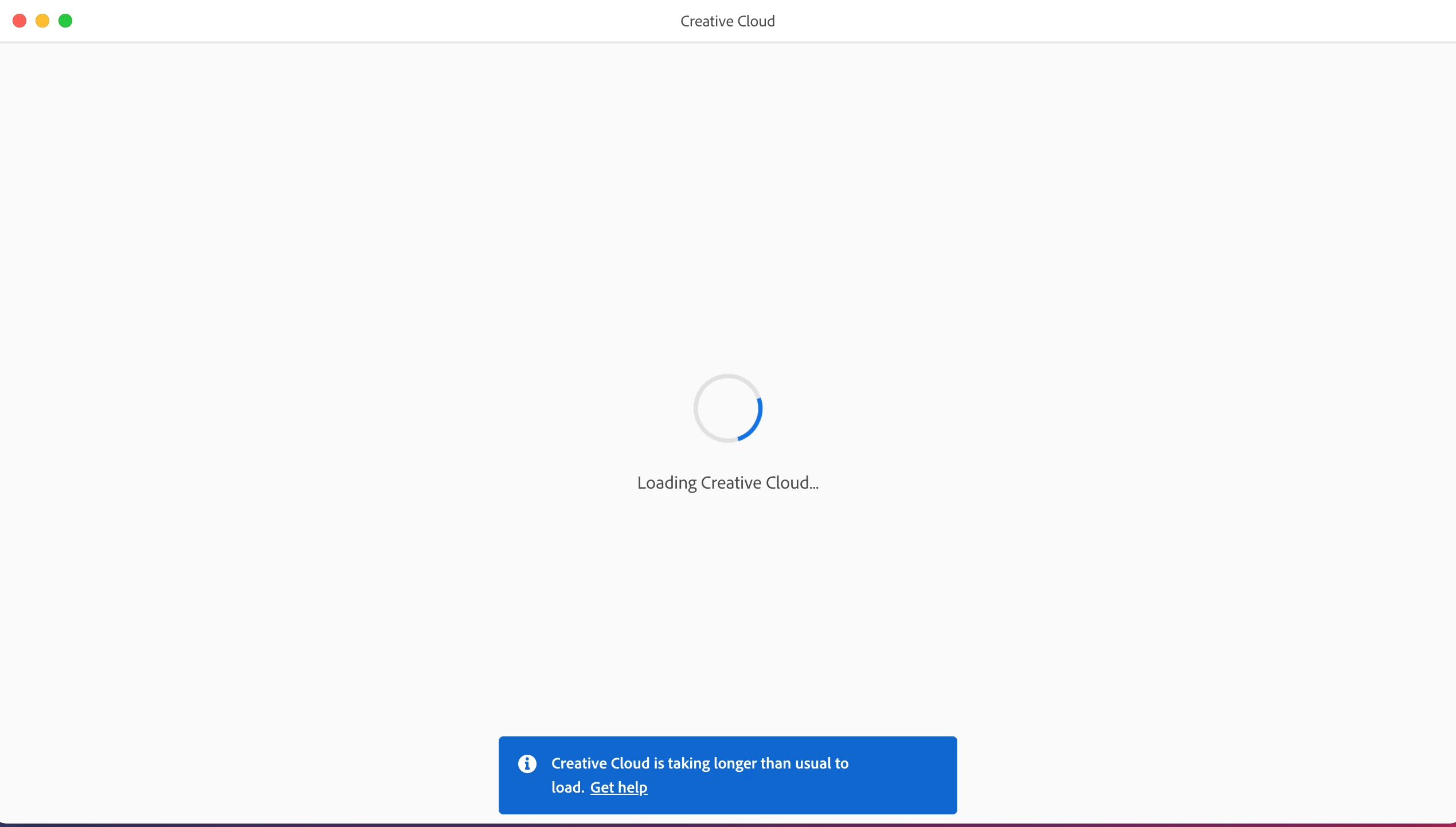
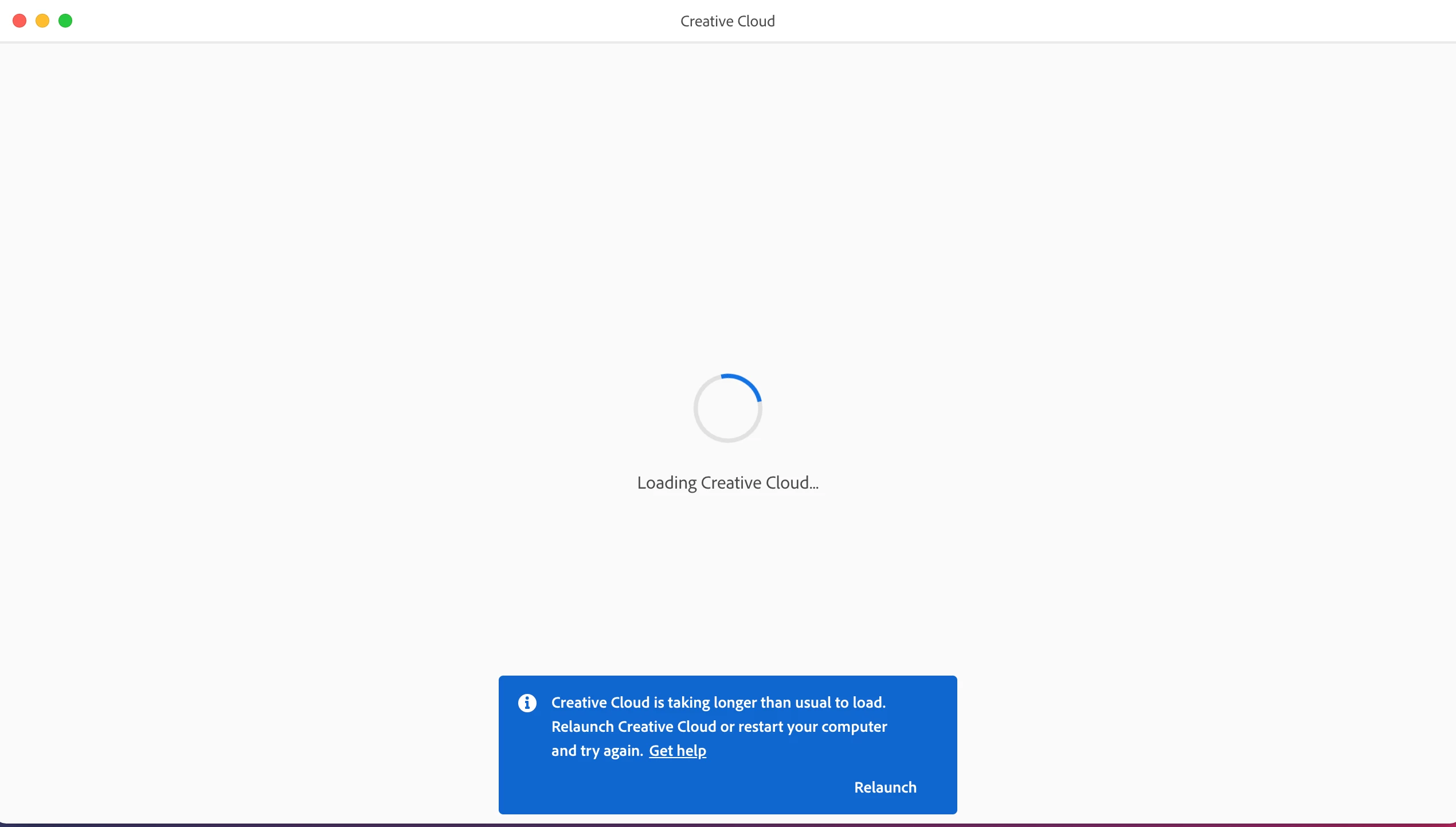
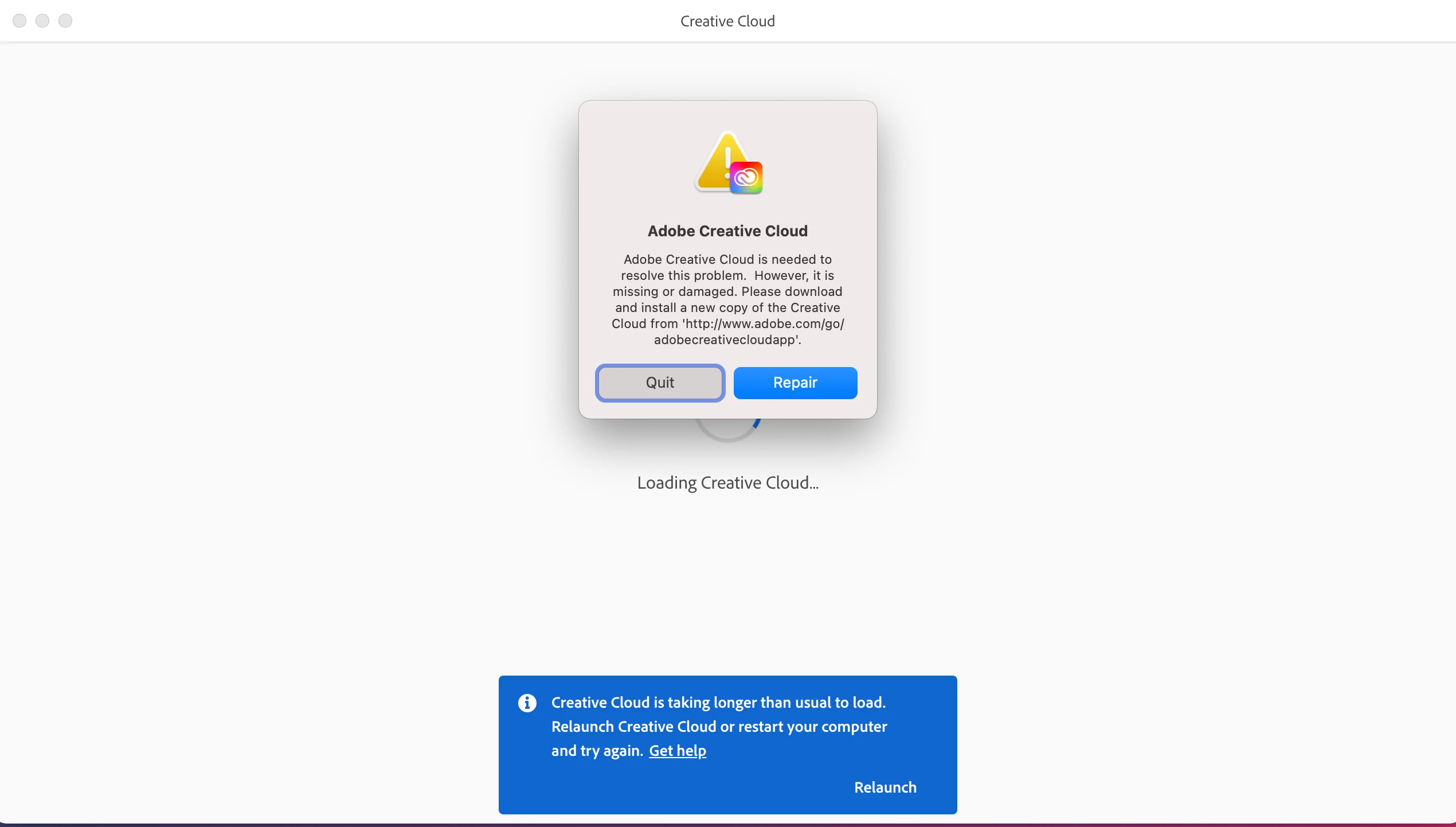
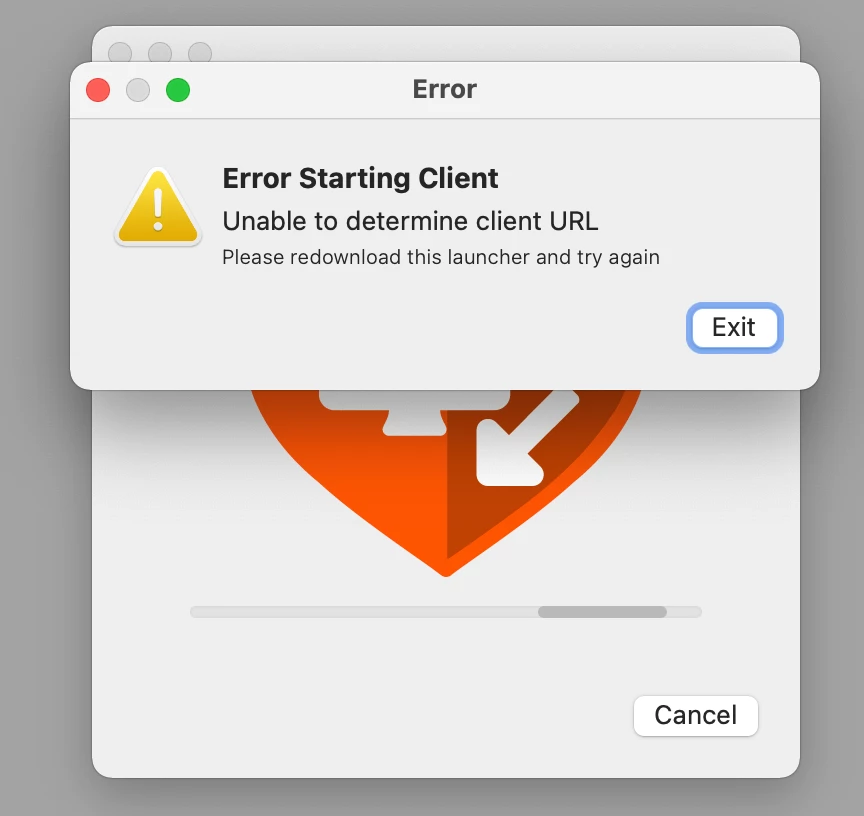
I have tried two ways of doing this via a usual admin account install (fail) or using an elevated enbled root account (whcih results in loading to infinity....and beyond!). In both tested cases this does not work and I am left writing this post for the community to report this incompatability. I am including full screenshots below along with a failure by the Adobe Official Technical Support App to run a screen share - which also does not work on Big Sur - gave up at this point. Very frustrating.... your experiences?
1. Install using local account (admin privilages) - fail
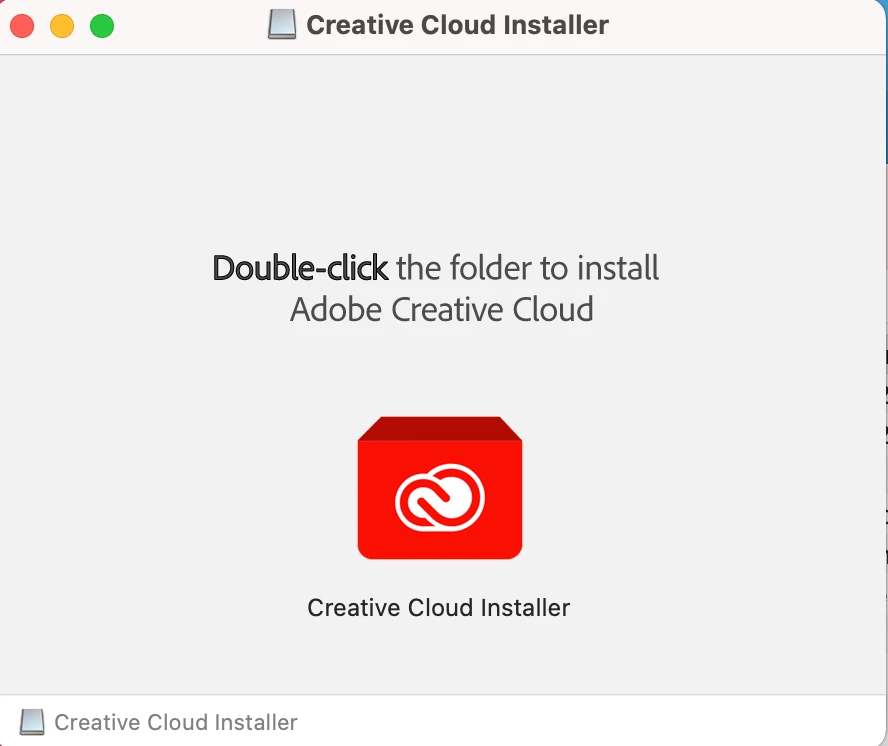
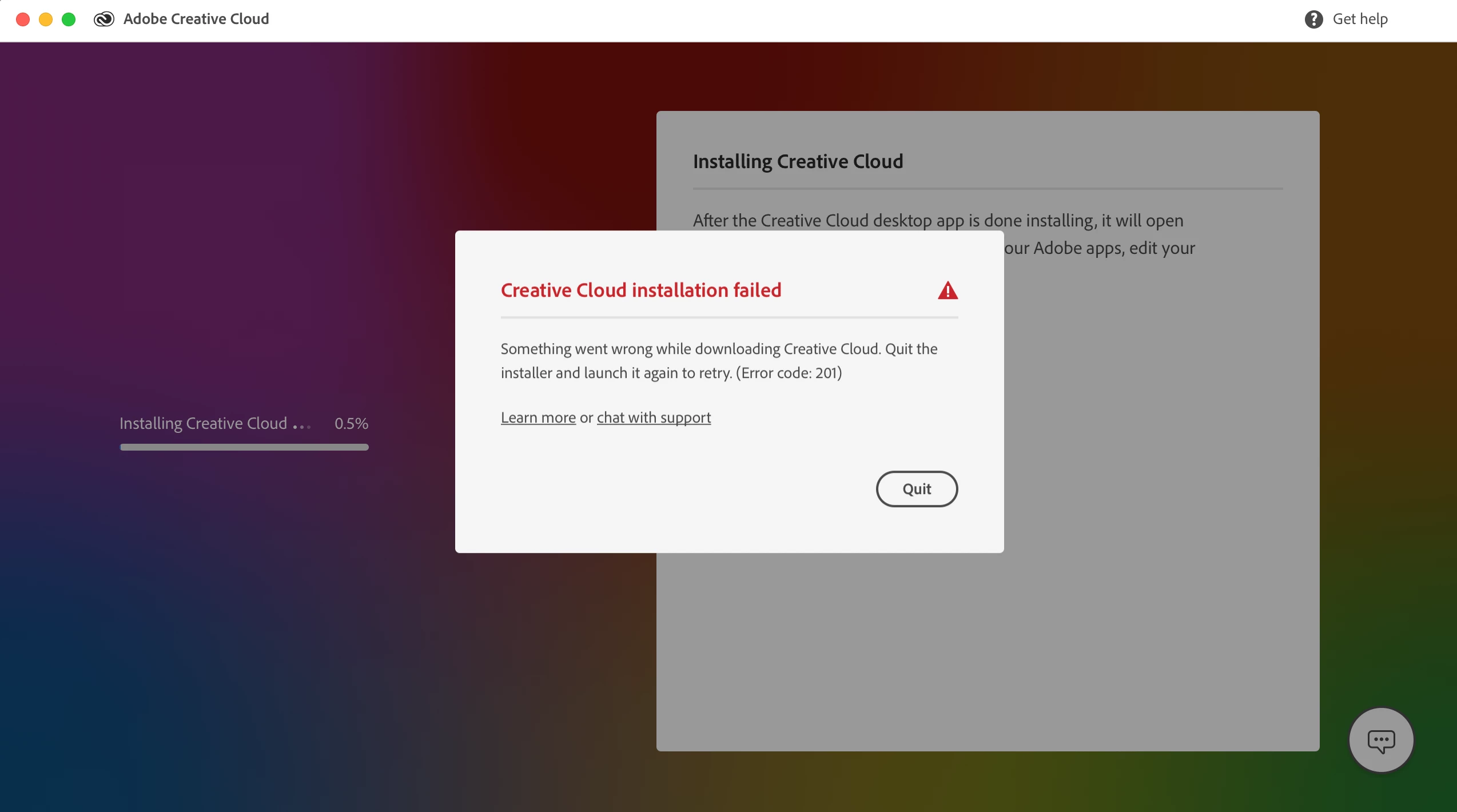
2. Install using an eabled root account (admin privilages) - fail
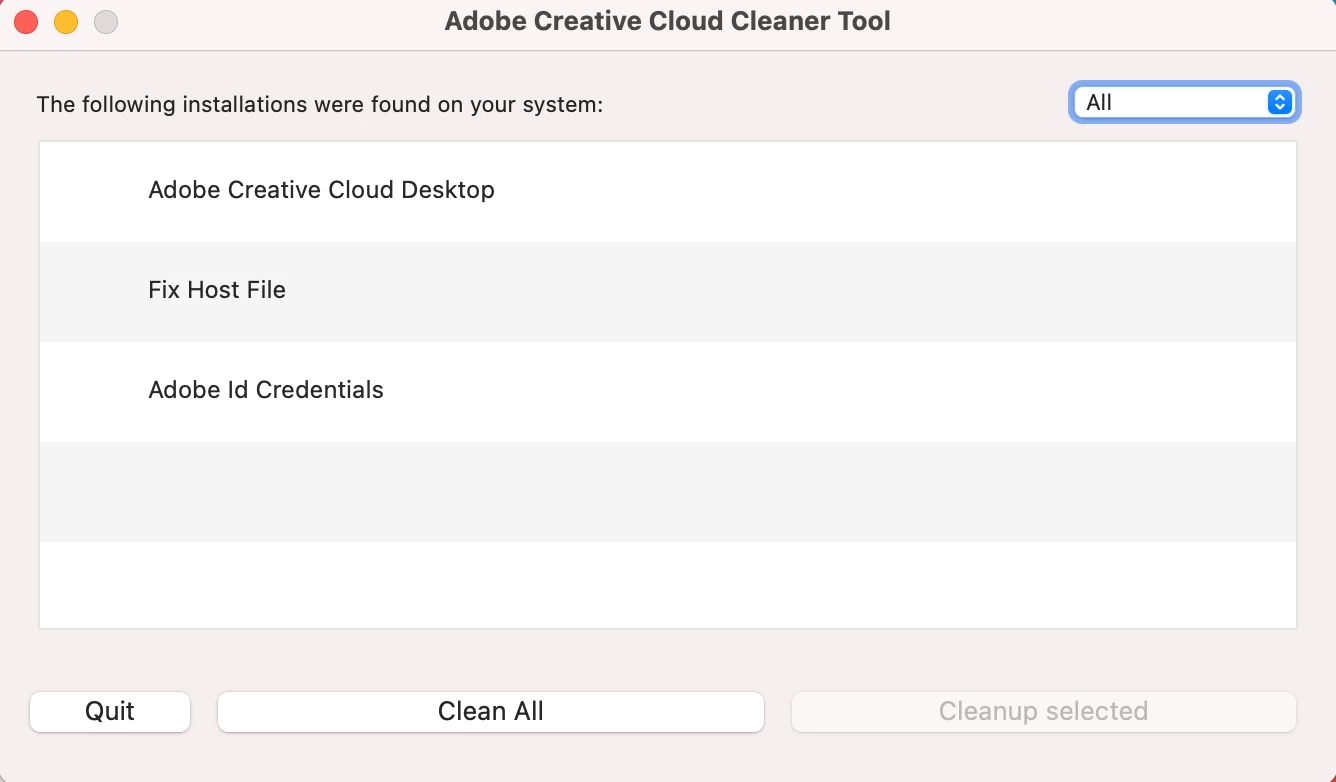
3. Cleanup install and then repeat step 2 - fail
3. Screen sharing app from Adobe Technical Support - fail
 AdChoices