


Participant
June 18, 2021
Question

Open any program, work on a file, save the file, and click the X on the file NOT PROGRAM, it crashs

  • June 18, 2021
  • 1 reply
  • 325 views

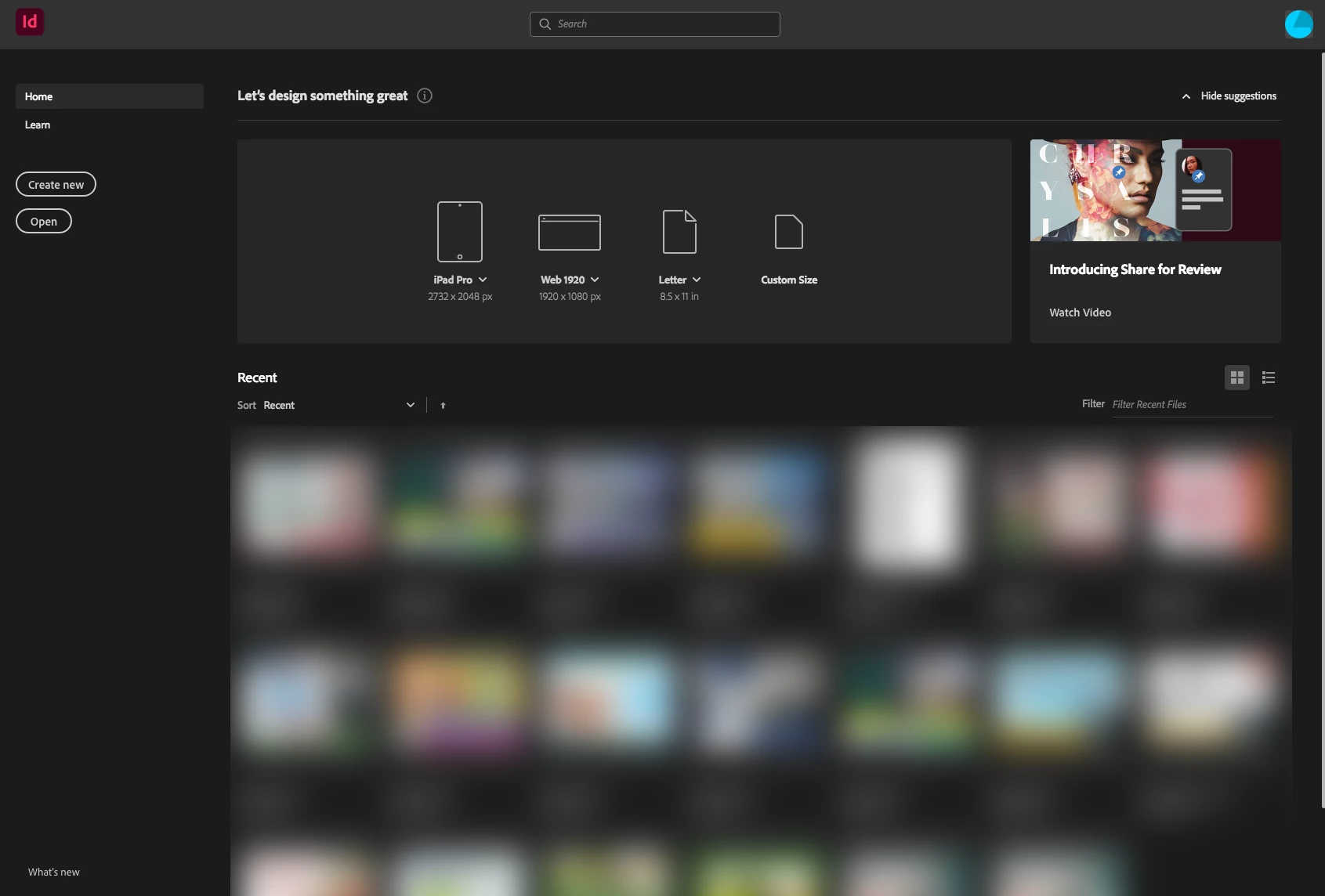
Every time I am working in a program (inDesign, Photoshop, Illustrator, etc) the moment I save the file and then close it, but do not close the program (you know the window with all your recent project pops up), the whole program crashes and becomes unresponsive and I have to force quit. I think it has something to do with the window that pops up with recent files but I am not sure. It started today after I did and update they suggested.


*Should note I am on a 27" iMac from 2011 so I can't update past Sierra. Either way, after updating today every time i close a file the program becomes unresponsive and I have to force quit.
This topic has been closed for replies.

1 reply

kglad
Community Expert
Community Expert
June 19, 2021

first try, resetting the cc app. to reset the Creative Cloud desktop app, make sure it's in the foreground, then press: Win: Ctrl + Alt + R Mac: Cmd + Opt + R

if that fails, reset each problematic program preferences -

acrobat: https://forums.adobe.com/thread/1595848?start=0&tstart=0
adobe media encoder: https://forums.adobe.com/thread/1713540
after effects: http://helpx.adobe.com/after-effects/using/preferences.html
audition: https://forums.adobe.com/thread/1079494
bridge: https://helpx.adobe.com/bridge/kb/troubleshoot-errors-freezes-bridge-windows.html
captivate: https://forums.adobe.com/thread/975032
dreamweaver: https://helpx.adobe.com/dreamweaver/kb/restore-preferences-dreamweaver-cs6-cc.html
flash: https://helpx.adobe.com/animate/using/set-preferences.html
fireworks: https://helpx.adobe.com/fireworks/kb/restore-preferences-fireworks-cs5.html
illustrator: http://helpx.adobe.com/illustrator/using/setting-preferences.html
incopy: https://forums.adobe.com/thread/526990
indesign: https://forums.adobe.com/thread/526990
lightroom: https://helpx.adobe.com/lightroom/help/setting-preferences-lightroom.html
muse: https://forums.adobe.com/thread/1127564 (message 7)
photoshop: https://helpx.adobe.com/photoshop/using/preferences.html
photoshop elements: https://helpx.adobe.com/photoshop-elements/kb/preference-file-locations-photoshop-elements.html, http://www.photokaboom.com/photography/learn/Photoshop_Elements/troubleshooting/1_delete_preferences_file.htm
prelude: https://helpx.adobe.com/prelude/using/prelude-set-preferences.html
premiere elements: https://helpx.adobe.com/photoshop-elements/kb/preference-file-locations-photoshop-elements.html
premiere pro: http://www.mediacollege.com/adobe/premiere/pro/troubleshooter/trash-preferences.html

if that fails, uninstall, clean (http://www.adobe.com/support/contact/cscleanertool.html) and reinstall