


4thLegaxy
Participant
May 6, 2017
Answered

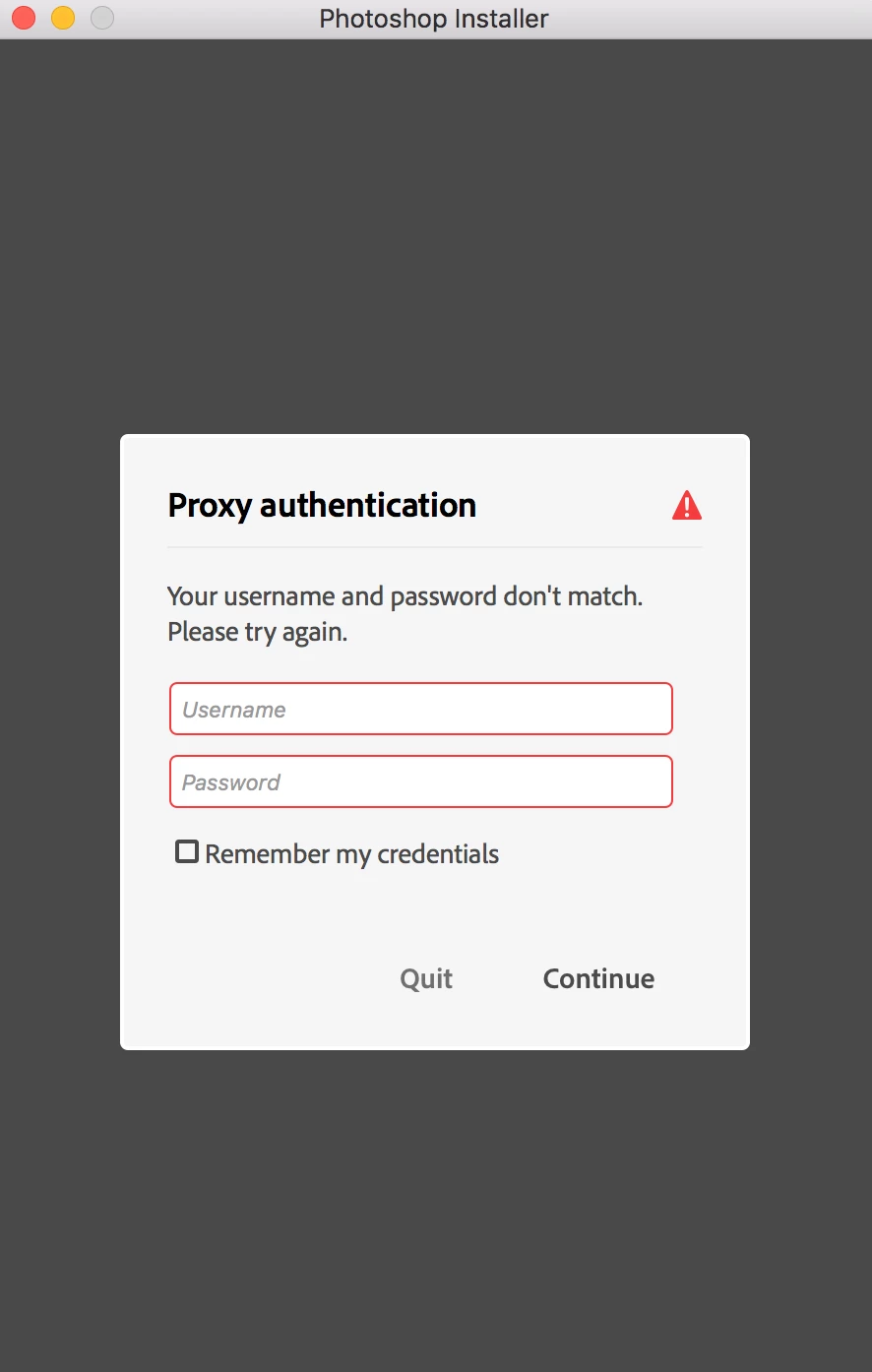
Proxy authentication pop up with Adobe blocking entries in host file

  • May 6, 2017
  • 2 replies
  • 12972 views

Hi! I'm on Mac. I downloaded Photoshop trial installer from Adobe site and tried opening it. It opened up and showed me proxy authentication pop up. I don't require proxy to connect to internet nor I use proxy. I don't use VPN either. I am confused what to fill. I tried not filling anything and it says my username and password don't match. I tried filling it with my Adobe credentials and still the same. Any help? (screenshot attached)
This topic has been closed for replies.
Correct answer Govardhan.V

1) Right click on the Finder icon on dock and select "Go-To Folder" option.
2) You will get a text box, type-in below mentioned command and then hit 'Return' key.

/etc

3) It will open the etc folder, please look for file named "hosts" and copy the same to Desktop screen.

4)Double click on Hosts file , it will open it with TextEdit,

Let me know whether you can see any Adobe related entries inside Hosts file like 127.0.0.1 activate.adobe.com.......etc??

2 replies

Participant
October 2, 2023

Facing a similar issue, I have just purchased a creative cloud subscription and Have been getting this pop up. I don't have a proxy and have been using my home wifi. I am stuck and have no Idea what to do please help


kglad
Community Expert
Community Expert
October 2, 2023

@swaraj0101 


contact adobe support via chat so they can check your computer.  there are 2 ways to contact adobe; chat and twitter (now x):

chat:
use a browser that allows popups and cookies
and click here, https://helpx.adobe.com/contact.html?rghtup=autoOpen
in the chat field (lower right), type AGENT
be patient, it can take quite a while to reach a human.

twitter/x:
tweet @AdobeCare

p.s. if you're contacted by anyone (via email or private message), it's much more likely to be a scammer than an adobe representative.

Govardhan.V
Participating Frequently
May 6, 2017

Home personal Internet connection or Office/Corporate connection?

4thLegaxy
4thLegaxyAuthor
Participant
May 6, 2017

It's a home personal internet connection.

Govardhan.V
Govardhan.VCorrect answer
Participating Frequently
May 7, 2017

1) Right click on the Finder icon on dock and select "Go-To Folder" option.
2) You will get a text box, type-in below mentioned command and then hit 'Return' key.

/etc

3) It will open the etc folder, please look for file named "hosts" and copy the same to Desktop screen.

4)Double click on Hosts file , it will open it with TextEdit,

Let me know whether you can see any Adobe related entries inside Hosts file like 127.0.0.1 activate.adobe.com.......etc??