


New Participant
November 2, 2017
Answered

re-activating CS3 under Mac OS

  • November 2, 2017
  • 2 replies
  • 7158 views

I have looked thru the existing threads on this subject and so far nothing has helped.

The CS3 activation servers have been 'retired' and so the sequence of events to get CS3 working again, as I understand them, is:

- delete the old installation

- use the Adobe Cleaner tool

- submit the old serial online and receive a new one

- download a new installer that doesn't require activation

- reinstall the app

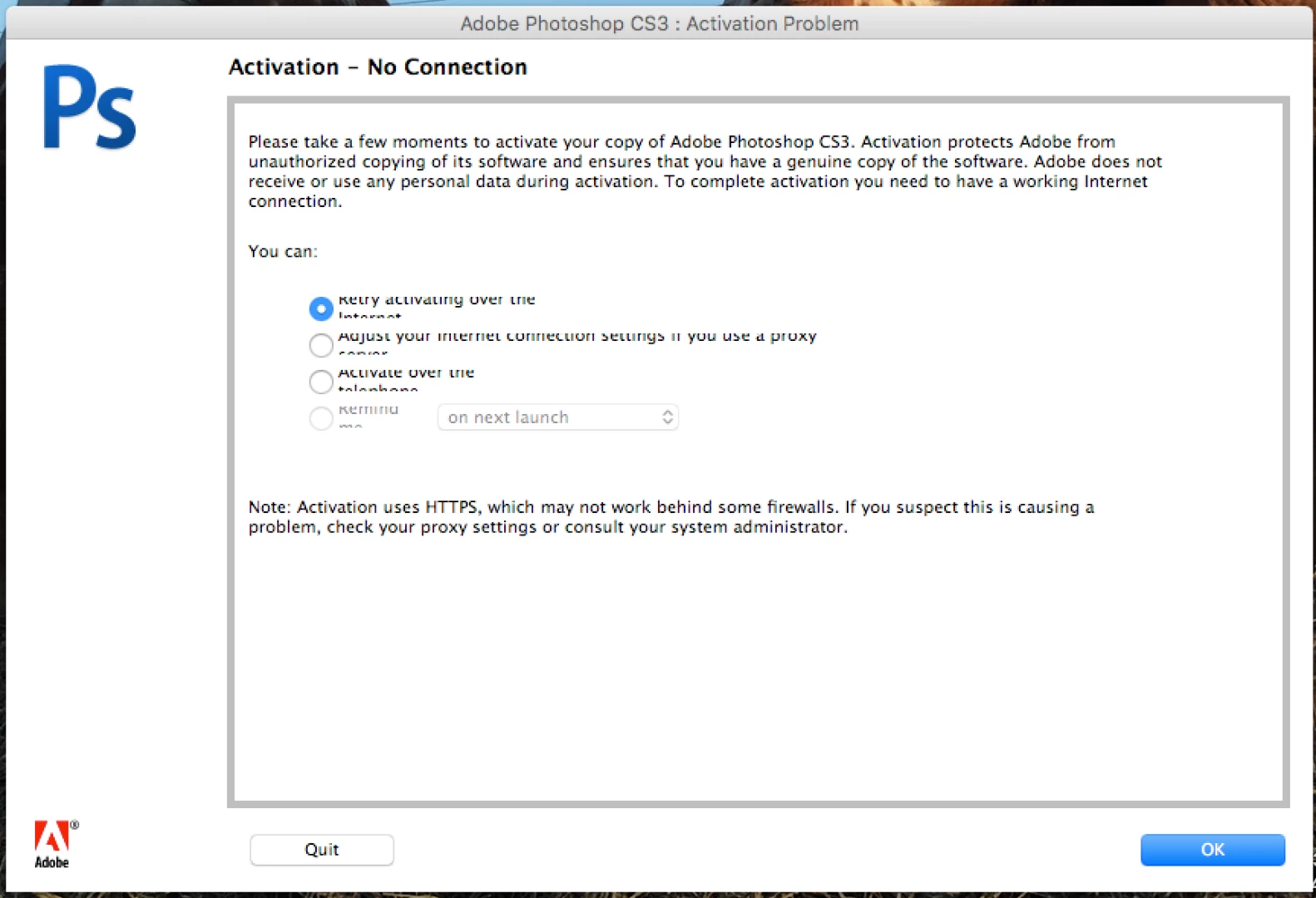
Having done all this, a dialog box still appears asking for activation. So it ends up being an endless loop.

I'm never able to enter the new serial number, or somehow bypass the activation dialog.

There is also a help page about removing a 'cache.db' file, however that's also been removed on my system, yet the problem persists. There is, in fact, no such directory of /Library/Application Support/Adobe/Adobe PCD/cache/ let alone a 'cache.db' file in that directory.

HELP!
    This topic has been closed for replies.
    Correct answer Jeffrey_A_Wright

    Robertjag you are correct you do need to locate the cache.db file if you wish to utilize the new serial number.  If you did not discover the cache folder then it was likely you were browsing to the User Library folder as opposed to the Library folder located at the root of the drive.

    If you continue to face difficulties then can you please post a screen shot of the /Library/Application Support/Adobe folder?

    2 replies

    toddm30304708
    New Participant
    April 8, 2018

    awesome....this was driving me crazy and finally a solution. Thank You!

    New Participant
    December 6, 2019

    Not a solution for me, I regret. I have gone through the steps described above, obtaining a new password in the process. When I attempt to open a CS3 application, I am asked for my password, but am unable to enter it, as it contains a number of letters (in fact, more letters than numbers!). The empty password boxes will only accept numbers! Any suggestions would be welcome. Thanks.

    Jeffrey_A_Wright
    Community Manager
    Jeffrey_A_WrightCommunity ManagerCorrect answer
    Community Manager
    November 2, 2017

    Robertjag you are correct you do need to locate the cache.db file if you wish to utilize the new serial number.  If you did not discover the cache folder then it was likely you were browsing to the User Library folder as opposed to the Library folder located at the root of the drive.

    If you continue to face difficulties then can you please post a screen shot of the /Library/Application Support/Adobe folder?

    robertjagAuthor
    New Participant
    November 2, 2017

    There is no Application Support directory in the /System/Library directory.

    The only Application Support directory is in /[User]/Library/

    Jeffrey_A_Wright
    Community Manager
    Community Manager
    November 2, 2017

    Robertjag please go to the Library located at the Root of the drive.  Do not browse into the System folder or the Users folder.  This is where you will locate /Library/Application Support/Adobe folder.