


Answered
Updating from LR 6.0 perpetual to LR 6.6: error "Update could not be applied" [Mac OS 10.10.5]
Hello forum
I own a license for LR 6 perpetual, and also have CC installed via my work on the same Apple Mac machine running OS10.10 (the CC does _not_ include Lightroom CC for some reason). NB I don't have management of the adobe id for the work CC, but can sign in on the account which administer LR6.
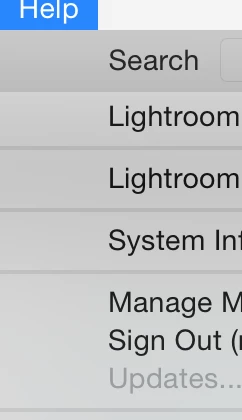
In LR 6.0, I am signed into the account to which the PP LR6 license is attached, however the 'Help -> Updates...' word is greyed out (see pic)
I've signed in and out, reinstalled etc, but after downloading the 'setup.img' '6.6/2015.6 patch from https://helpx.adobe.com/lightroom/kb/lightroom-downloads.html
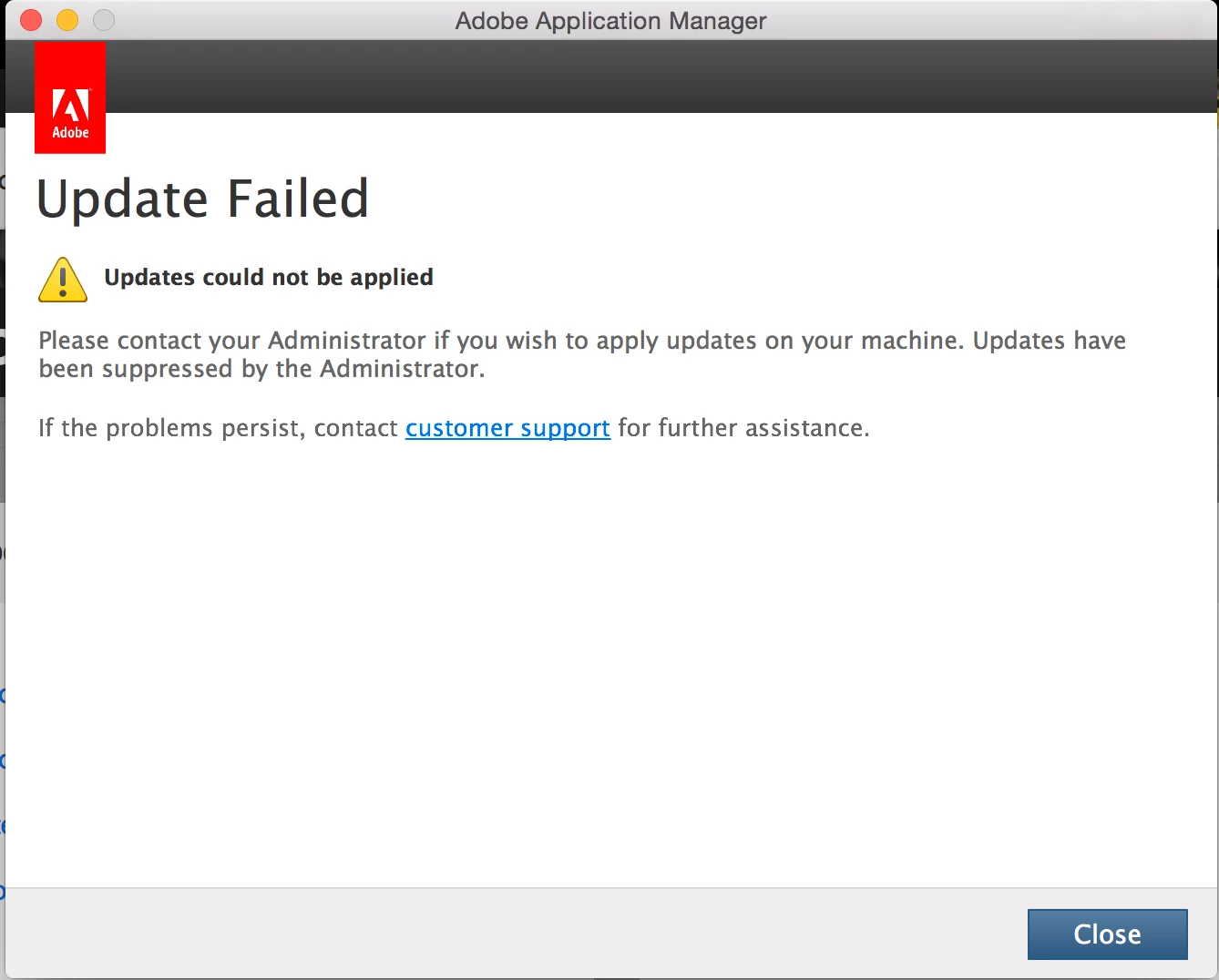
and running the AdobePatchInstaller.app I get an 'Update Failed' error (see pic).
Any ideas on how to resolve this?
Regards
Tom
 AdChoices