

New Participant
March 12, 2020
Question

Verification email not received

  • March 12, 2020
  • 2 replies
  • 5718 views

Hi, 


I received the below verification notification when i try to open Adobe Acrobat only. 


Issue is, i didn't receive the verification email sent out. What should i do to proceed?
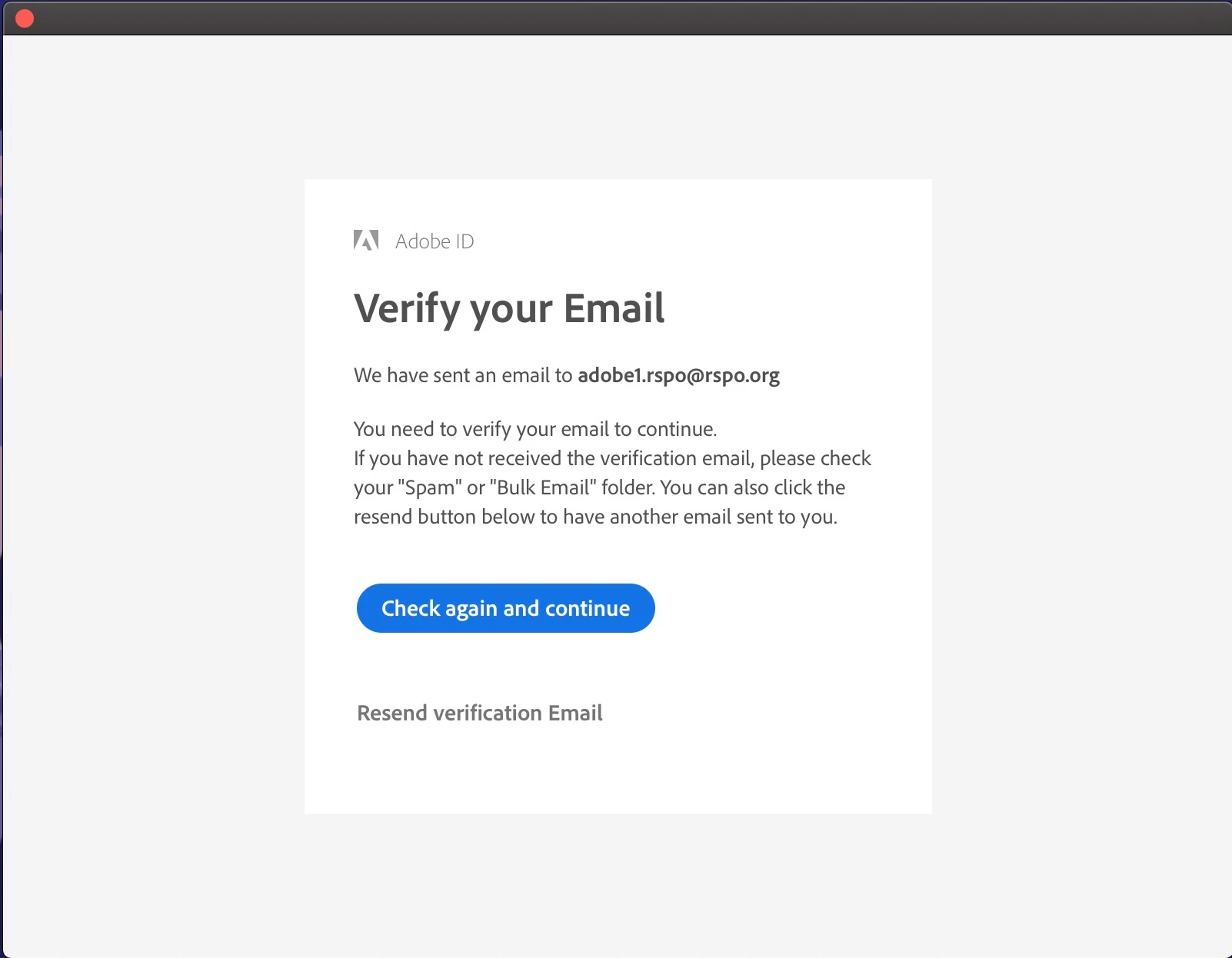
    This topic has been closed for replies.

    2 replies

    Just Shoot Me
    Brainiac
    March 12, 2020

    So the email you used to Sign up for your Adobe ID account is adobe1.rspo @ rspo . org?????????


    Why in the world would you use the name Adobe on either your personal or company Adobe ID account?


    Is that the same email address you use to Sign In to this forum and to the main adobe website to access your Adobe Account?

    Do you actually have an email account on your ORG servers, or some personal email system, for that Adobe ID email address?


    If Adobe is sending out emails to that address then it is whatever email server, system, provider, you are using is Bouncing those verification emails and has nothing to do with Adobe.


    And last maybe Acrobat is under a different Adobe ID than whatever other account you have with Adobe?

    Nancy OShea
    Community Expert
    March 12, 2020

    Log-in to your account below to verify your email address is correct.

    https://account.adobe.com/profile


    If it is correct, hit Resend Verification Enail

    Check your trash, spam and social folders for the verification email.


    If you still require help, scroll down to Contact Adobe on your profile page.


    Nancy O'Shea— Product User & Community Expert
    New Participant
    March 12, 2020

    Thank you Nancy. 


    I've tried but still the verification email bounced. THe issue is this only effects if i want to open adobe acrobat, not for other application in our adobe cc suite.


    Nancy OShea
    Community Expert
    March 12, 2020

    If this is a Teams or Enterprise plan, please contact your IT dept for assistance.


    Nancy O'Shea— Product User & Community Expert
