Participant
September 10, 2018
Answered

XD is not start installing on Win 10

  • September 10, 2018
  • 1 reply
  • 4744 views

Hi Everyone,

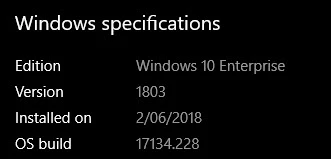
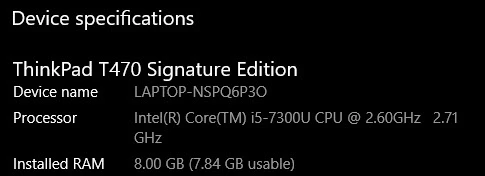
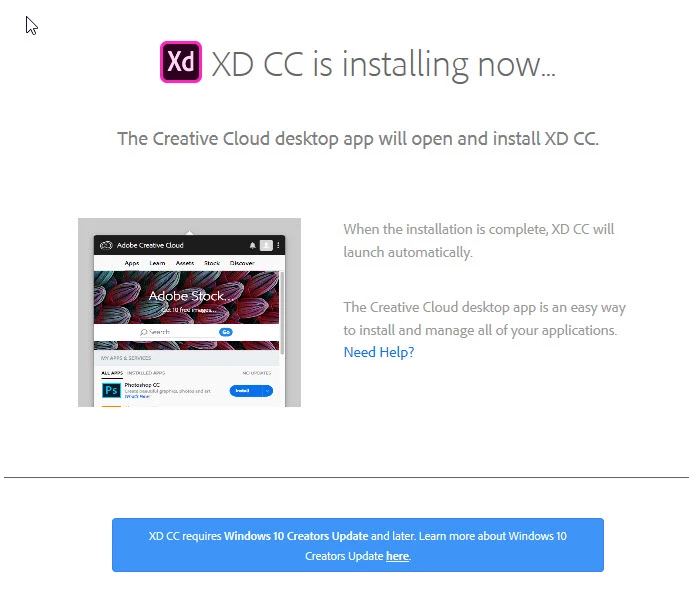
I have tried to install the XD on windows 10, and it is showing me that " The Creative Cloud desktop app will open and install XD CC.", and it will open the Creative Cloud desktop app, but nothing will happen after that

please help
This topic has been closed for replies.
Correct answer Bani Verma

Hi Rezan37542244,

As per the screenshot you have shared it seems that your Creative Cloud desktop app is corrupted, you will need manually uninstall and delete internal folders related to it to resolve this issue. To do so kindly follow the steps given here: Photoshop Installation Failed

After this use the direct download link to download and install the Desktop app again: Download Creative Cloud desktop app.

Let us know if this helps.

1 reply

Preran
Community Manager
Community Manager
September 10, 2018

Can you try installing the CC desktop application directly from Download Creative Cloud desktop app​ and then install Adobe XD from the app. Let us know if that helped, or if you need more assistance.

Thanks,

Preran

Participant
September 11, 2018

Hi Preran,

Thanks for coming back to me

I have the Creative Cloud desktop application on my computer but I will reinstall it and will come back to you.