New Participant
July 3, 2014
Answered

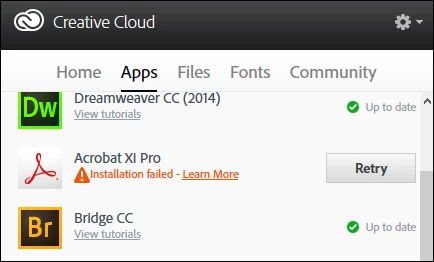
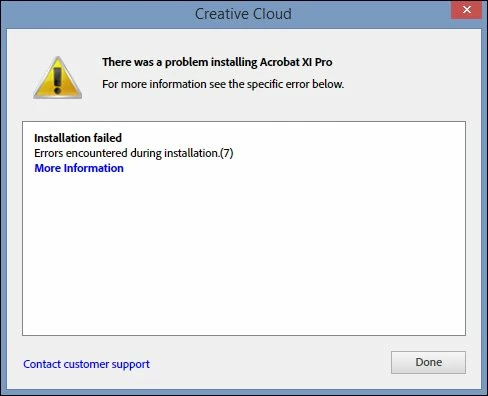
Adobe Acrobat XI Pro - Installation Failed ...
  • July 3, 2014
  • 1 reply
  • 611 views

Adobe Acrobat XI Pro - Installation Failed ...
I am running Windows 8.

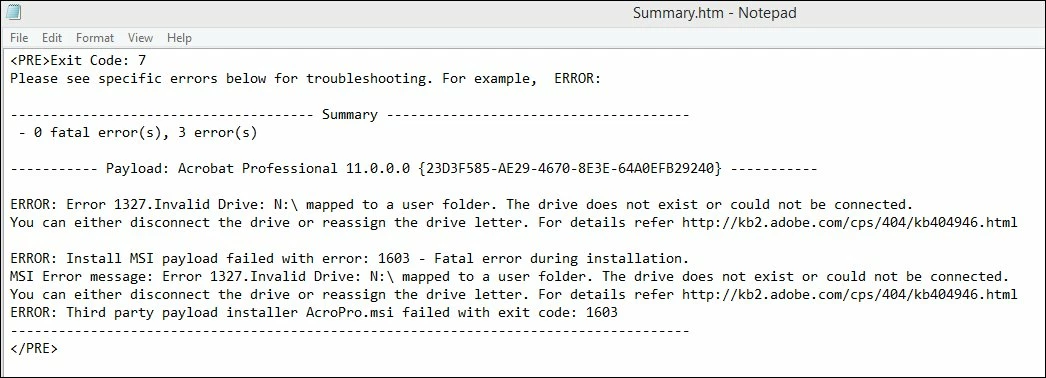
I disconnected from the N drive, which is our network drive. (Don't know why Acrobat would try to access this drive -- none of the other apps did.)

Anyway, even with N disconnected the app still will not install.

Any suggestions?

The solutions proposed at the link... http://kb2.adobe.com/cps/404/kb404946.html do not work. (Actually #2. refers to installation of MSOffice 200.)

Thanks,

Rob L

This topic has been closed for replies.
Correct answer Trentluc

This was my goofup... please be sure to type subst and not substr Z: "C:\Windows" in the command prompt for Admin.

The source I copied and pasted from added the "r"

With the proper command adjusting the "invalid" drive, the install of acrobat succeeded.

1 reply

TrentlucAuthorCorrect answer
New Participant
July 3, 2014

This was my goofup... please be sure to type subst and not substr Z: "C:\Windows" in the command prompt for Admin.

The source I copied and pasted from added the "r"

With the proper command adjusting the "invalid" drive, the install of acrobat succeeded.