



Adobe MAX 2021: New features, tools and amazing new reveals in the Digital Imaging space!

I hope you all had a great time at MAX, our free virtual creativity conference . If you missed some sessions or want to watch them again, the links are now available on demand: MAX SESSIONS. You won't want to miss a peek into the future, so be sure to watch the MAX 2021 sneaks, too. They are truly amazing.
At MAX 2021, we announced some exciting updates for Digitial Imaging creatives in your organization or team.
To get your organization or team members access to these new features, do the following:
- For self-service packages, update to the latest versions of Digital Imaging apps using the Creative Cloud Desktop app.
- For managed deployments, update your packages or create a new package and deploy them inside your organization.
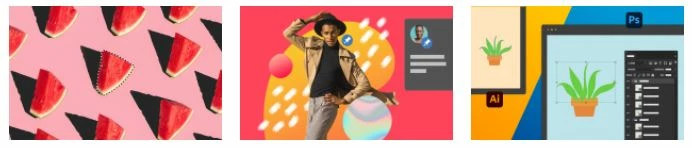
Photoshop 23.0 & Photoshop on the iPad 3.0 are now available
Photoshop:
- Automatic selections on hover
- Improved interop with illustrator
- Share for commenting
- New and improved Neural filters
- Other changes and enhancements also provides fixes to several customer-reported issues. For details, see Fixed issues
Photoshop on the iPad:
- Camera Raw file & Smart Object support
- Lighten or darken image areas with Dodge and Burn
- Share for commenting
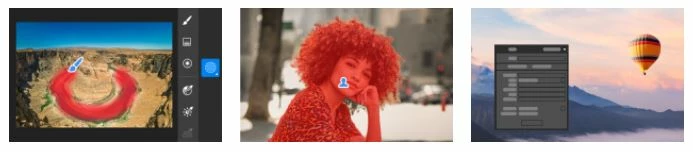
Lightroom Classic 11.0, Lightroom 5.0 & Lightroom Mobile 7.0 Release
- Experience more creative control and editing precision with Masking
- Automatically select a subject or sky and make edits
- Support for new cameras and lenses
- Bug fixes
Bridge 12.0 Release
- Workflow Builder
- New ACR Sidecar file support
- Bug fixes
For more details on these new features check out the following posts by the community managers of Digital Imaging products:
- Photoshop 23.0 & Photoshop on the iPad 3.0 are now available
- Lightroom 5.0 & Lightroom Mobile 7.0 are now available
- Bridge 12.0 is now available
 AdChoices