


Participating Frequently
June 7, 2022
Question

Creative Cloud Files not working anymore (web & desktop)

  • June 7, 2022
  • 1 reply
  • 932 views

Hi there!

Since yesterday people in my office can't use Creative Cloud files anymore. The desktop syncing isn't working and, when we try to access the web version (https://assets.adobe.com/files/), we get an error: "Unable to load assets. Error occurred while loading assets. Try visiting this page later. - Something went wrong". See attachment.

Cloud XD documents aren't syncing either.
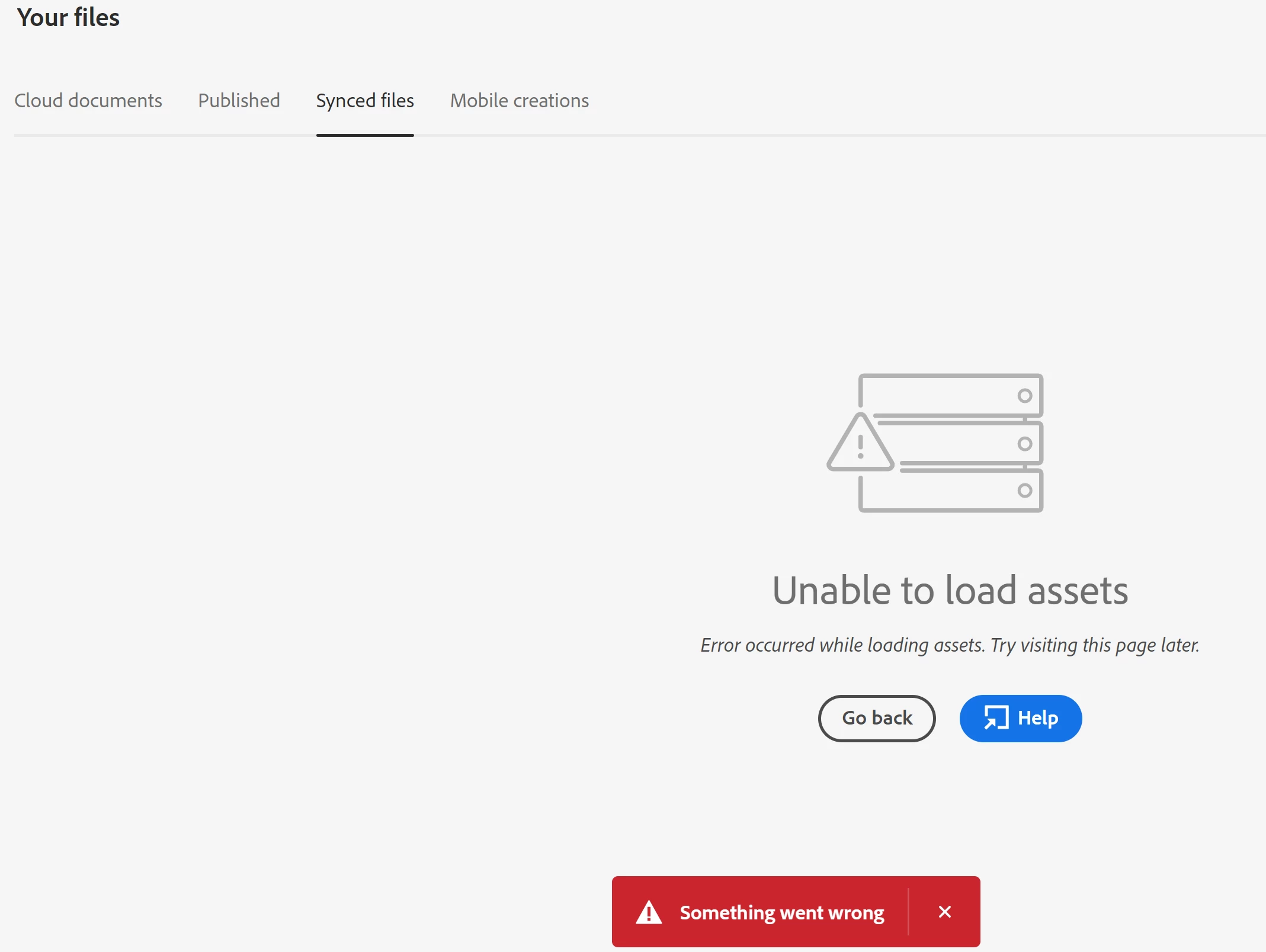
 

Is there currently a server problem? We're in Italy.


Thank you.

-Matteo

This topic has been closed for replies.

1 reply

kglad
Community Expert
June 7, 2022

reset the cc desktop app: make sure it's in the foreground, then press:

Win: Ctrl + Alt + R
Mac: Cmd + Opt + R

Matteo SAuthor
Participating Frequently
June 8, 2022

Hi, thanks for the answer.

I did that, but it didn't work. I don't think the problem is (only) with the app, anyway: the screenshot I posted is from the web version.
I also tried to access on a different PC with a different internet connection, same problem.

New Participant
August 1, 2022

<moved from cc servies>


We are having this exact problem. Any ideas?