


Answered
How do I change accounts without re-installing?
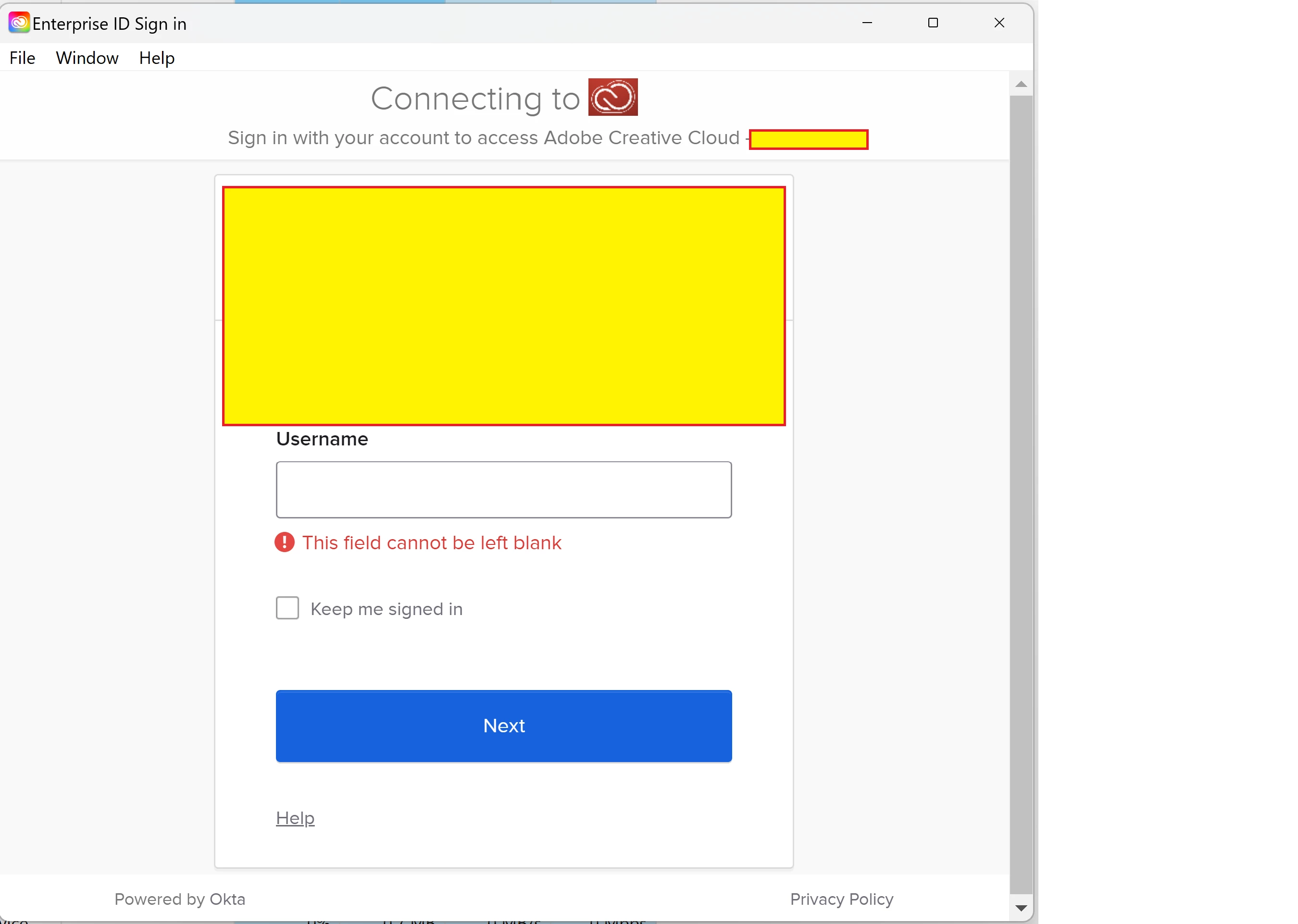
This question was asked and answered before: the instruction was to launch the CC app, click the gear icon, and change accounts. However, the UI seems to have since changed, as no gear icon is presented when launching. Here's what I see when I launch (yellow rectangles protect our corporate identity). When I launch the app, it immediately shunts me to the corporate login screen. There is no gear icon, and no way to change account. Since I cannot login with this corporate credential, I am stuck, there seems to be no way to specify a different account.
Please, help?
 AdChoices