Welcome to the Enterprise & Teams community
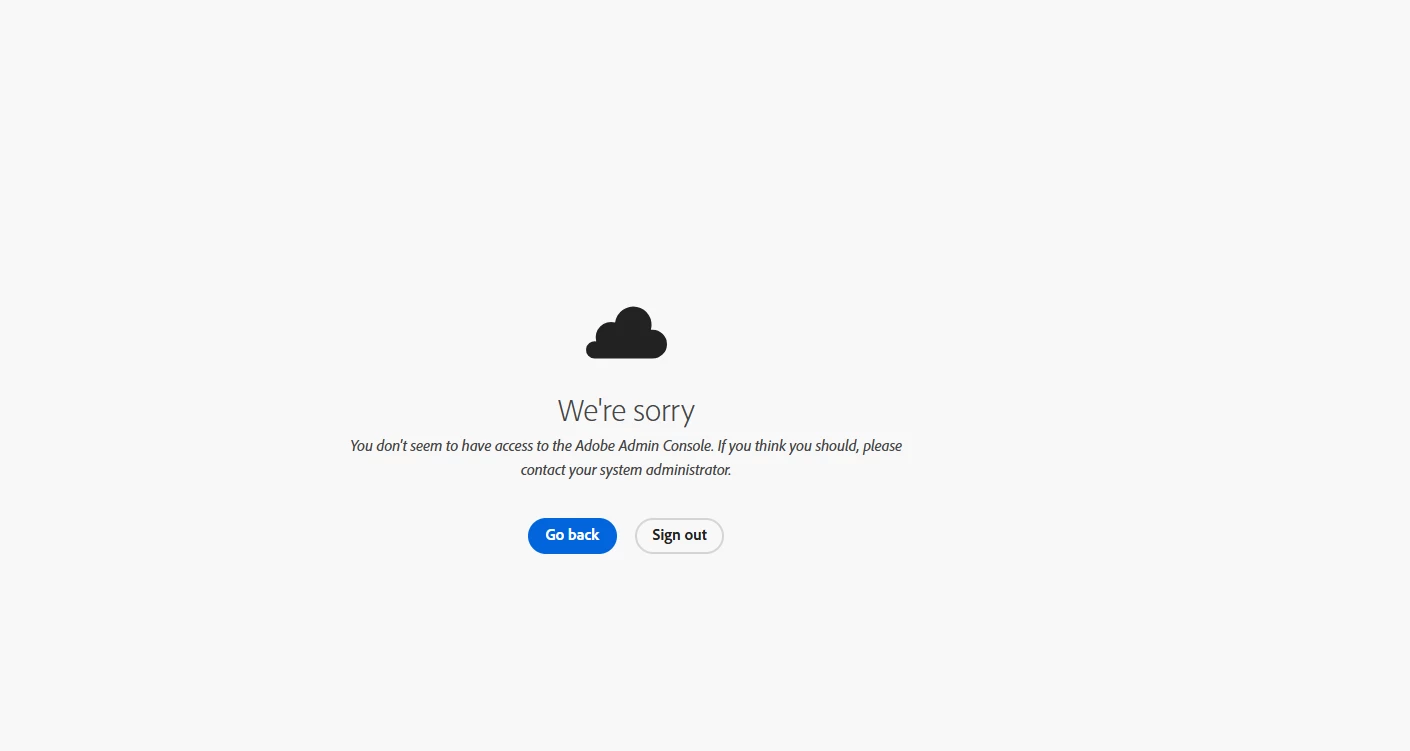
Are you seeing this message when trying to access the Admin Console?
"We're sorry. You don't seem to have access to the Adobe Admin Console. If you think you should, please contact your system administrator."
If so, follow the steps below to help resolve the issue.
- Admin console access requirements
The Admin Console is only available to Enterprise and Teams plans. If you’re on an individual subscription, you won’t have access. Make sure you're assigned an admin role under a valid Teams or Enterprise contract.
- Confirm your sign-in email
Ensure you're using the correct work or school email associated with your organization’s Adobe plan. Signing in with a personal or unrelated email may result in restricted access.
- Choose the correct profile
If your Adobe ID is linked to multiple profiles:
- Select the Business or School Profile when prompted.
- If access is denied, try the Personal Profile, as your access may be tied to it based on your account configuration.
- Browser troubleshooting steps
- Use a private/incognito window.
- Clear cache and cookies, then restart your browser.
- Update your browser to the latest version.
- Try a different browser or device.
- Disable extensions, like ad blockers or privacy tools.
- For Chrome/Edge: go to Settings > Reset Settings.
- Network and security settings
- Check that firewalls, proxies, or security software aren’t blocking Adobe services.
- Temporarily disable antivirus/firewall software to test.
- Try accessing from a different network (e.g., hotspot).
- Confirm your environment allows access to Adobe services by referring to the following network endpoint guide:
Adobe Network Endpoints
- For more help:
ENTD Access Error Info
Try accessing the Admin Console now before continuing.
If you still can't access the Admin Console, please check with other admins in your organization to see if they can.
- If they can access it, request that they remove and reassign your admin role. This often helps resolve access permission issues. For detailed instructions, refer to this guide:
Admin Role Management – Adobe Help Center
- If no other admins can access the Admin Console or if you are the only admin on the contract, please respond to this thread or post your issue in our Enterprise & Teams Community. Based on the details provided, we will assist you as appropriate.
Regards,
^AN



 AdChoices