


Account gets 401 Error when logging into adobe.assets.com/Cannot Access Shared docs
Hello,
I am please seeking your assistance.
I have numerous issues with my Adobe account where I cannot access any of the files shared with my SSO email. I am using an SSO email which does have full access to the Adobe suite, all the apps download and install correctly and I can edit things locally without an issue. Everyone else using SSO has full access to each other's links except for my account. The main sharer is a personal account sharing to the SSO accounts, and everyone has no problem. My cellphone cannot access adobe.assets.com either when I login with SSO. I am getting this error below:
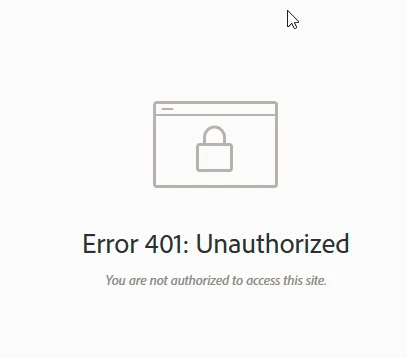
Currently I am able to activate all Of the Adobe products And I can run all of them no problem at all . The problem is I cannot use any of the "cloud documents features" "managing links" , and "shared with you" items as well.
Photoshop cannot either. I am trying to work on a school assignment.
Any ideas would be helpful. I have already tried deleting the Adobe Sync folder.
Thank you!
 AdChoices