

Participant
November 26, 2018
Answered

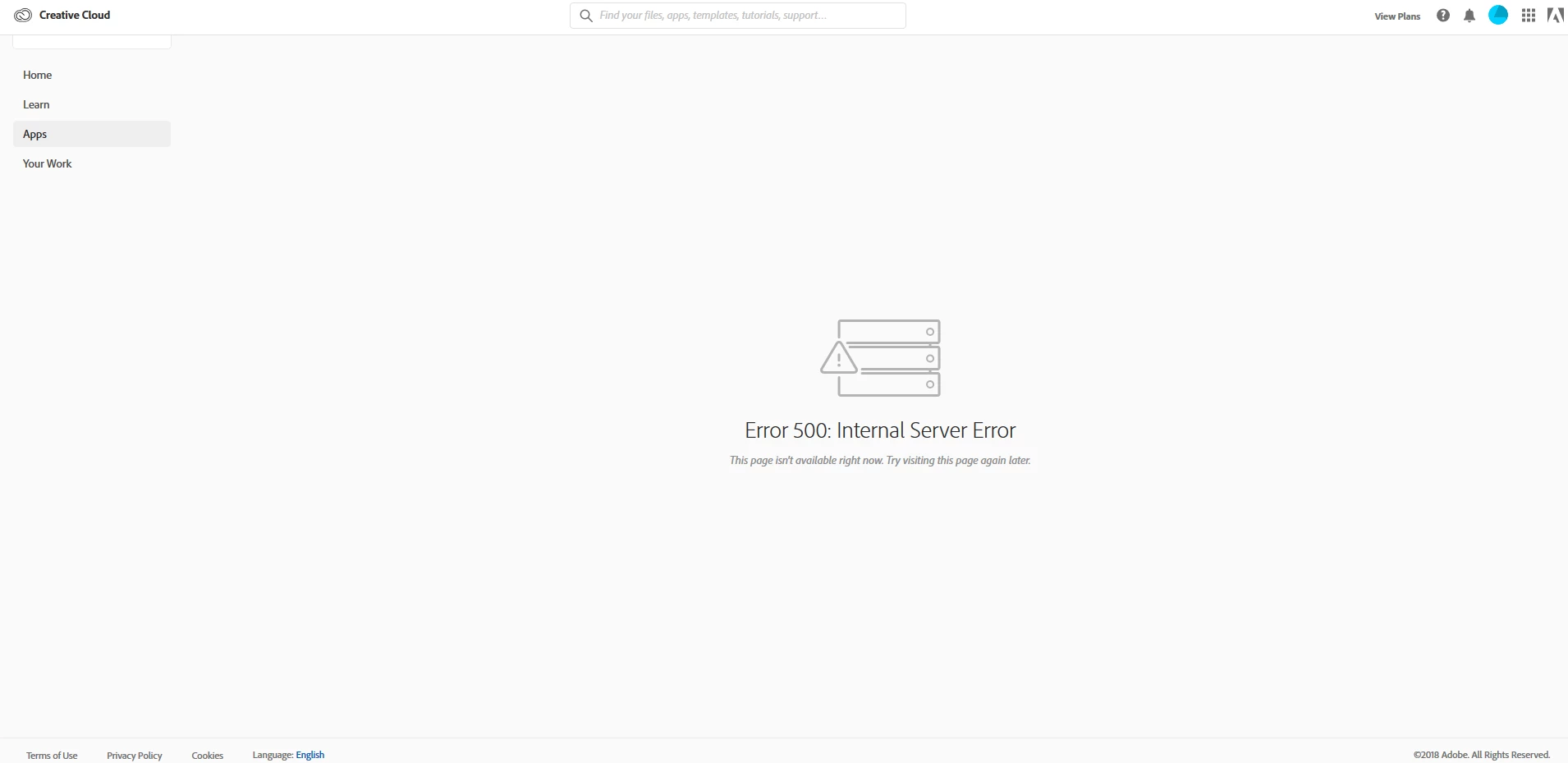
Downloads gives 500 error

  • November 26, 2018
  • 1 reply
  • 2938 views

I am a new customer. Signed up about 6 hours ago. Trying to access my Apps section in my account gives an Error 500: Internal System Error

This topic has been closed for replies.
Correct answer Bani Verma

Thanks for sharing the update Wmdvanzyl. Sorry! to know that you are still unable to install your Adobe CC apps as it fails with error code P206.

Please follow the steps given in the following help document to resolve any connectivity issues that might be there: Resolve connection errors with Adobe Creative Cloud and Creative Suite applications.

If you see any Adobe related entries in the host's file, then go ahead and manually reset the host's file as per the instructions in the above document.

Could you also let us know if you have any of the following installed on your machine: anti-virus, system firewall, system optimizer, internet security & browser security software, browser security add-ons? If yes, then please turn them off for the time being.

Now follow the steps given in the below thread to manually remove the Creative Cloud desktop app from your machine:

Win: Photoshop Installation Failed

Mac: illustrator reinstalling free trial 1 day old!

After this reinstall, the desktop app from direct download links given here: Download Creative Cloud desktop app

Let us know if this helps.

1 reply

Bani Verma
Community Manager
Community Manager
November 26, 2018

Hi Wmdvanzyl,

As you have mentioned you are unable to access the apps section through the web Creative Cloud app, I would suggest that you download and install the CC desktop app from here: Download Creative Cloud desktop app.

After this use the desktop app to access the 'Apps' section and manage your apps, to know more see: Learn how to download your Adobe Creative Cloud apps.

Let us know if this helps.

wmdvanzylAuthor
Participant
November 26, 2018

Bani Verma
Community Manager
Bani VermaCommunity ManagerCorrect answer
Community Manager
November 26, 2018

Thanks for sharing the update Wmdvanzyl. Sorry! to know that you are still unable to install your Adobe CC apps as it fails with error code P206.

Please follow the steps given in the following help document to resolve any connectivity issues that might be there: Resolve connection errors with Adobe Creative Cloud and Creative Suite applications.

If you see any Adobe related entries in the host's file, then go ahead and manually reset the host's file as per the instructions in the above document.

Could you also let us know if you have any of the following installed on your machine: anti-virus, system firewall, system optimizer, internet security & browser security software, browser security add-ons? If yes, then please turn them off for the time being.

Now follow the steps given in the below thread to manually remove the Creative Cloud desktop app from your machine:

Win: Photoshop Installation Failed

Mac: illustrator reinstalling free trial 1 day old!

After this reinstall, the desktop app from direct download links given here: Download Creative Cloud desktop app

Let us know if this helps.