


Failed install - error code 2 (CS4)
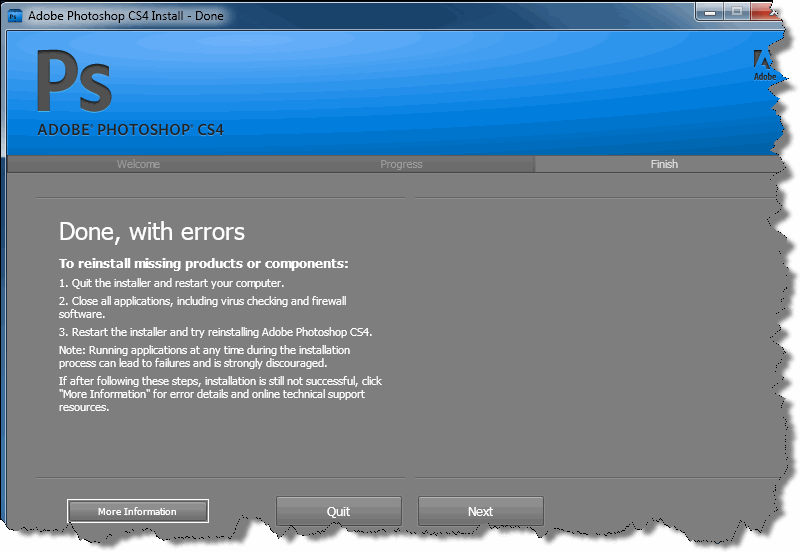
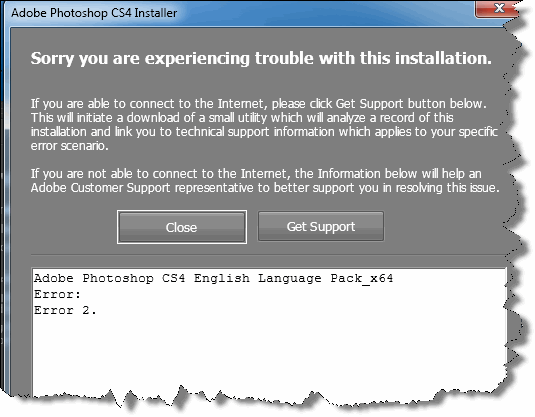
I had PS CS4 installed and running on a new HP Probook Notebook running Windows 7 Pro. The computer threw some error messages (I don't recall the specifics) and required a restart. Which initiated a system restore. The restore did get me up and running, but PS was missing. I attempted to reinstall and it failed. I've done the following:
1. Multiple attempts to install from CD.
2. System restore to the only date left after the crash (9-1) which was after the date I installed PS.
3. Attempted to remove PS with Windows - does not fully remove, file folders left.
4. Attempted to remove PS with Revo Installer (per HP tech assistance) - removed registry entries, but files persisted on drive.
5. Attempted new install. Program goes through process but finished with errors - indicated "Error Code 2" and nothing else.
6. PS and Bridge now on menu, but I get an error stating "Some of the application components are missing from the Application directory, please reinstall the application."
Which won't work. HP has sent me to Adobe for help. Thoughts?
 AdChoices