


danielp97504106
Participant
December 17, 2016
Answered

My Adobe Creative Cloud doesn't work

  • December 17, 2016
  • 1 reply
  • 909 views

Hello,

I have a new PC on Win 8.1 professional, and I have issues with the Creative Cloud on it. When I try to install, everything work, but once installation process finished, the app starts and is stuck on the loading wheel ; but not the loading wheel like the one in the "Apps" tab, because I can't see the tabs, and they will never appear.
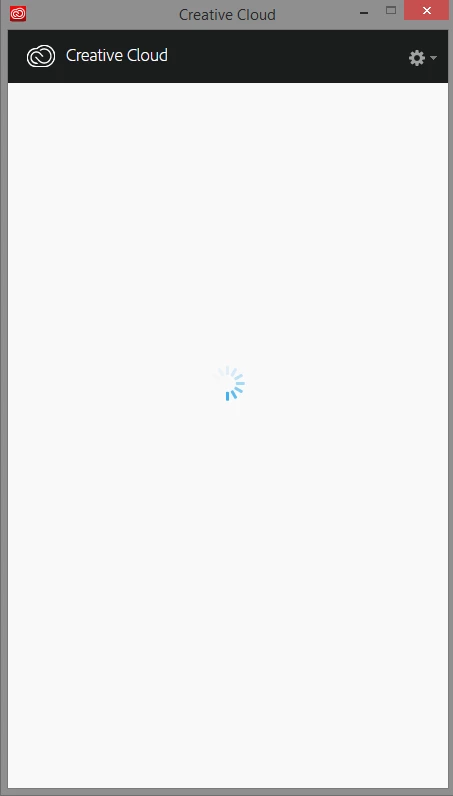
So, I tried things like stop the process and relaunch the app or reboot the computer and relaunch but when I do this, sometimes when I click on the app in the program list, windows give me an error message or sometimes, when I click, the app opens but still on the infinite loading wheel and may give me this message :
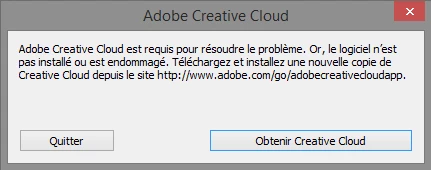
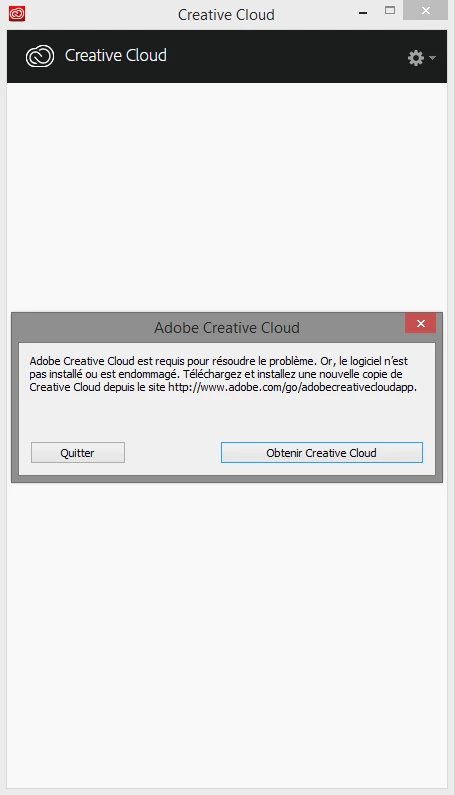
Yeah I am french (so sorry for the spelling mistakes). This message means that the app is not installed or that it is damaged; then the app closes automatically.

I tried to re-install the app a tens times, and also deleted the OOBE file as recommended, without success.

So could please help me ? I really need to have the Creative Clould.

Thank you in advance.
This topic has been closed for replies.
Correct answer kglad

I've made all that you said, but I still have the problem


using a browser that allows popups and cookies,  contact adobe support during pst business hours by clicking here and, when available, click 'still need help', http://helpx.adobe.com/x-productkb/global/service-ccm.html

1 reply

kglad
Community Expert
Community Expert
December 17, 2016
danielp97504106
Participant
December 18, 2016

I have already see and tried all recommended actions of this topic

kglad
Community Expert
Community Expert
December 18, 2016

uninstall everything cc including preferences, https://helpx.adobe.com/creative-cloud/help/uninstall-remove-app.html

then uninstall the cc desktop app, https://helpx.adobe.com/creative-cloud/help/uninstall-creative-cloud-desktop-app.html

clean your computer of cc files per http://www.adobe.com/support/contact/cscleanertool.html

restart your computer (don't skip this)

reinstall the cc desktop app, https://creative.adobe.com/products/creative-cloud. (if you have a win os, right click the exe > click 'run as administrator'.

use the desktop app to install your cc programs/trials