



Question
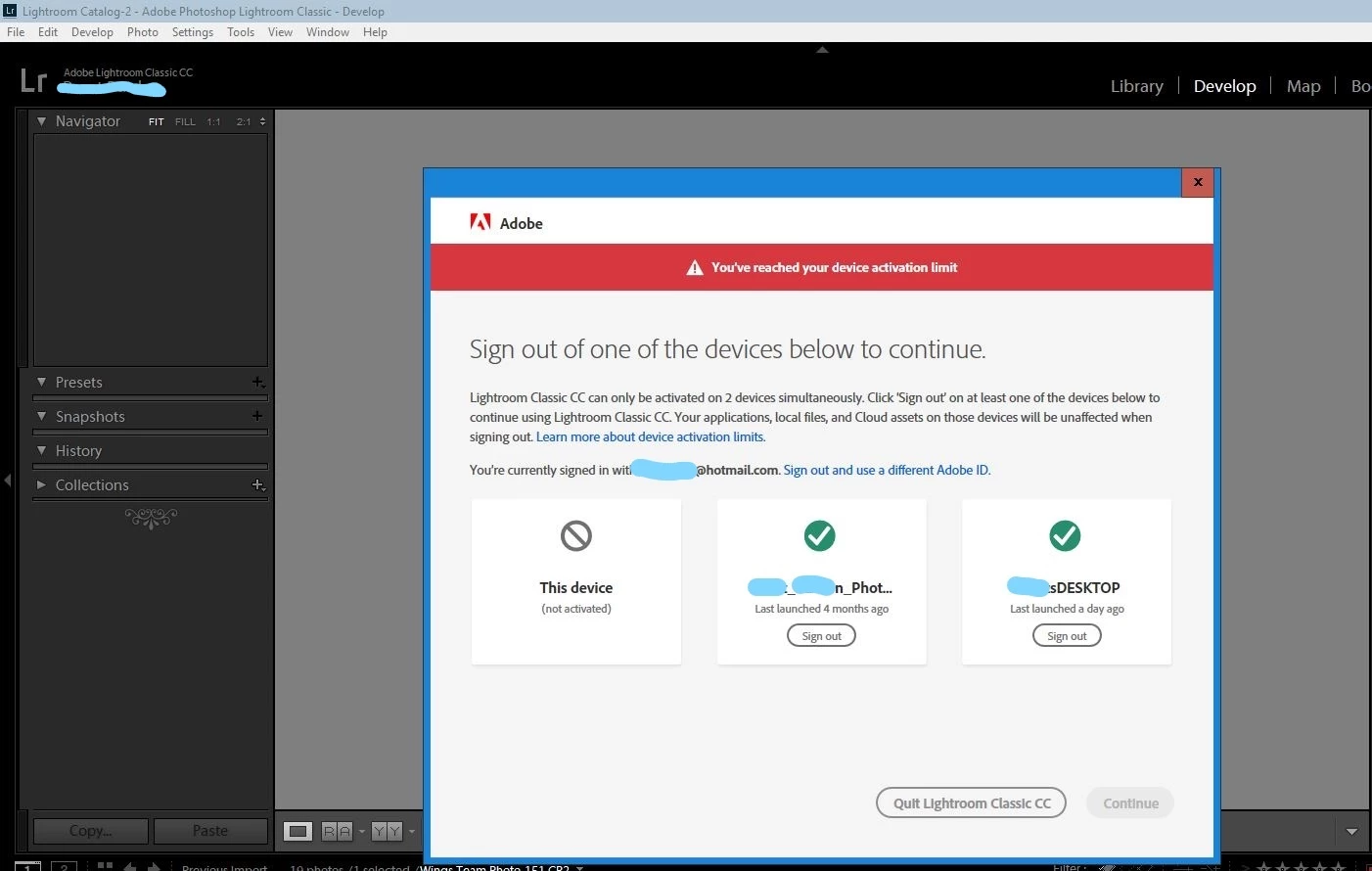
"You've reached your device activation limit"
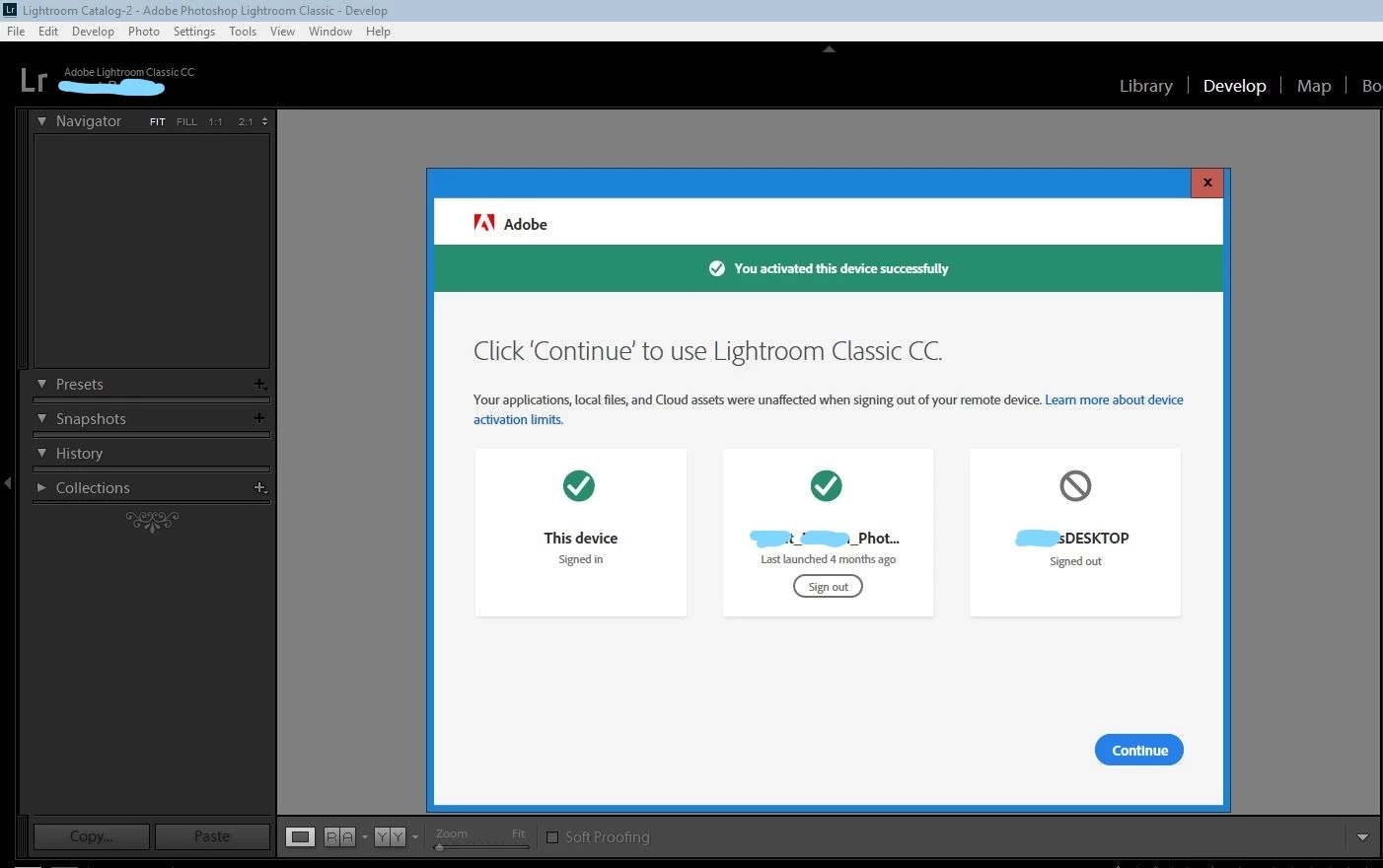
So, every time I restart my desktop computer and log in to Lightroom, I get a notification that I have reached my device activation limit. I am required to sign out of one of the devices below to continue. The listed devices are my Laptop, my Desktop and "This device". "This device and the "Desktop computer" that I need to sign out of, are one and the same. I've included a screenshot of this issue.
Any ideas?
 AdChoices