Participant
September 29, 2021
Answered

Adobe Illustrator cc 2021 is not launching on Windows

  • September 29, 2021
  • 3 replies
  • 2047 views

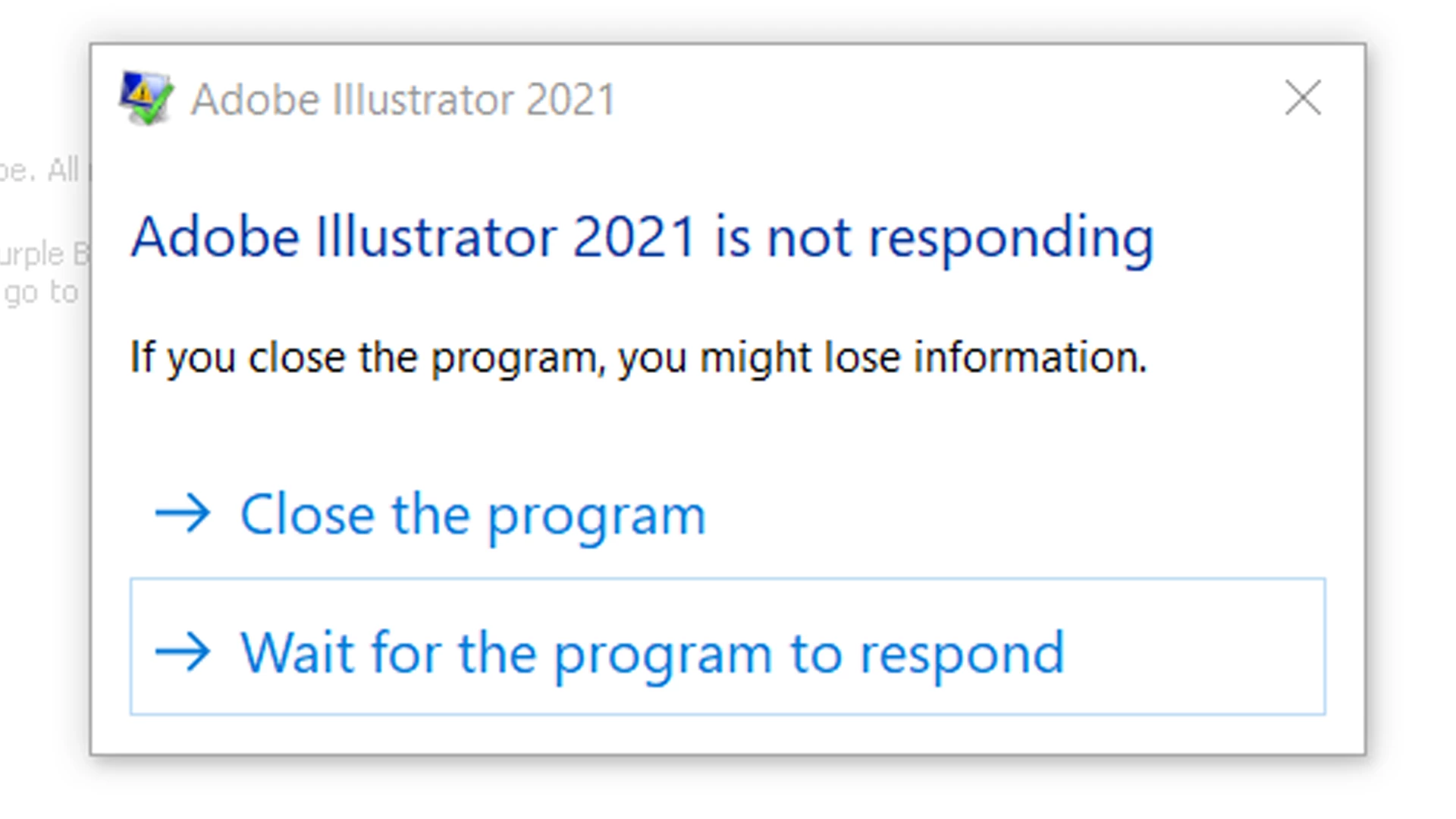
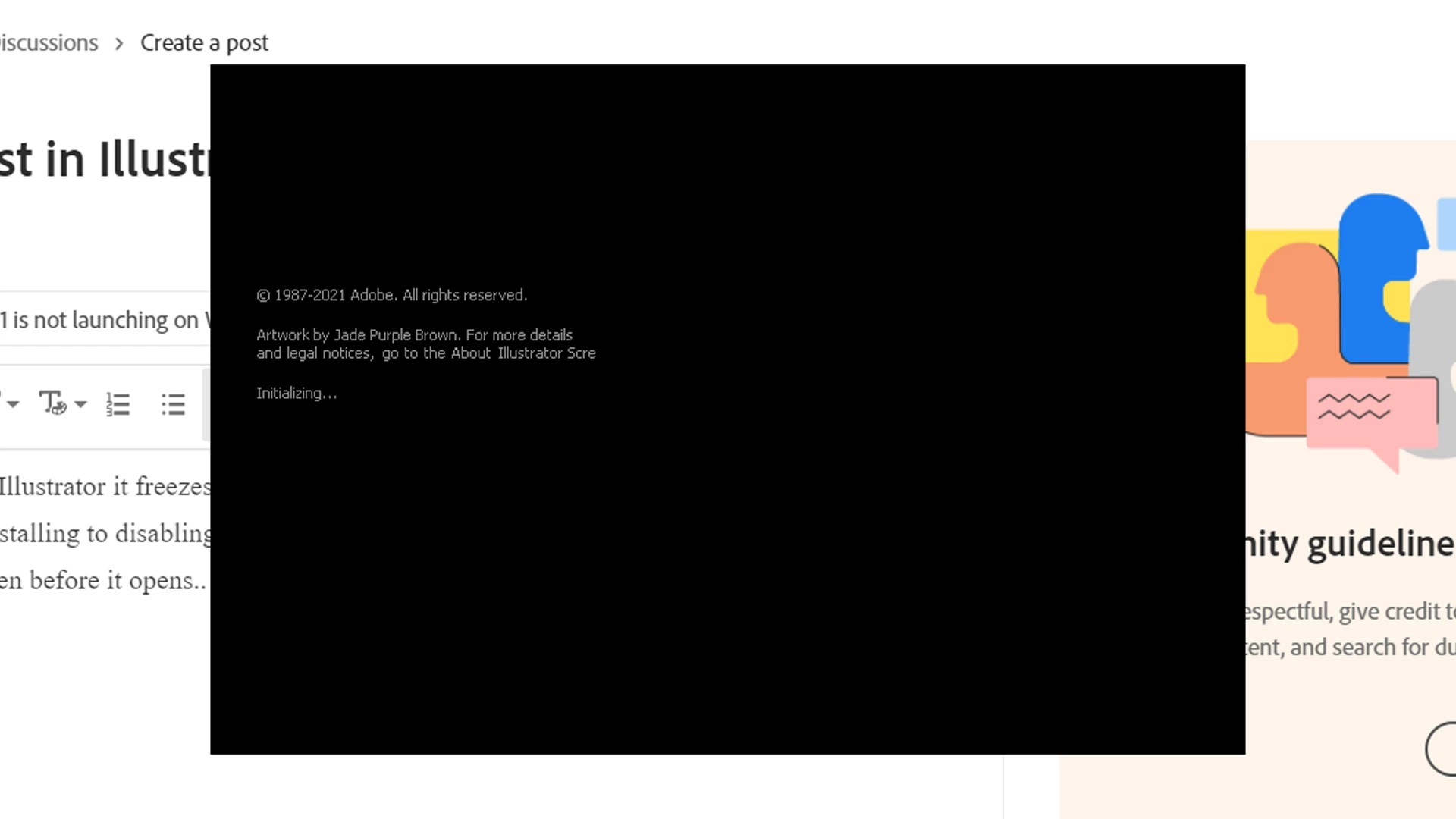
When i open Adobe Illustrator, it freezes on the Initialization screen and stops responding. I have tried everything from reinstalling to disabling Print Spooler.. help!

This is what I see even before it opens..  


This topic has been closed for replies.
Correct answer Mithila Kudalkar

Thank you for sharing the details. I would suggest you try the following steps and let us know how it goes:

  • Try running the app in Hidden Admin Account?
  • Rename the CEP folder to CEP.old from the following location:
    C:\Program Files (x86)\Common Files\Adobe
  • If that doesn't help, rename the extensions folder to extensions.old in the following location:
    C:\Program Files\Common Files\Adobe\UXP
  • If that doesn't help either, uninstall the application using the CC Cleaner tool and reinstall from the Creative Cloud Desktop app.


We will be looking forward to your response.


Thanks & Regards,

Anshul Saini


Yes I eventually made a new adminstrator account since nothing seemed to be working, Illustrator is functioning fine now. 

3 replies

Anshul_Saini
Community Manager
Community Manager
September 29, 2021

Hi there,


Sorry about the trouble. I would like to know if the steps suggested above by @marliton & @Mylenium worked for you? If not, I would request you to share a few more details like:

  • OS, Build no. of OS and version of Illustrator
  • When did this start happening?
  • Are there any recent changes made to your system? For example, any antivirus, system updates, plugins, or web extensions installed recently.
  • Are you using an eGPU? If yes, which GPU is it?
  • Submit the crash report by following the steps suggested here (https://helpx.adobe.com/in/indesign/kb/submit-crash-reports.html).
    While submitting the crash report, please use the same email address with which you are signed in on this community. This will help us find the crash report and help accordingly.


Also, you may try the steps suggested in this community post (https://community.adobe.com/t5/illustrator-discussions/how-to-fix-crash-on-launch-in-illustrator/td-p/12213344) and let us know how it goes.


We will be looking forward to your response.


Thanks & Regards,

Anshul Saini

Participant
September 30, 2021

None of the suggestions that were given to me on community helped, as my other Adobe applications are all working just fine. 


  • OS - Microsoft Windows 10 Home Single Language, Build no. - 10.0.19043 Build 19043 & version of Illustrator - Illustrator 25.4.1
  • The GPU chips I'm using (don't have technical knowledge so I'm mentioning both here) - Intel(R) UHD Graphics & NVIDIA GeForce GTX 1660 Ti with Max-Q design
  • It has been happening since the day before yesterday. It gets stuck at initializing. It did open once for one of Ai files, & though it was a reinstalled version, once I reset preferences & closed it, it won't open again! The first time it happened, I was working on a heavy file & I guess I closed Illustrator without saving the latest changes I made. Since then it opened smoothly once the next day but soon stopped responding altogether.
  • there have been no recent changes. 
  • The GPU chips I'm using (don't have technical knowledge so I'm mentioning both here) - Intel(R) UHD Graphics & NVIDIA GeForce GTX 1660 Ti with Max-Q design 
  • I had sent a detailed email to sharewithai@adobe.com earlier specifying the issue with the guidance of the community post you shared, have not submitted the crash report but I'll do it now..
Anshul_Saini
Community Manager
Community Manager
October 1, 2021

Thank you for sharing the details. I would suggest you try the following steps and let us know how it goes:

  • Try running the app in Hidden Admin Account?
  • Rename the CEP folder to CEP.old from the following location:
    C:\Program Files (x86)\Common Files\Adobe
  • If that doesn't help, rename the extensions folder to extensions.old in the following location:
    C:\Program Files\Common Files\Adobe\UXP
  • If that doesn't help either, uninstall the application using the CC Cleaner tool and reinstall from the Creative Cloud Desktop app.


We will be looking forward to your response.


Thanks & Regards,

Anshul Saini

marliton
Community Expert
Community Expert
September 29, 2021

Hi. Please try resetting the preferences.


Marlon Ceballos
Participant
September 30, 2021

I can't since Illustrator stops responding at initialization itself..


Mylenium
Legend
September 29, 2021

Without any actual system information or the extracts from ther crash logs we can't realyl tell y<you much, but the splash screen not even displaying strongly hints at an issue with your system's graphics setup. So start with the usual: Update the driver and check the settings.


Mylenium

Participant
September 30, 2021

My graphic setup is updated, I did check. & the other Adobe software are working fine.