

Known Participant
March 11, 2023
Answered
AI file background
- March 11, 2023
- 3 replies
- 2497 views

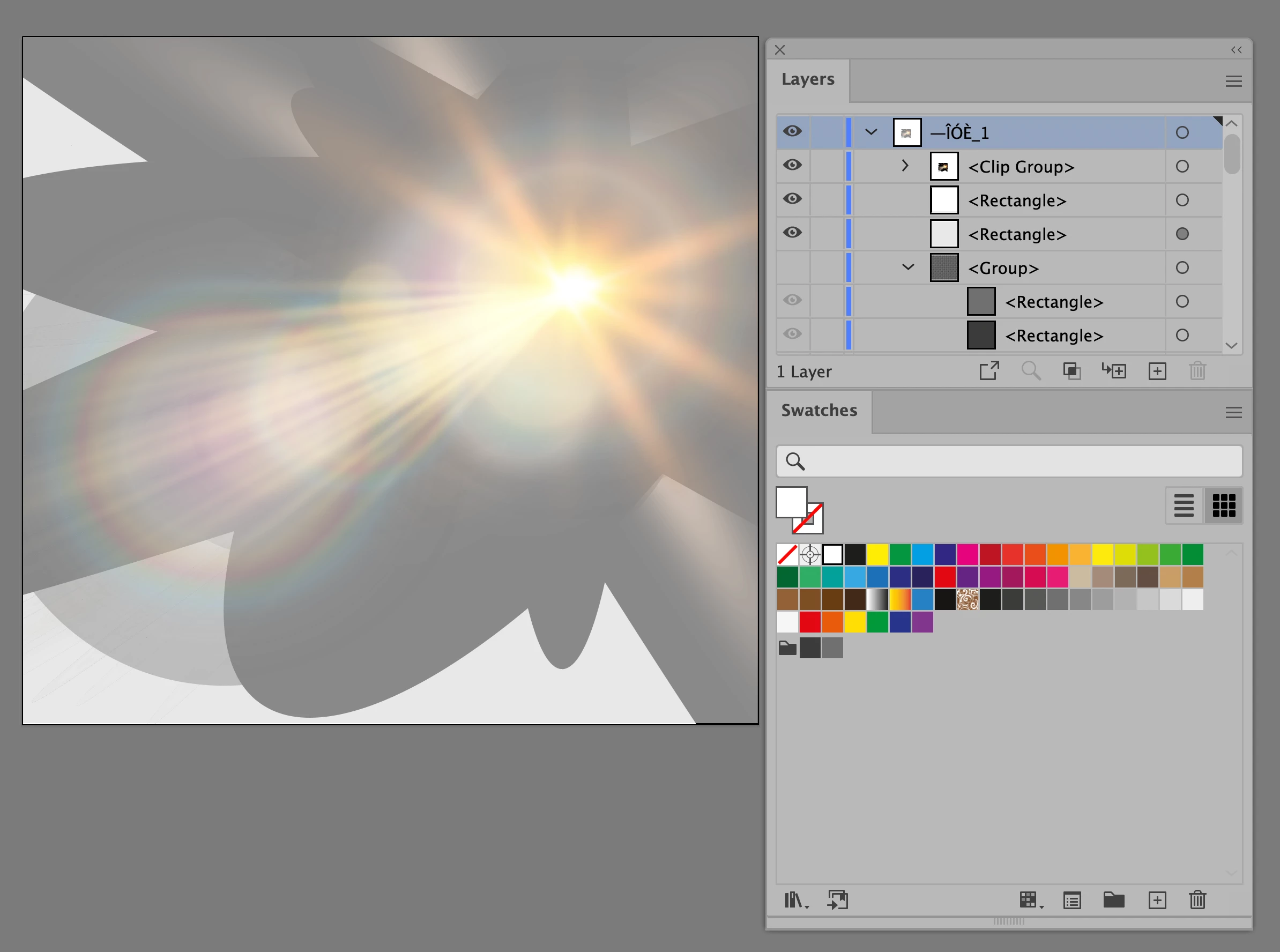
When you simply turn off the group for the checkered squares, it looks like this:
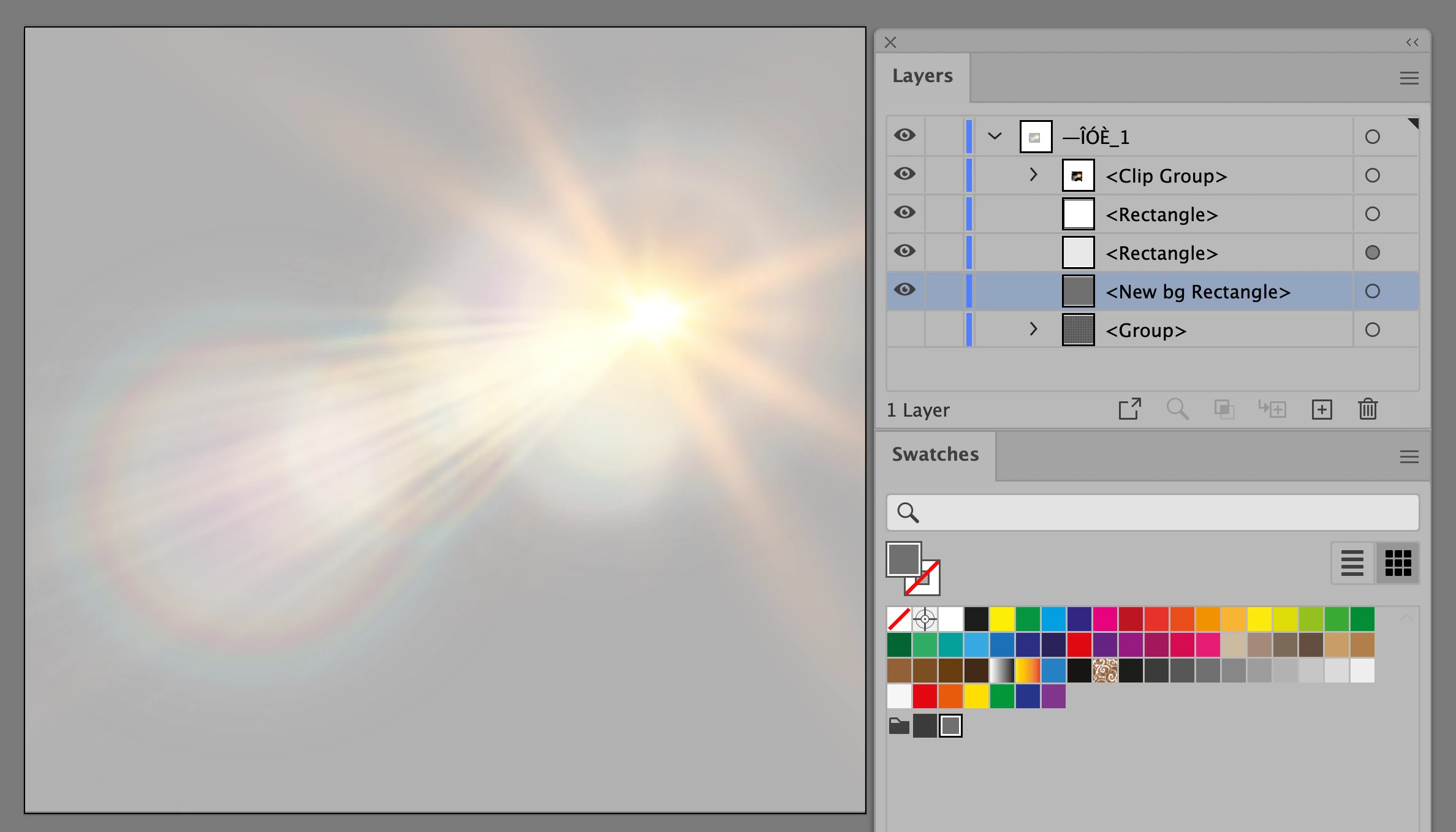
Here I have drawn a new background rectangle with one of the two colors. Try other colors.
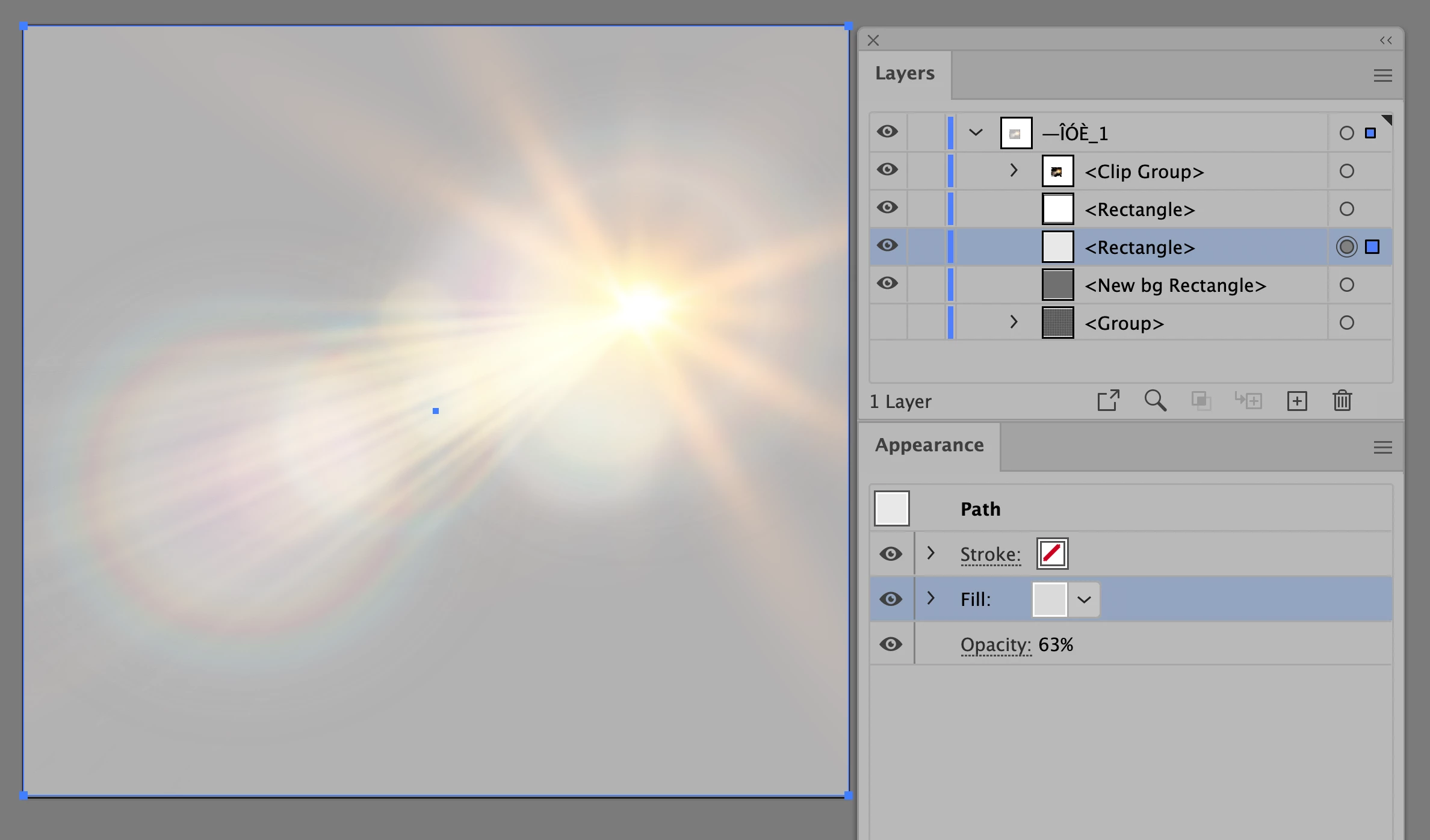
Here the selected rectangle is a light gray with a 63% opacity
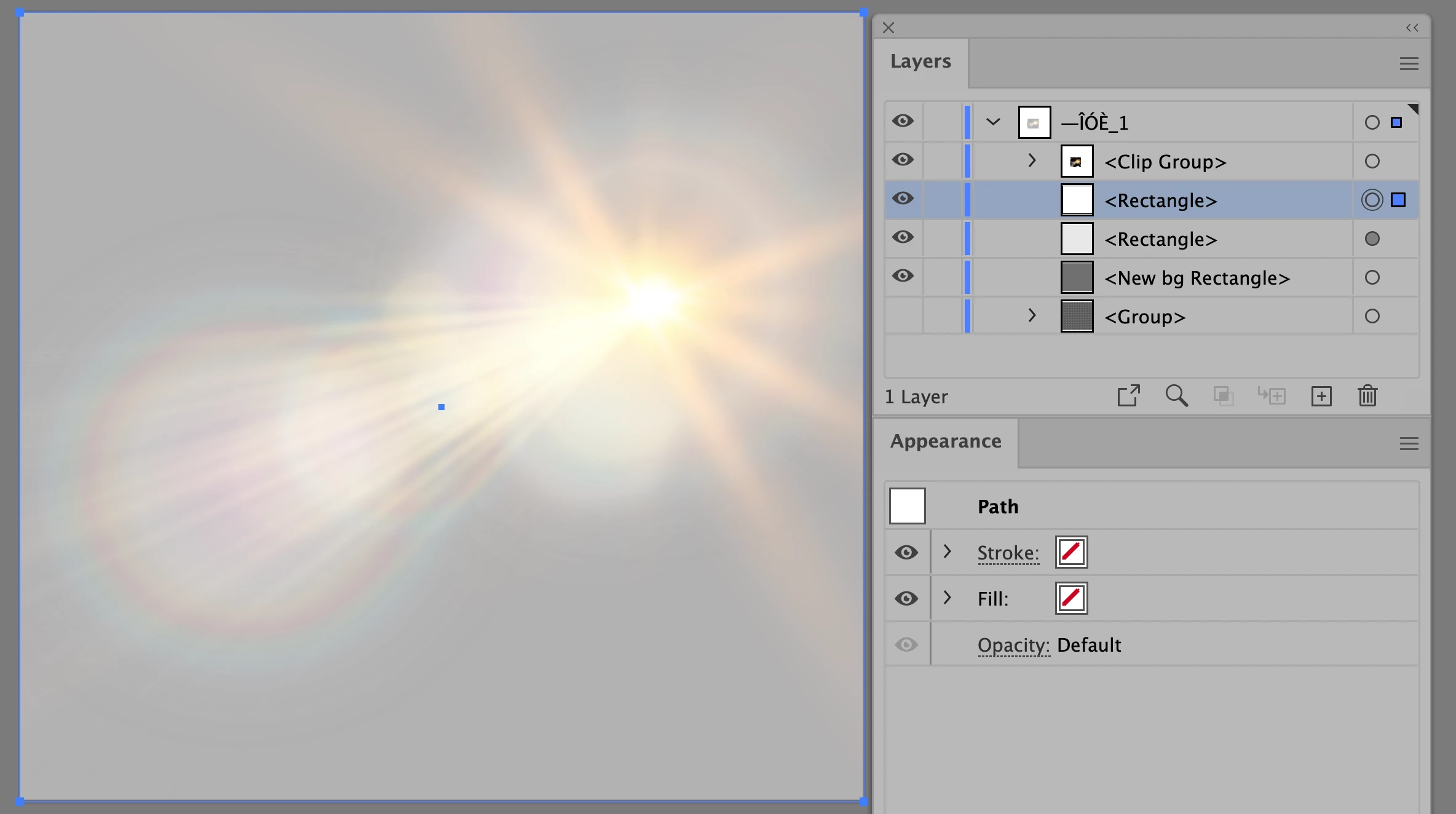
This rectangle has no fill or stroke. I'm not sure why it is there.
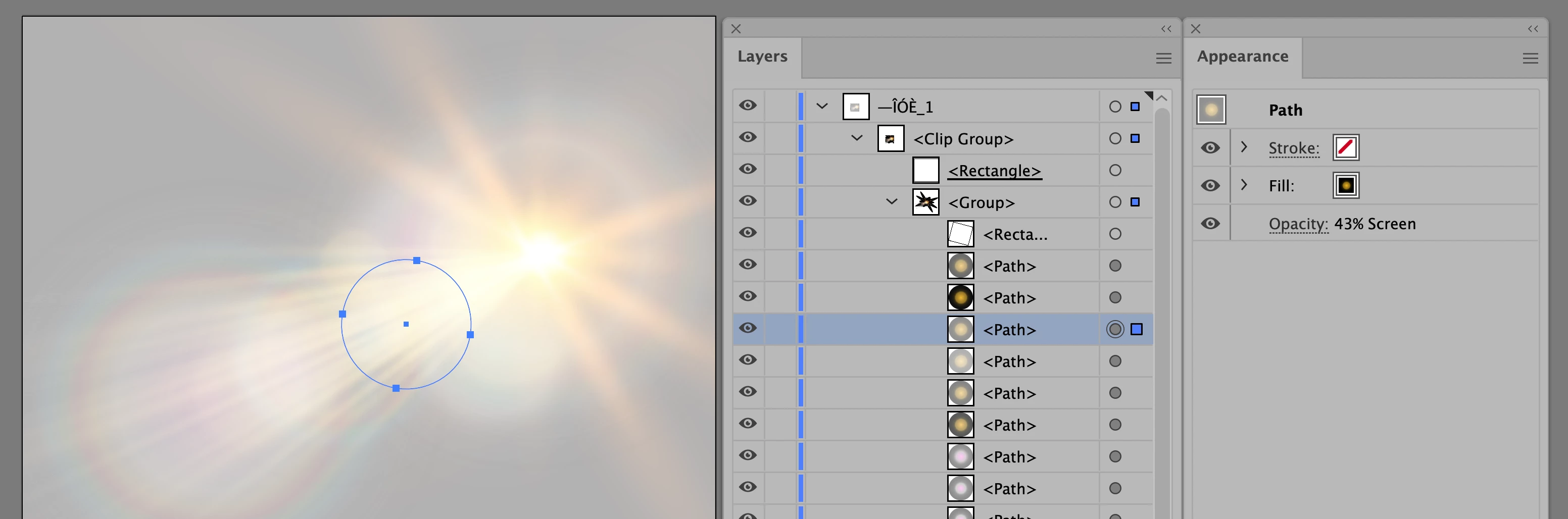
Inside the clipping group is the core info. At the top is the rectangle (underlined) that everything else in the clipping group is clipped into. Each path that I looked at was set to the Screen blending mode with varying opacities. This one is 43%. It's probably best to leave this clipping group alone for your purposes.
Do you have other questions or does this help?
Jane
Already have an account? Login
Enter your E-mail address. We'll send you an e-mail with instructions to reset your password.
 AdChoices