


Question
Blank Screen When Opening Illustrator/Photoshop
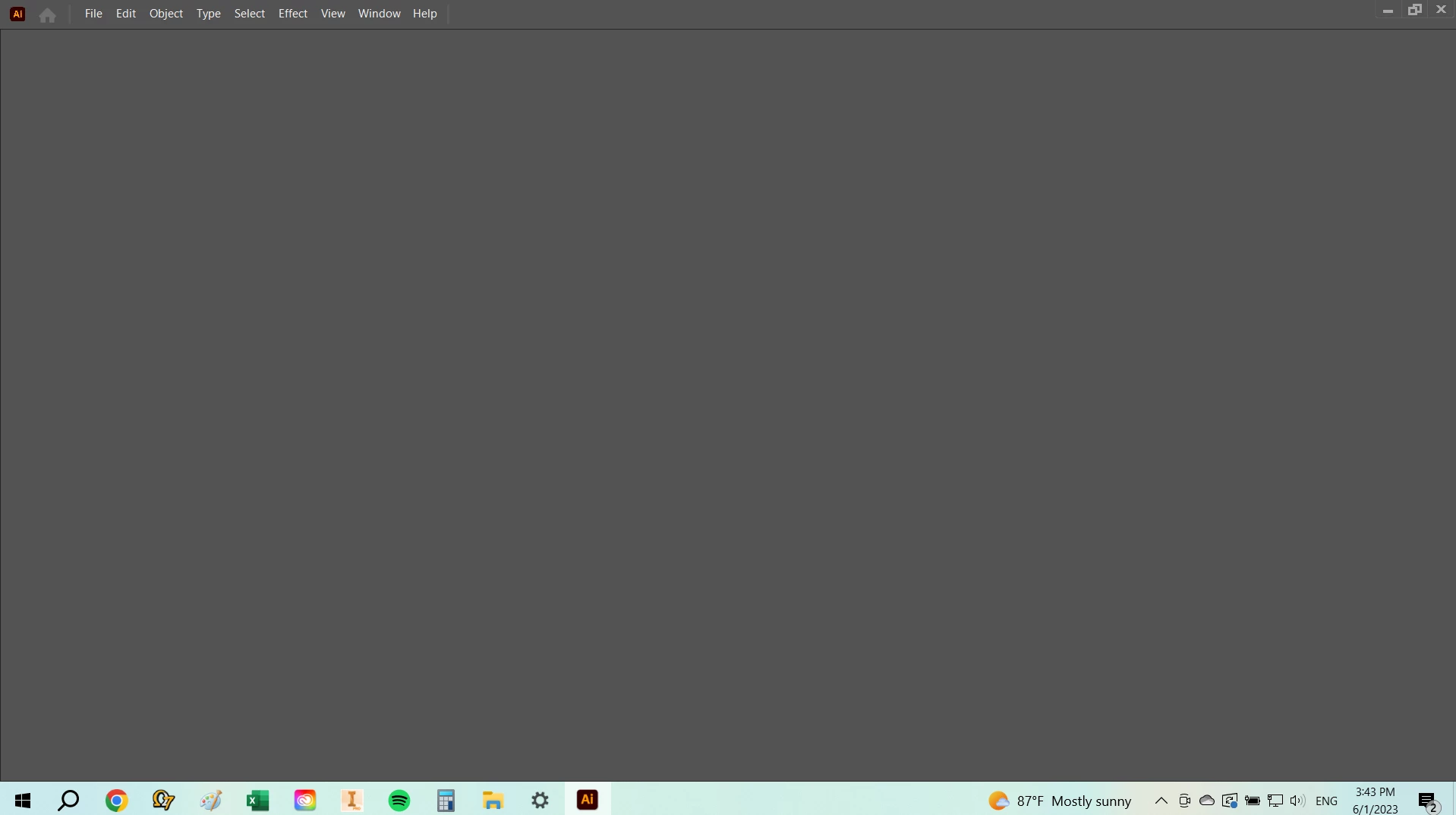
When I open Illustrator or Photoshop, my screen is just a blank gray screen. I can't open a new window or really do anything once I get in there. I've restarted my computer, uninstalled and reinstalled the apps, reset my preferences, checked the "Legacy New File Interface" setting, etc. None of it has worked. I'm running Windows 10 Pro updated to the latest version. How do I fix this? My coworker is running the exact same setup and his is working fine.
 AdChoices