I was thinking about an Action.
Fit Artboard in Window
Create a rectangle of your desired artboard size.
Cut it an Paste to get it in the center.
Insert Menu Item: Object > Artboards > Fit to Selected Art
Clear the rectangle.
This will leave you with a resized artboard.
https://forums.adobe.com/people/Ton+Frederiks wrote I was thinking about an Action. Fit Artboard in Window Create a rectangle of your desired artboard size. Cut it an Paste to get it in the center. Insert Menu Item: Object > Artboards > Fit to Selected Art Clear the rectangle. This will leave you with a resized artboard. |
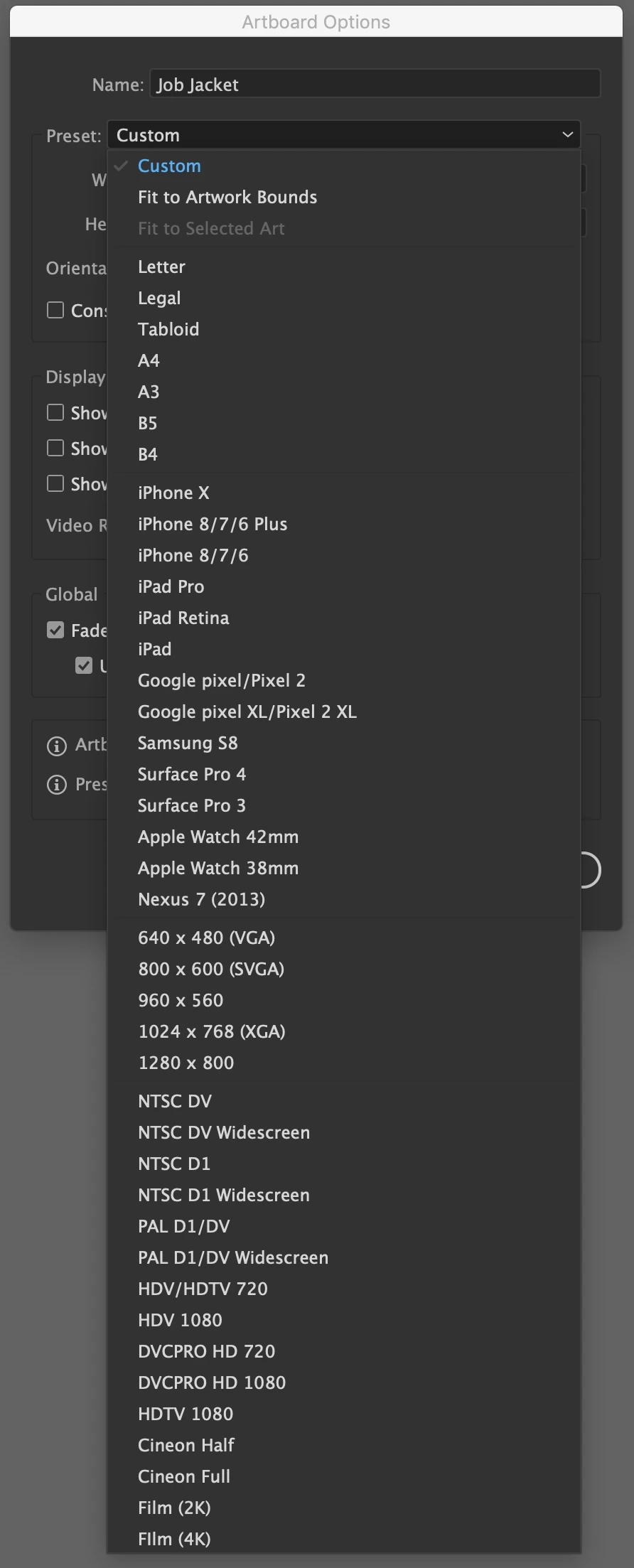
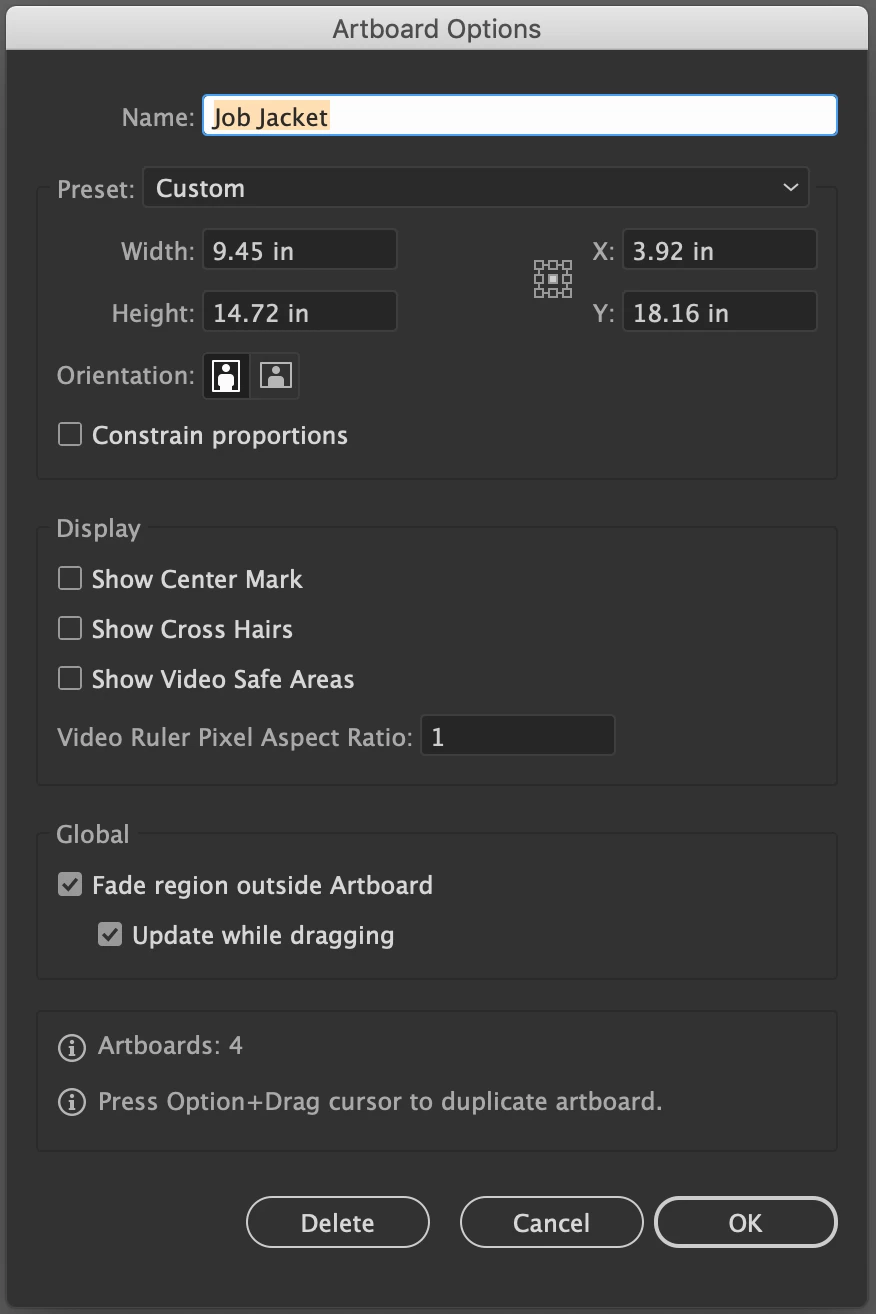
Taking your idea of an action, I elaborated on it a good bit. I searched for a script that would automatically create a new artboard to the size I needed. I found this one and edited the size to the size I needed:
tell application "Adobe Illustrator"
if (count every document) > 0 then
set numArtboardsBefore to count every artboard in document 1
set newArtboard to make new artboard in document 1 with properties {artboard rectangle:{0, 1059.84, 680.4, 0}} -- left, top, right, bottom
set numArtboardsAfter to count every artboard in document 1
end if
end tell
Then, I needed to rename the artboard to something specific. In my case, "Job Jacket". So I asked for help with this script and someone kindly came up with this script that would automatically rename the active artboard:
// set a new name eg "Job Jacket" for the active artboard in active document
var aDoc = app.activeDocument;
var abIdx = aDoc.artboards.getActiveArtboardIndex ();
aDoc.artboards[abIdx].name = "Job Jacket"; // set the new name here
Then, I assigned each script to an action so that I could create keyboard shortcuts for them.
Now I can create the desired artboard size and rename it to the name I need with just 2 presses of a button!
Hope this helps anyone else that may be searching for something similar.




 AdChoices