

Participant
November 10, 2023
Question

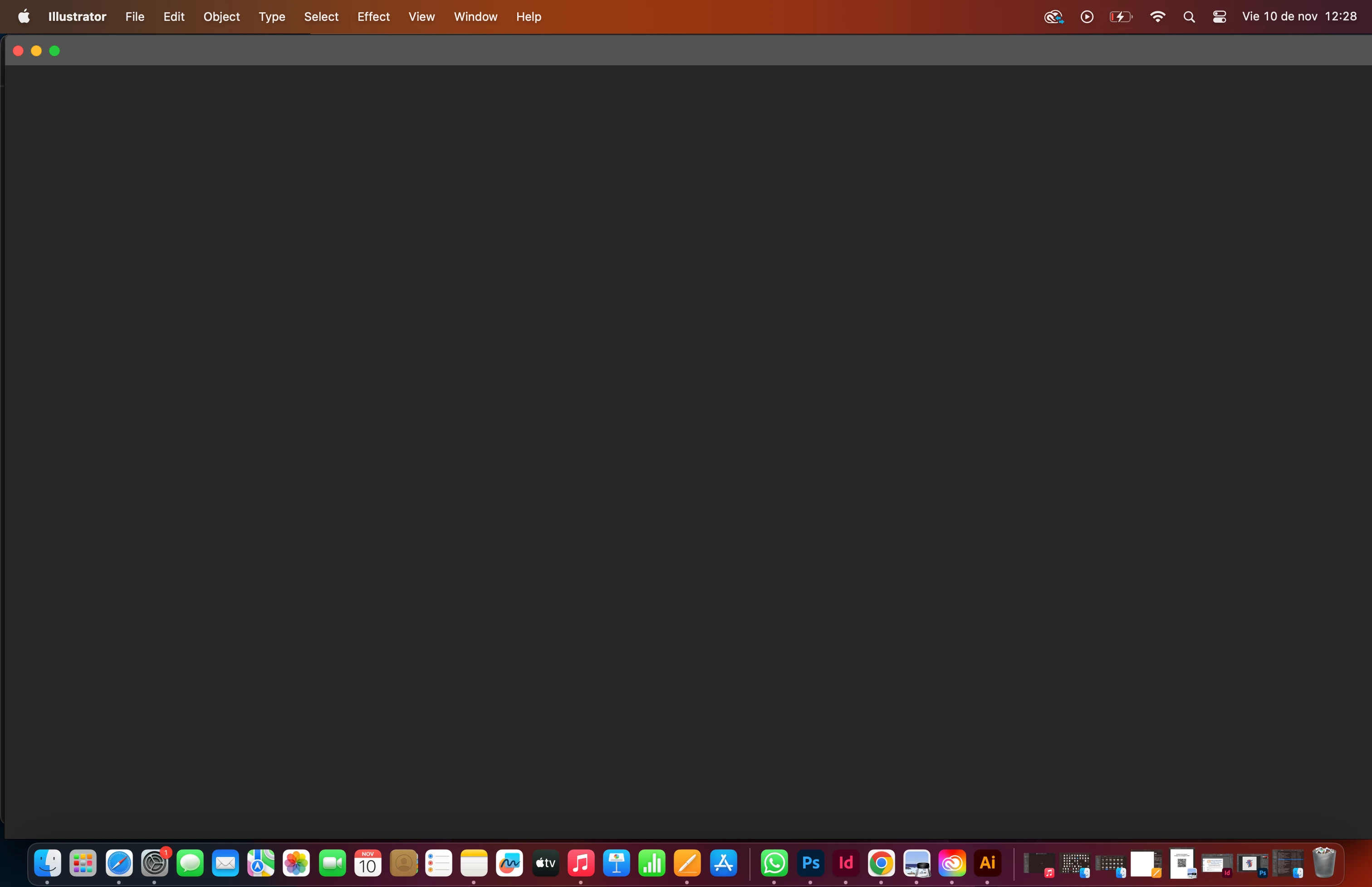
PANTALLA DE ILLUSTRATOR ESTA EN NEGRO

  • November 10, 2023
  • 3 replies
  • 3454 views

hola, cerré mi illustrator porque se estaba trabando y al abrirlo de nuevo, despues de cargar el programa, mi pantalla se queda en negro. ¿Alguien por aquí sabe como arreglar eso?

This topic has been closed for replies.

3 replies

Participant
October 15, 2024

me sucede lo mismo y no puedo abrir el programa! necesito ayuda urgente, en photoshop se queda en negro tambien.


Community Manager
October 15, 2024

Hello @Valentina_Kanashiro8270,

I am sorry to hear about your experience. Would you mind trying the following steps and checking if they help:


- Close all Adobe applications.

- Rename the UXP folder to UXP.old from the following location:

(Windows) Navigate to C:\Program Files\Common Files\Adobe\UXP

(macOS) Navigate to Macintosh HD/Library/Application Support/Adobe/UXP


- Relaunch Illustrator


Looking forward to hearing from you.


Anubhav

Participant
October 17, 2024

Hi, following the steps of: preferences > performance > GPU performance, I have disabled it and if it shows my documents.

Question: how does this affect me in the future, I have an 8 gb video card?
Will I have lower performance with the GPU disabled?

Thanks


Update: in my case I use AMD in both processor and video card.
In an update of the AMD Software Application: Adrenalin Edition™, in the graphics performance setting, some options make interference with Illustrator.

Thanks for your time, I hope others will find it helpful.

Participant
October 6, 2024

a mi sale igual la pantalla, me parece una pesimo servicio tener que pagar por algo que nos atrasa en nuestros proyectos.

Monika Gause
Community Expert
Community Expert
October 6, 2024

Please read the link I posted.

Community Manager
October 7, 2024

Hello @2632515,

I am sorry to hear about your experience. Could you confirm if Monika's suggestions helped resolve the problem? If not, kindly try installing the latest beta version of Illustrator (29.1) and let us know if that helps.

Looking forward to hearing from you.


Anubhav

Monika Gause
Community Expert
Community Expert
November 10, 2023