


When I inflate on 3D objects, it show some strange shadow/noise around the objects
Hi, I’m a new to Illustrator, so I would appreciate it if you could point out any inaccuracies.
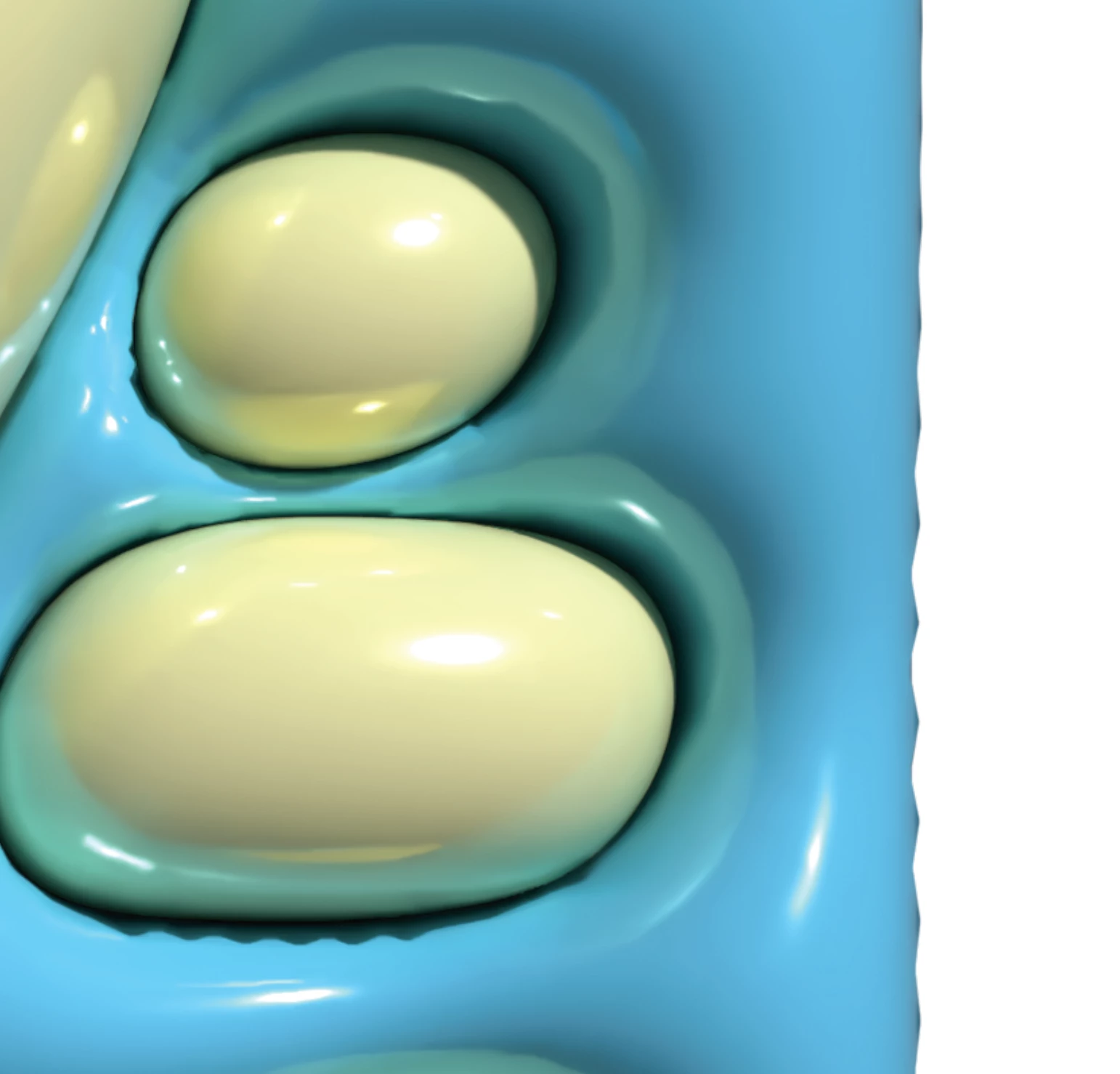
In Illustrator, when I inflate a group of paths I created using a 3D material, some of the shadows are blurred/distorted as shown in the image below. Some parts of the shadows are not properly distorted and have depth(?) is also created in some areas. If anyone knows how to remove the distortion, I would appreciate your help.
Below is the environmental information and the links I used for reference.
Thank you in advance.
[Image]
Ideal inflate
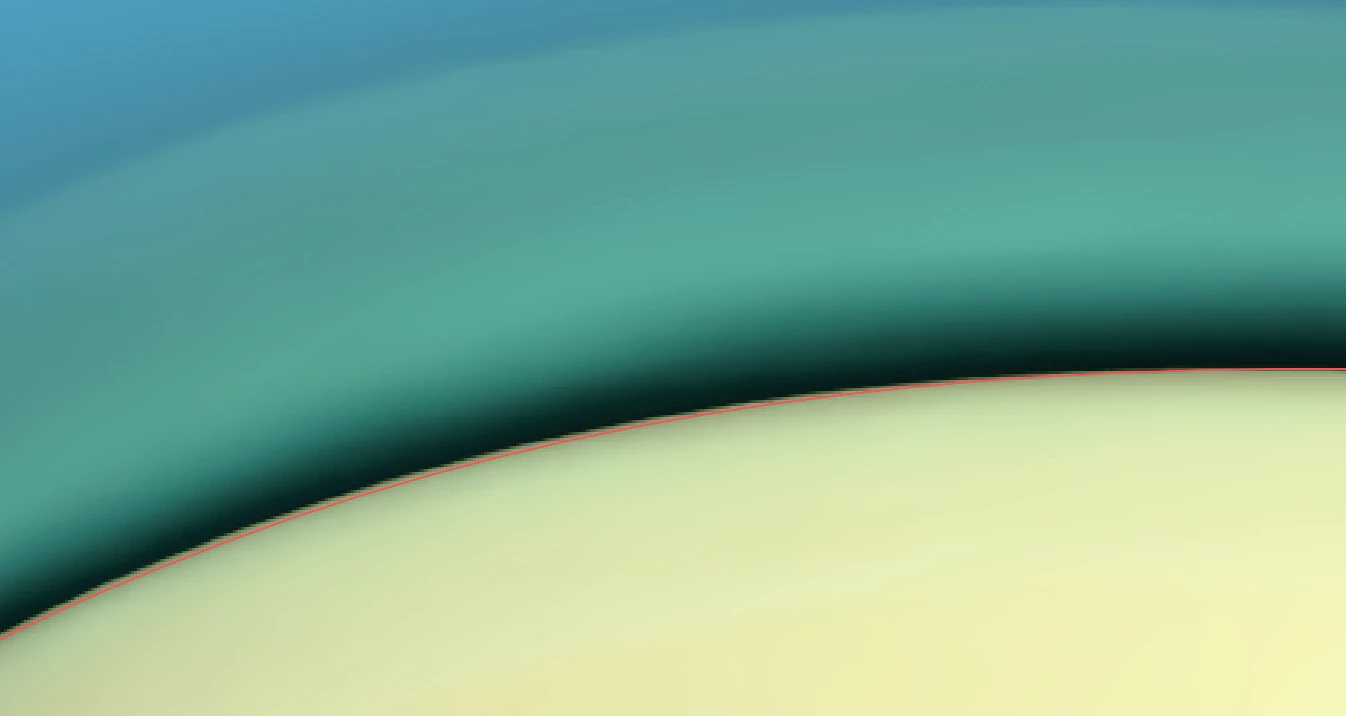
The problem one I face right now
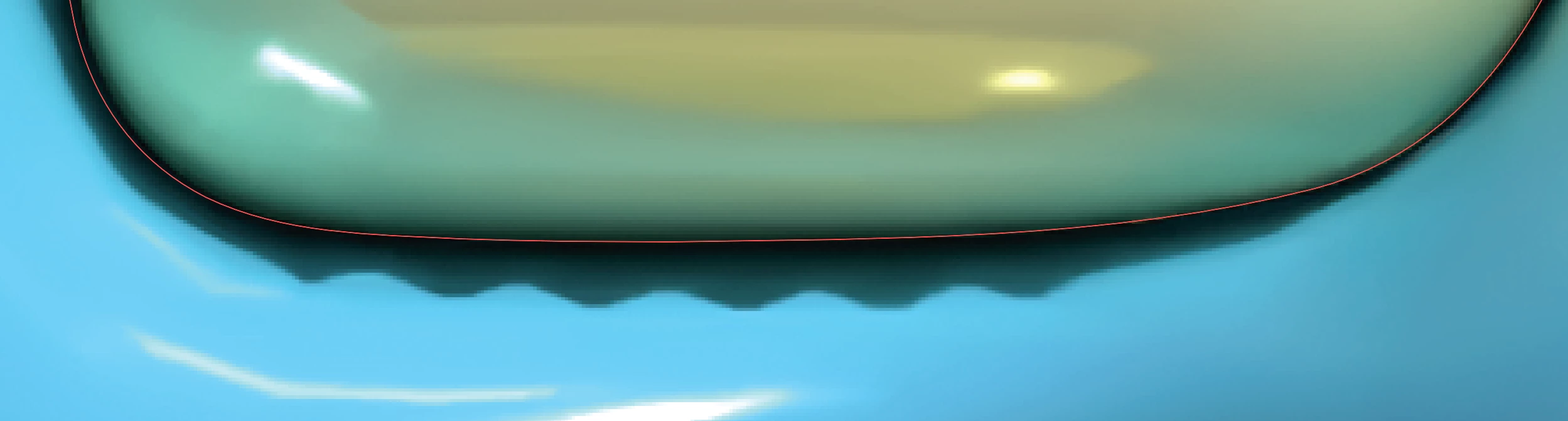
It also happens on an edge of side
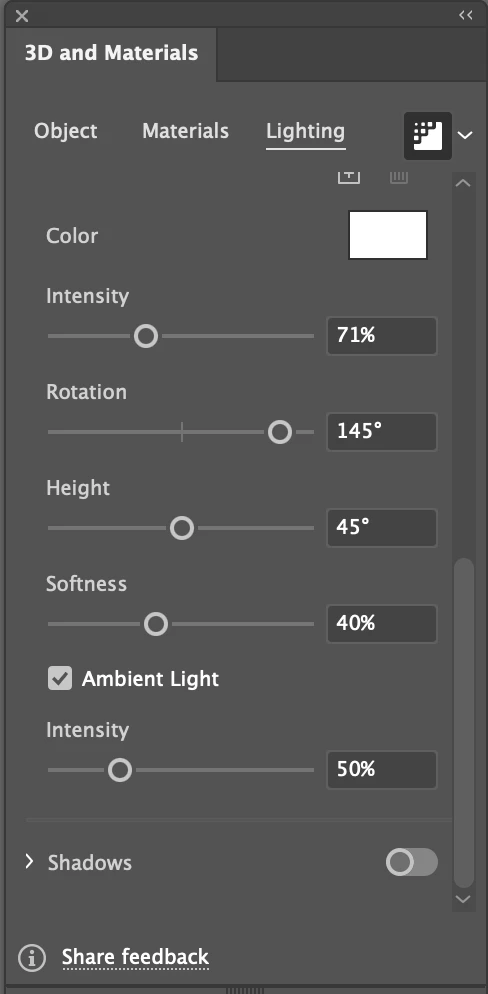
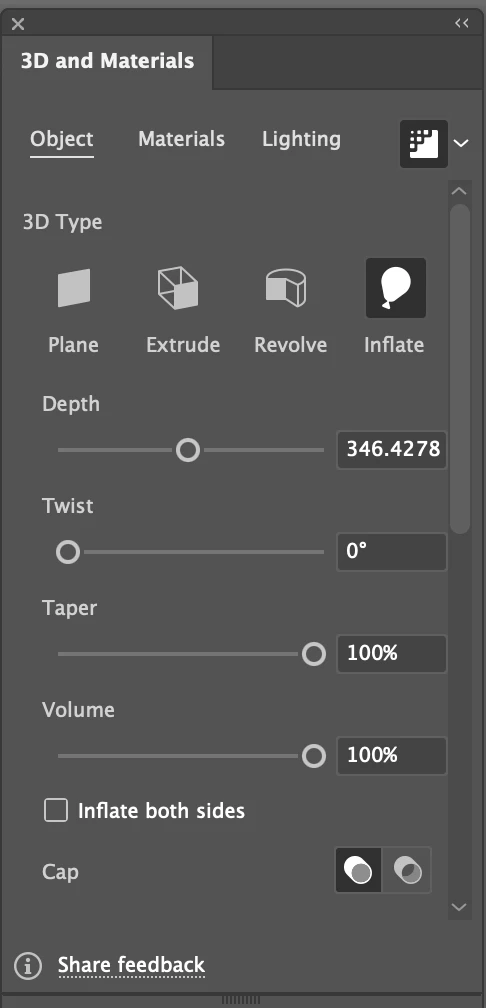
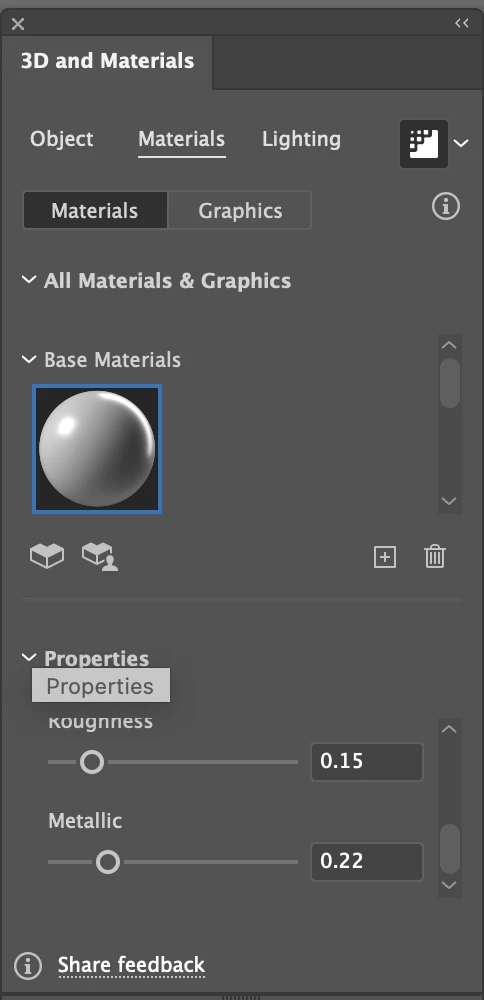
[3D Material settings]
[Dev Environment]
OS : macOS Sequoia 15.1
Chip : Apple M4 Pro
Memory : 64GB
Illustrator Version : 29.2.1
[Reference]
I watched some following videos as reference
https://www.youtube.com/watch?v=-APAsVlzJRw&ab_channel=TsfAbr
https://www.youtube.com/watch?v=461YLwbRhYs&ab_channel=iamrealism
 AdChoices