


Participating Frequently
March 3, 2022
Question

iPad Illustrator crashes when opening file

  • March 3, 2022
  • 1 reply
  • 686 views

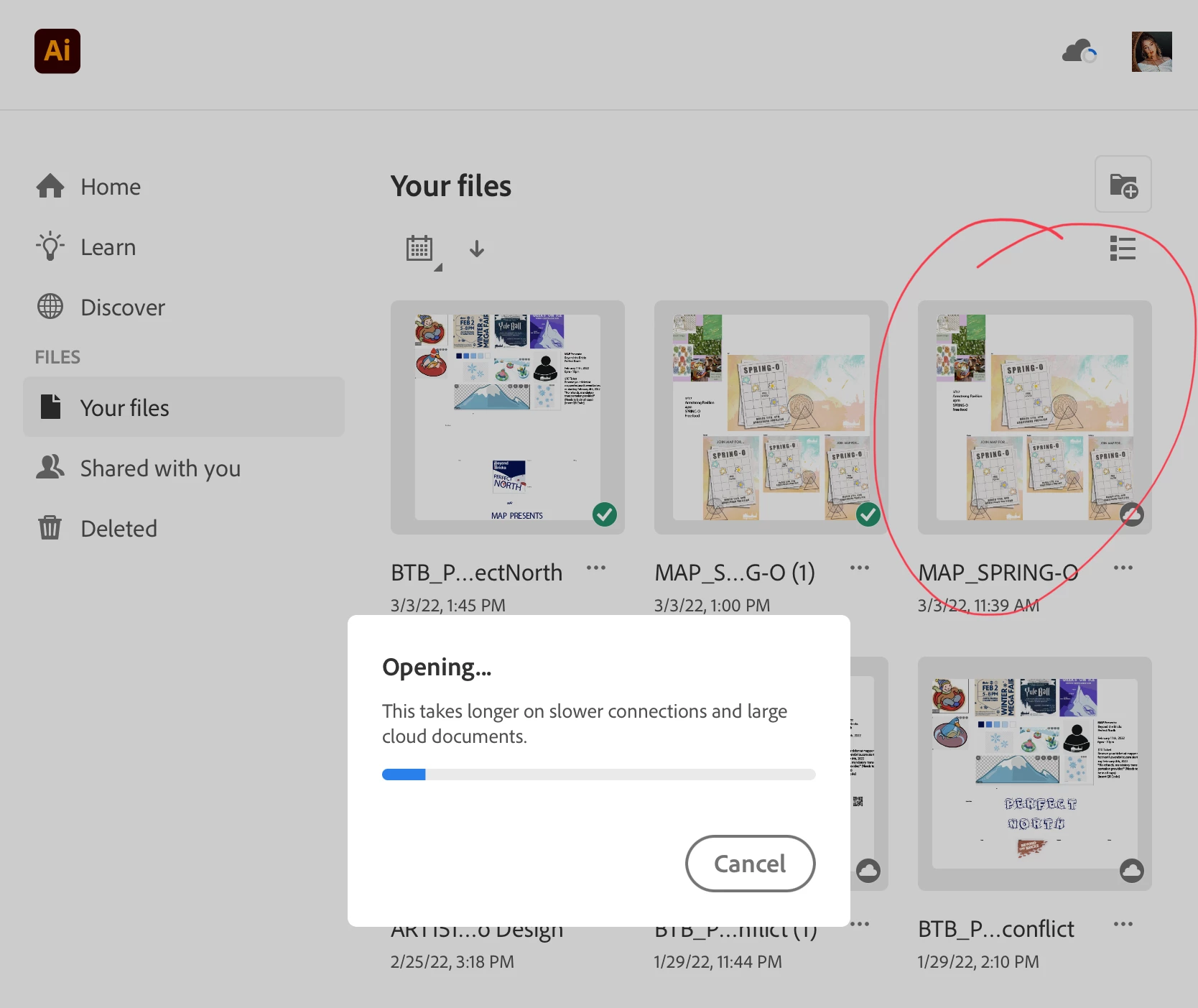
I saved my Illustrator file to creative cloud on my Macbook Pro and then went to open it on my iPad Air 3 to do some pen tool work. Everytime I try to open the file, Illustrator for iPad crashes. Other files open successfully, but not this one. 

I tried some troubleshooting already with no luck: I made sure all Adobe programs and all of my Apple devices were up to date. I re-started my ipad. I deleted the Illustrator for iPad app and re-downloaded it. I created a new file and copied the artwork onto it, it still crashes. The blue loading bar fills all the way up, and then it sits, and then it crashes every time
 

This topic has been closed for replies.

1 reply

Michael J. Hoffman
Community Expert
Community Expert
March 3, 2022

Hi Rebekah,


Is it just the one specific file that causes Illustrator on the iPad to crash? Do other files open OK? Are you able to re-open that file in Illustrator on your Macbook?


If it is just the one file, can you identify any specific unique or unusual effects or groupings you created in that file compared to others that do work?


Participating Frequently
March 3, 2022

I was able to open another file on the ipad and the file opens fine on my macbook. I have some groups with drop shadows and an artistic filter from the effect gallery applied