


New Participant
November 16, 2021
Answered

Text pages in Illustrator

  • November 16, 2021
  • 2 replies
  • 193 views

I don't know how to set tabs in Word. Havent used In-Design (mistake) so Im using Illatrator (which I know to do resume. Can you link pages like work and text so they spill over and make a new page? Im having to make each separate and storing them...thinking Im going to convert to PDF, but its becoming a lot of pages. having text flow to a new page would help.
This topic has been closed for replies.
Correct answer jane-e


@GTCDR11 wrote:

Can you link pages like work and text so they spill over and make a new page?


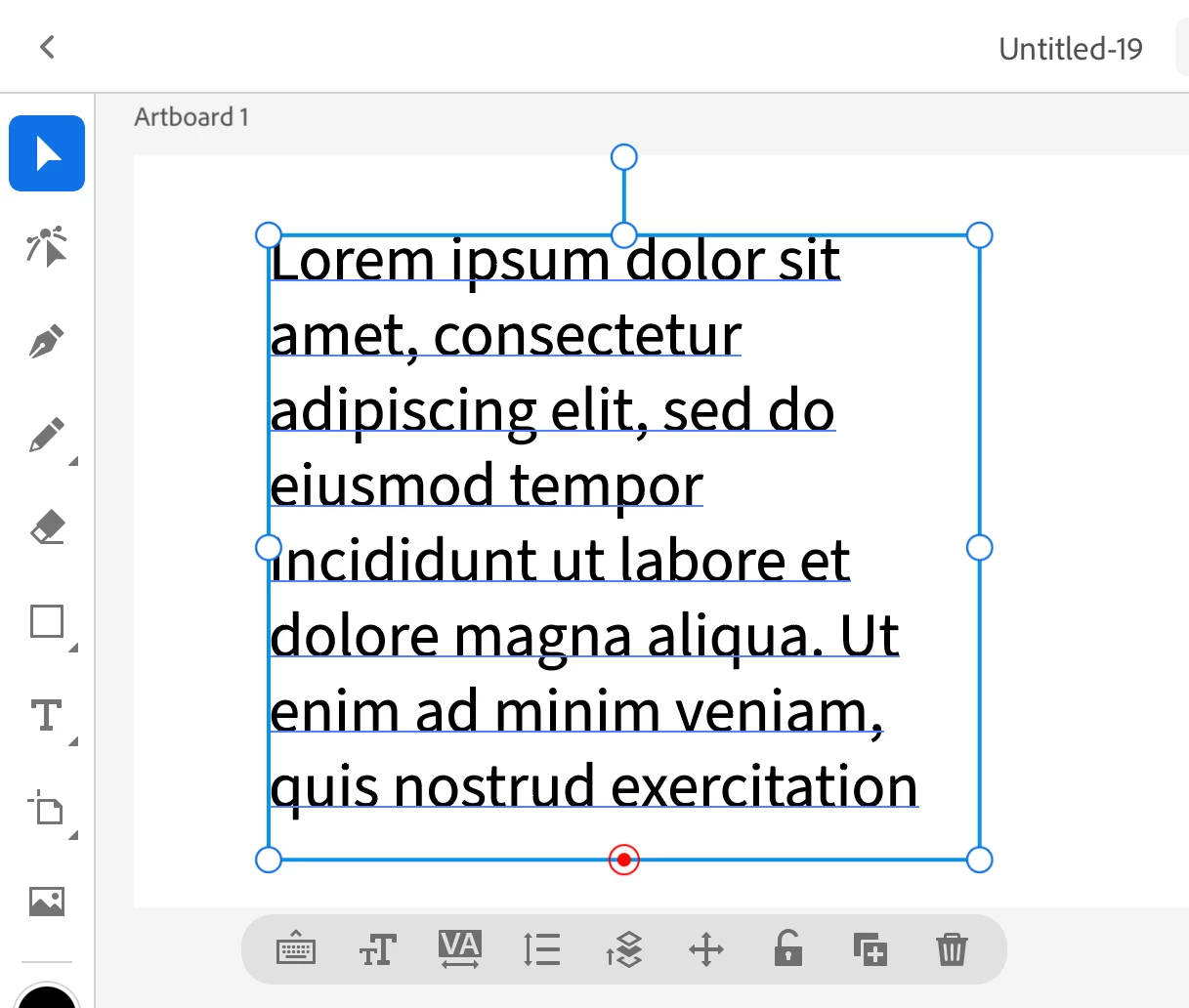
No, you can't link text frames in Illustrator for iPad. There is a red button at the bottom that you can double-click to fit the frame to the text, but the in- and out-ports are MIA.


You can make a feature requests to the developers through UserVoice. Please put the link in this thread so others will see it and upvote it.

https://illustrator.uservoice.com/


Jane

2 replies

jane-e
jane-eCorrect answer
Community Expert
November 26, 2021


@GTCDR11 wrote:

Can you link pages like work and text so they spill over and make a new page?


No, you can't link text frames in Illustrator for iPad. There is a red button at the bottom that you can double-click to fit the frame to the text, but the in- and out-ports are MIA.


You can make a feature requests to the developers through UserVoice. Please put the link in this thread so others will see it and upvote it.

https://illustrator.uservoice.com/


Jane

Michael J. Hoffman
Community Expert
November 16, 2021

You can thread text between area text boxes. See this page and scroll down to "Threading Text Between Objects:"

https://helpx.adobe.com/illustrator/using/creating-text.html


I'm not see this can be done on the iPad, though. Illustrator on iPad shows overset text, but I can't seem to find a way to thread to the next object on iPad. So you may be better off doing this on the desktop if you can.