


508 Compliant Table (Tab Order Error)
I'm working on a graphic that has a table (in InDesign 2020) and needs to be 508 compliant. I've been stuck and confused on how to fix the table's reading order. I have the cell and table styles already made for the table, but there always seems to be a tab order error after the accessiblity check in Acrobat. I've been instructed to only fix the reading order in InDesign, not through the Table Editor in Acrobat. I've been told the headers would fix the issue, but I'm not sure if it means the paragraph or table headers. Would adding table styles to the table delineate what the headers are? After browsing through other forums, support, and videos, I can't seem to find the right answer. I've added a screenshot of what the whole table looks like (with censored info).
What would be the most effecient sequence to make an orderly, readable table in design through styles?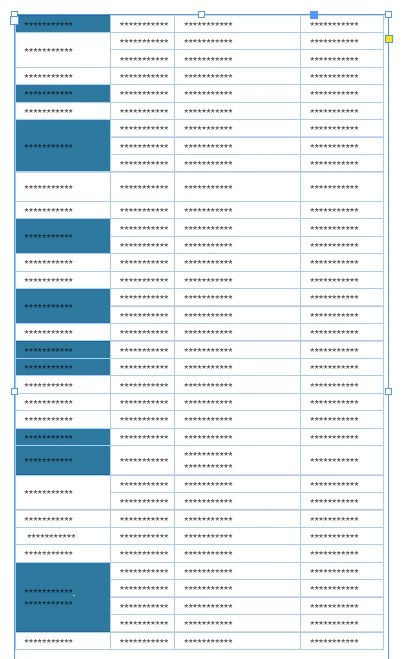
 AdChoices