


Inspiring
April 13, 2022
Answered
Automated Image Cropping
- April 13, 2022
- 8 replies
- 6708 views
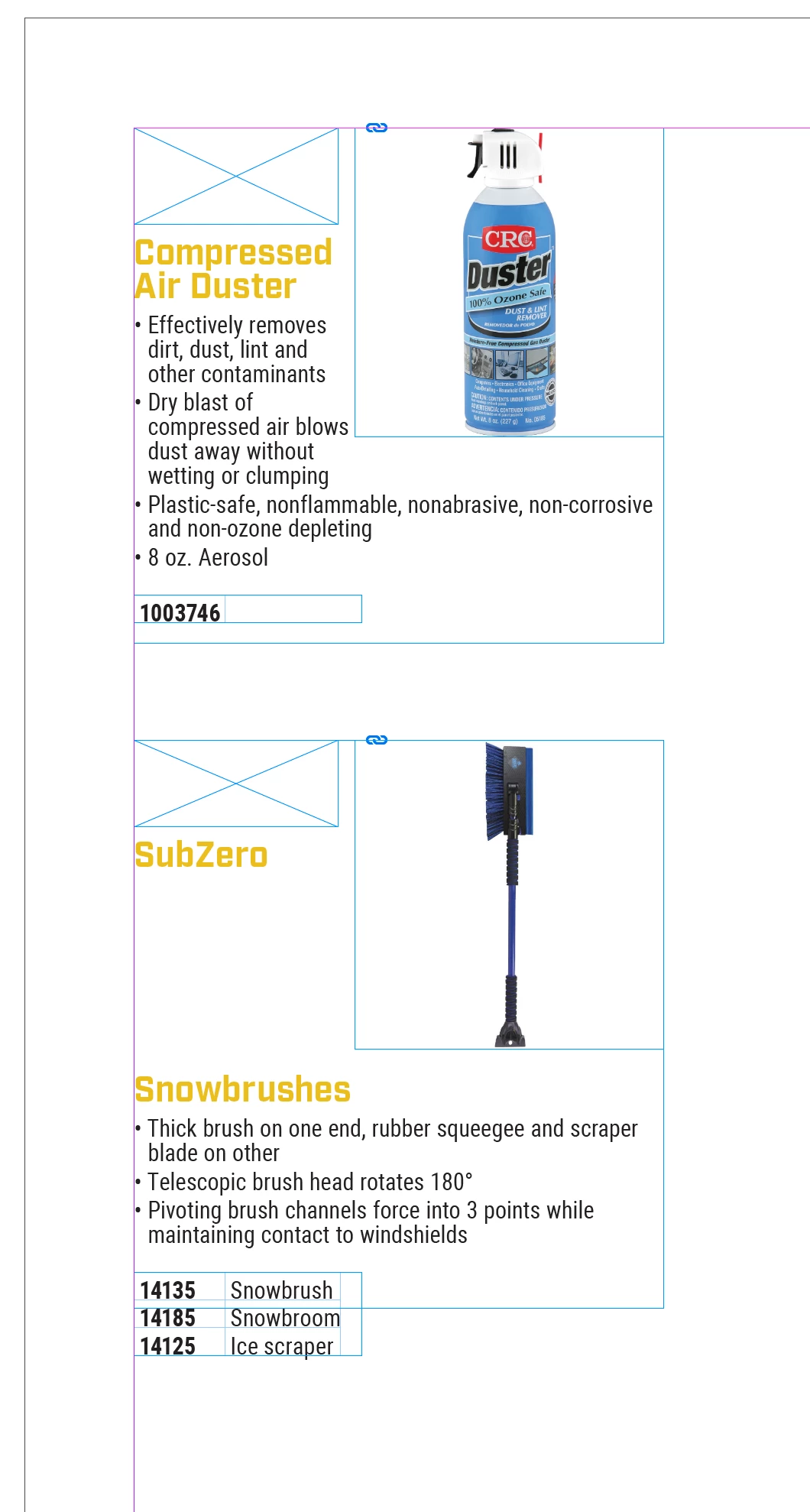
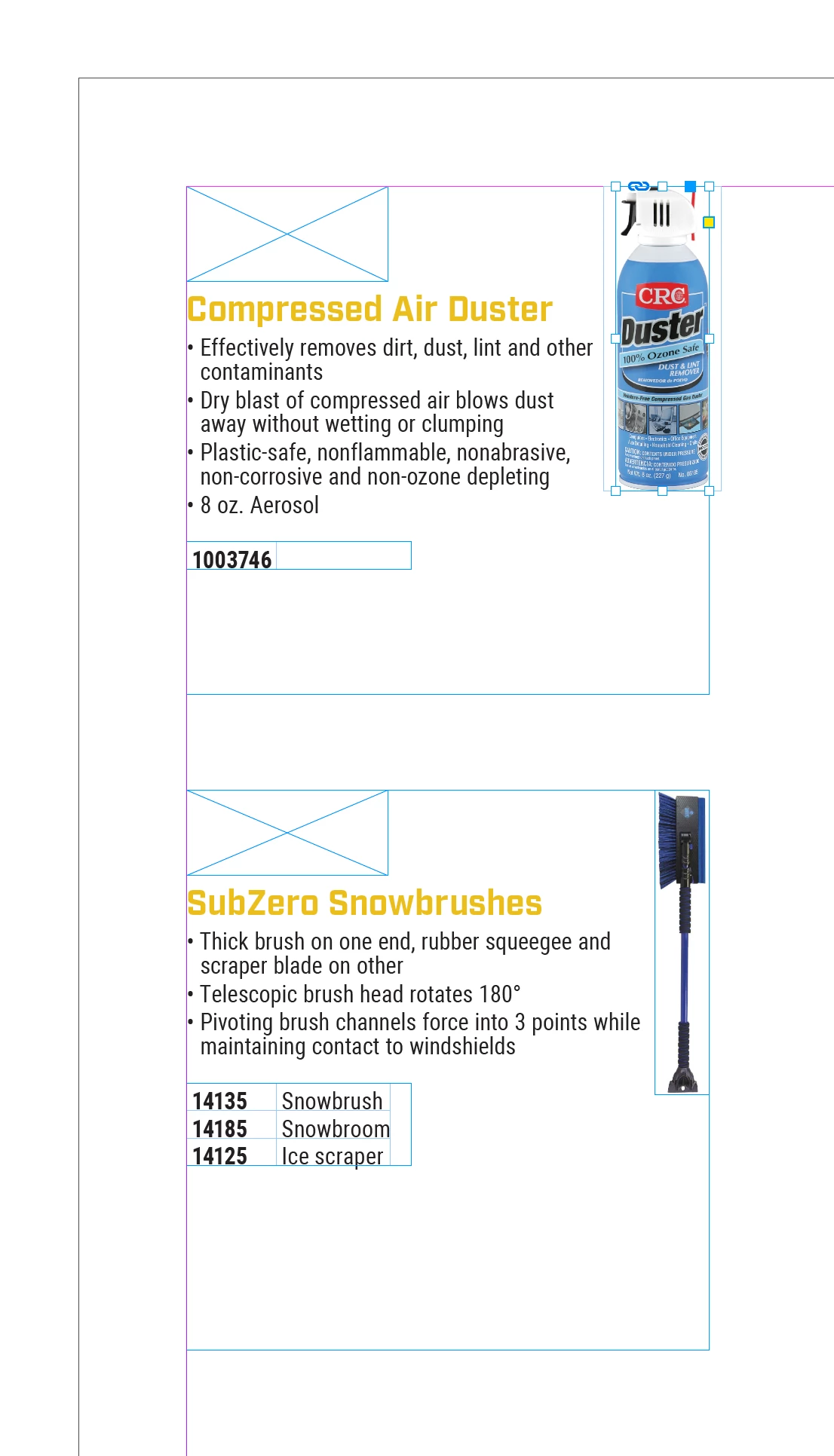
I flow a lot of source images into InDesign, but most of the image frames are originally in square dimensions (like 3" x 3" or 12" x 12"). This is the case even if the image inside the frame is 3" x 12" (example image attached).
The frame I need images to fit into (rectangle frame tool) has a measurement of 1.5" x 2.85" and the images need to scale proportionally. They fit properly when I place them, but the original empty space from the images is still showing. My only fix for the last few years has been to manually crop out the excess space in each image that needs it. I was wondering if (hoping!) there's a way to automatically crop out this extra space when the images are originally placed.
 AdChoices