


Balancing columns in InDesign
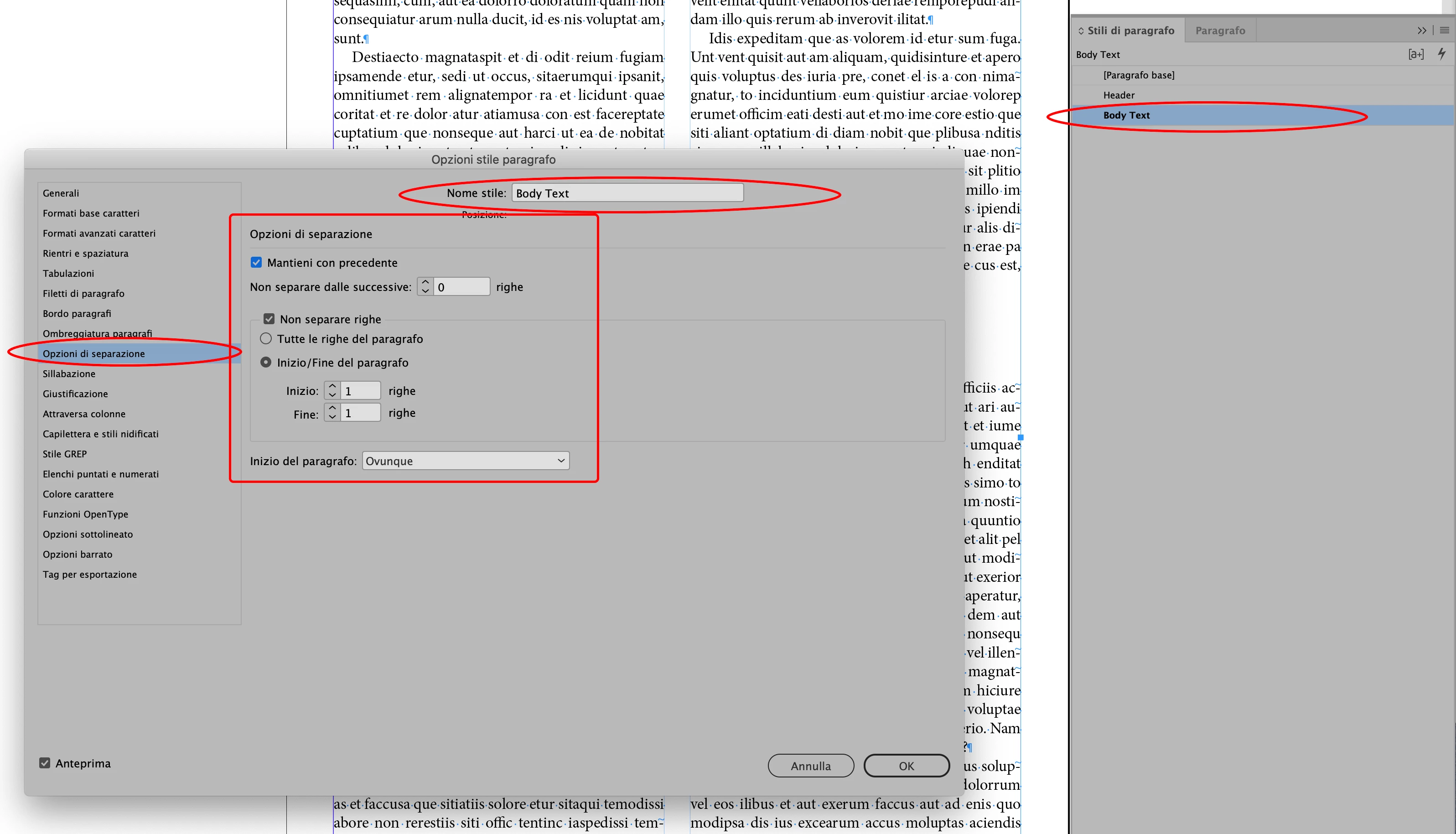
I have a document that has a section header across the page, then two columns, then another section header across the page, and then two columns after that, etc. I have had this in multiple text boxes linked together but that is a nuisance when text is added or deleted because all text boxes have to be resized and repositioned. I would like to have this all in one text box. I was playing around with various column settings within the text box. My problem is, if I set the text box at one column and use "Split 2" for the column items, the second column has 5" of blank space at the end of it. Also, a section with only 5 lines for the columned items does not split into two columns. I also tried putting the text box at two columns and using "Span All" setting with the same results. What setting am I missing to get the columns to be of equal height?
 AdChoices