

Participant
August 24, 2017
Answered

Bleeds and Slugs?

  • August 24, 2017
  • 4 replies
  • 3088 views

I have adjusted my bleeds and slugs to .125 and my page still has 1/4 inch white margin surrounding my page. Am I missing something else to get my print to the edge of my paper?

    This topic has been closed for replies.
    Correct answer rob day

    Yes!

    Lisa Davis

    Administrative Assistant

    [Moderator Note: Personal Information Removed]


    Yes!

    If Yes! is the answer to my first question, then you have a document bleed but the page items have not been expanded into the bleed:

    This:
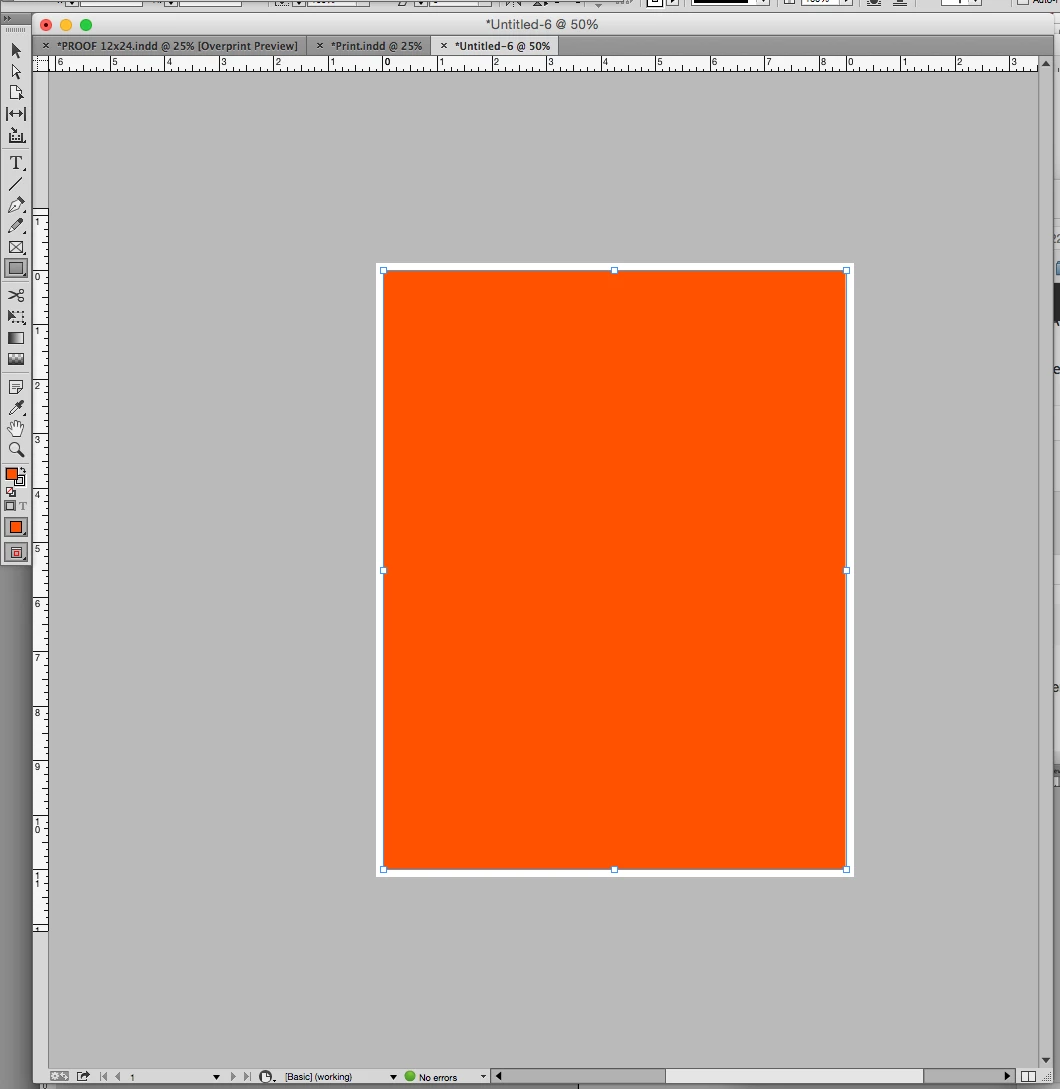
    Needs to be this:
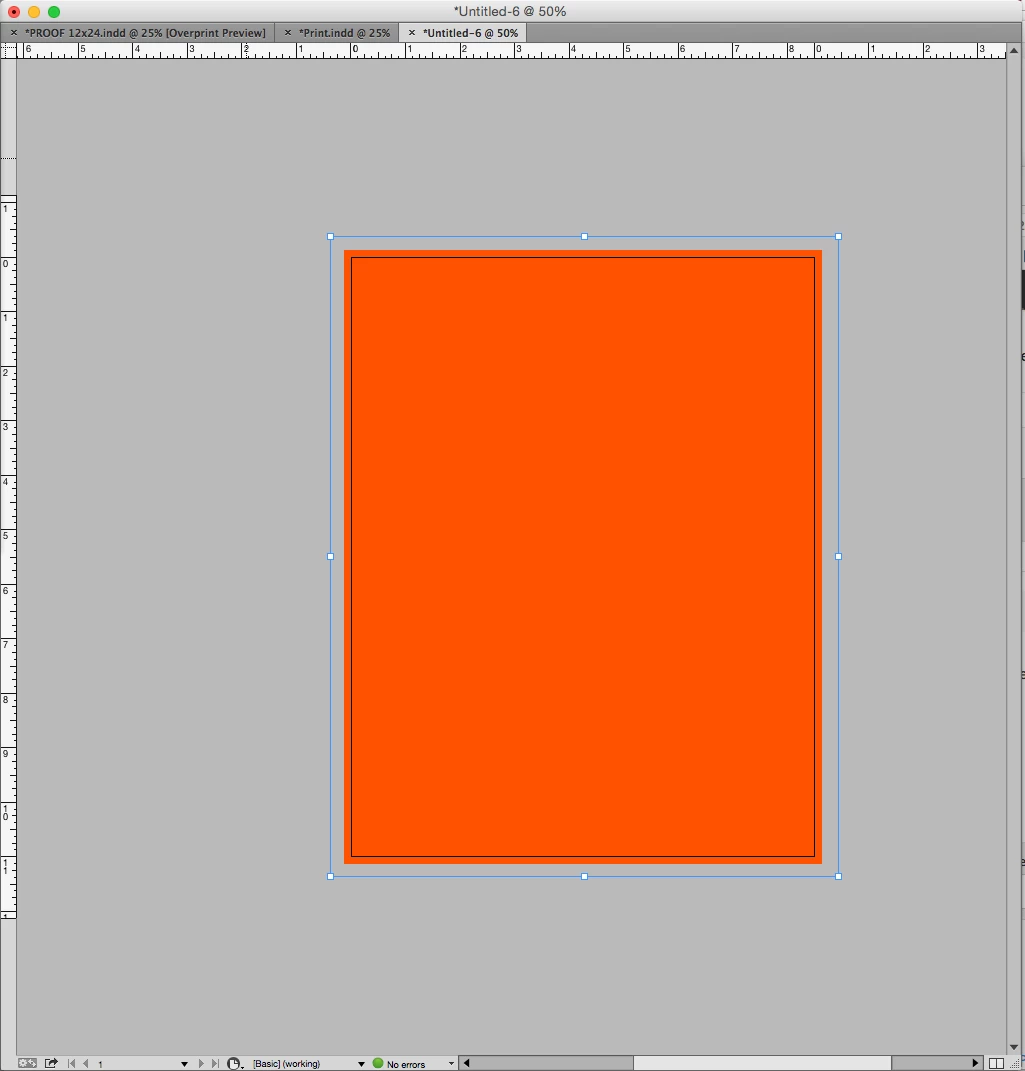
    4 replies

    Willi Adelberger
    Community Expert
    Community Expert
    August 24, 2017

    Did you extend your design to the bleed? It is not automatically filled with an image.

    Jeff Witchel, ACI
    Community Expert
    Community Expert
    August 24, 2017

    Hi Willi,

    You would not believe how many times I've said this to students in my college classes.

    Best,

    Jeff

    Derek Cross
    Community Expert
    Community Expert
    August 24, 2017

    The slug is a space for adding additional information, it differs from the bleed. You have bleed added to to those edges of a page that has imageS that bleeds and needs to be trimmed. The slug may be say on the bottom  of the page where, for example, you might add information for your customer to read (it would be trimmed off in the final printed sheet).

    Jeff Witchel, ACI
    Community Expert
    Community Expert
    August 24, 2017

    For an existing layout, look under your File Menu > Document Setup. In the window that opens, click the disclosure arrow next to Bleed and Slug if Bleed is not showing and enter .125" for Bleed and click OK.

    If you've done this already and it's not applying to ALL pages, make sure to make this change to your Master Page(s).

    Participant
    August 24, 2017

    I have entered .125 when creating a new document, went under File then document set up and when in print mode set everything the same too. Am I missing something else? I have made many documents and have not had a problem like this.

    Lisa Davis

    Administrative Assistant

    [Moderator Note: Personal Information Removed]

    rob day
    Community Expert
    Community Expert
    August 24, 2017

    I have entered .125 when creating a new document, went under File then document set up and when in print mode set everything the same too. Am I missing something else?

    If you choose View>Screen Mode>Bleed do you see the white border?

    Is the printer capable of printing borderless?

    Legend
    August 24, 2017

    Are you printing to a standard office or home printer? Very few of these will print edge-to-edge. 1/4 inch of white all around is typical unless you have a borderless printing option.