


Question
Business Card insert in a Trifold Brochure
Hello!
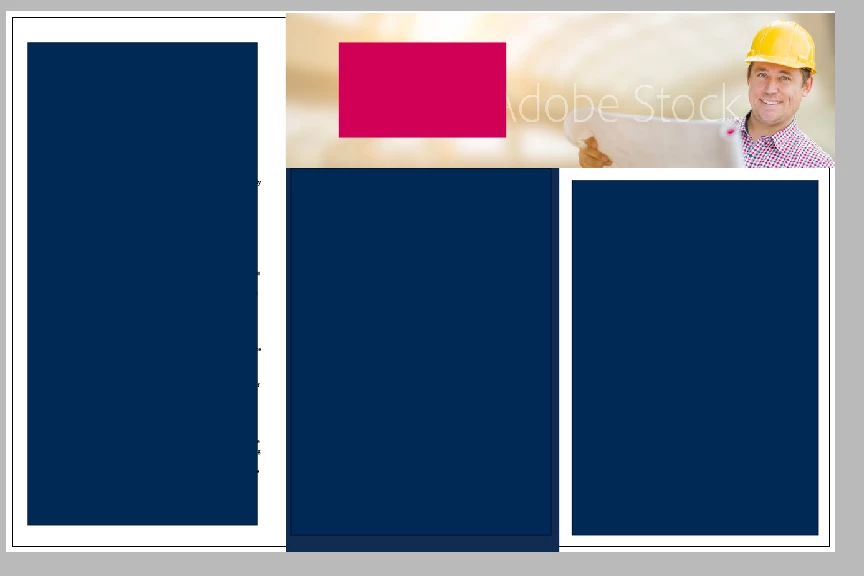
I am creating my first project in InDesign and I need help with creating business card slits in this trifold brochure! As you can see below, this is my basic template I am working with (information blocked out for privacy reasons  ). I want the business card to be placed where my spot color rectangle is currently. My printer told me to "place the slits using any spot color, and the printer will delete the position lines before printing". Can you please help me understand what my printer is saying and give me instructions to create these slits?!
Thank you so much in advance!!!
 AdChoices