


Inspiring
August 10, 2018
Answered

Can't Select more than two objects inside a group

  • August 10, 2018
  • 2 replies
  • 5713 views

I have a number of shapes in a group as part of a design. I wish to adjust the position of several group elements as follows:

1. Double click the group to open it

2. SHIFT+click the desired objects

This is OK for the first two objects, but when I SHIFT+click the third object, all selected objects are deselected, and the parent group becomes selected.I can unselect individual objects if 2+ are selected, using the same method.

This happens with 100% consistency.

The objects can be selected as normal by meatballing them in the Layers panel.

Indesign 13.1 x64 on Windows 7 x64 Pro

Is this a known bug? Will file as usual anyway.

Thanks

Richard
    Correct answer winterm

    It’s rather a 'feature', than a bug. All versions of ID work exactly this way.

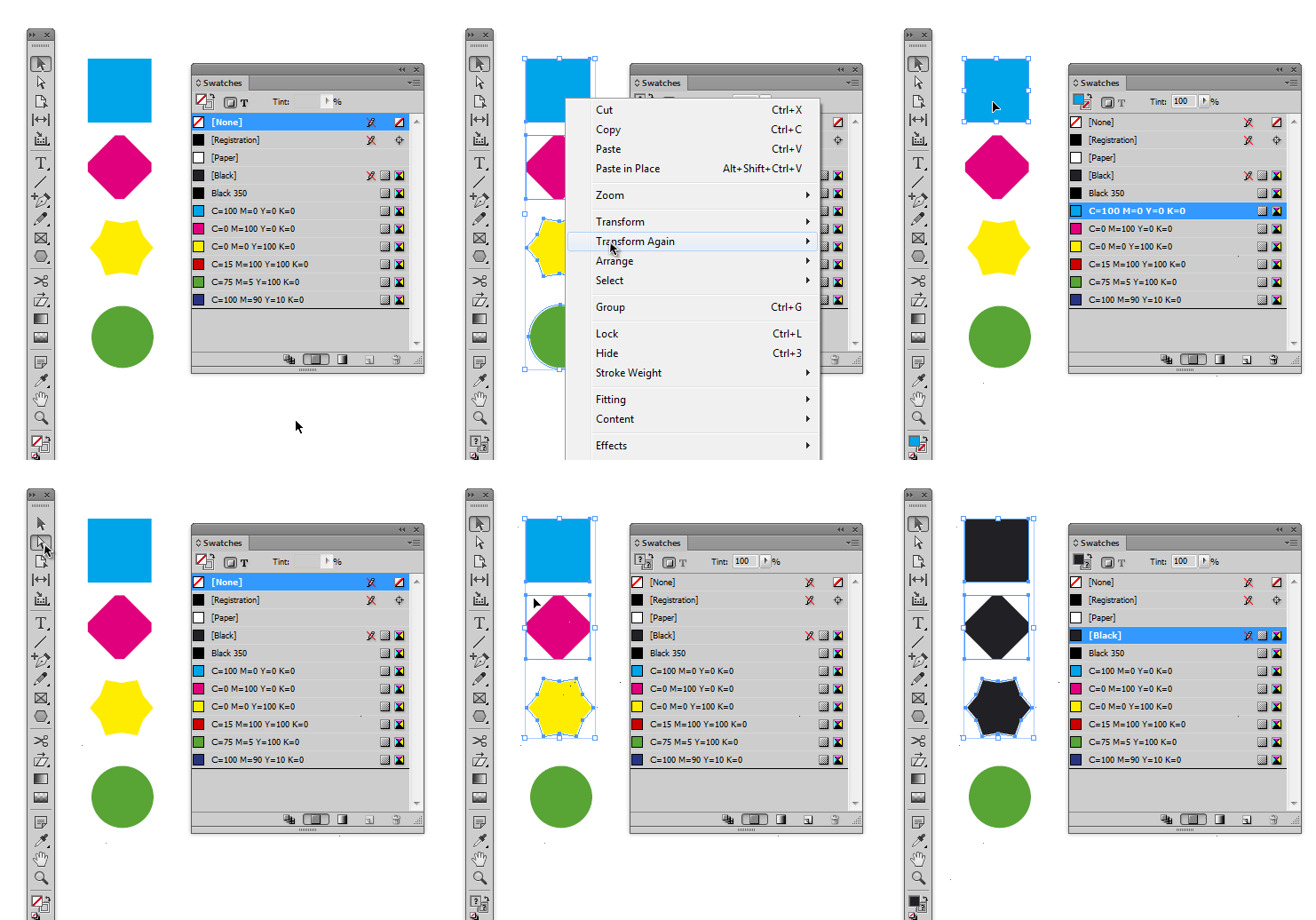
    However, with Direct Selection tool you can select more than two objects in a group.

    Well, it’s not the same, I know.

    2 replies

    New Participant
    May 7, 2025
    winterm
    wintermCorrect answer
    Brainiac
    August 10, 2018

    It’s rather a 'feature', than a bug. All versions of ID work exactly this way.

    However, with Direct Selection tool you can select more than two objects in a group.

    Well, it’s not the same, I know.

    Inspiring
    August 10, 2018

    That's helpful thanks! It's not intuitive but at least there is a way to do it.

    Cheers

    Richard

    Inspiring
    August 11, 2018

    Even easier...use the layer panel.


    Clicking on the objects you want to select is far easier and more intuitive and efficient (less brain power, less eye movement, less clicking) than trying to figure out which of the 20 geometric objects in the Layers panel are the ones I want.

    So the Layer panel route is not easier at all, for me anyways.

    I hate it when badly designed and unintuitive features slow me down ... grrrr!