


Cannot double click text frame to fit to text
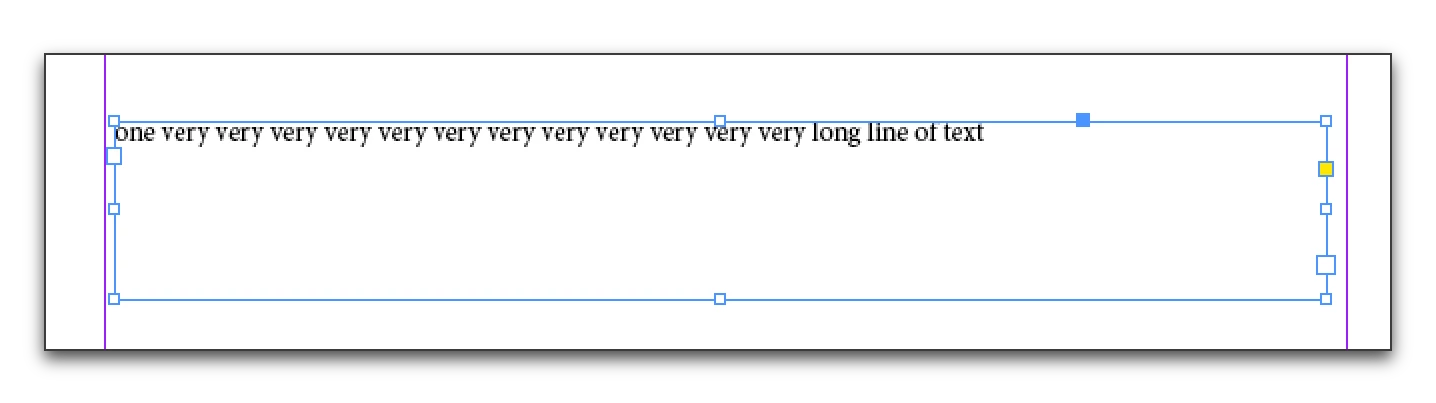
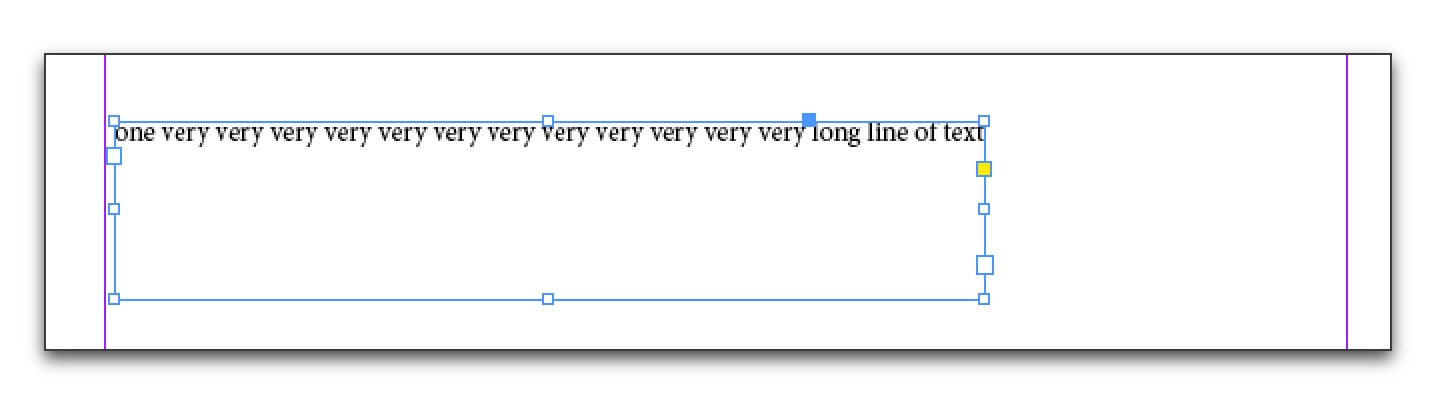
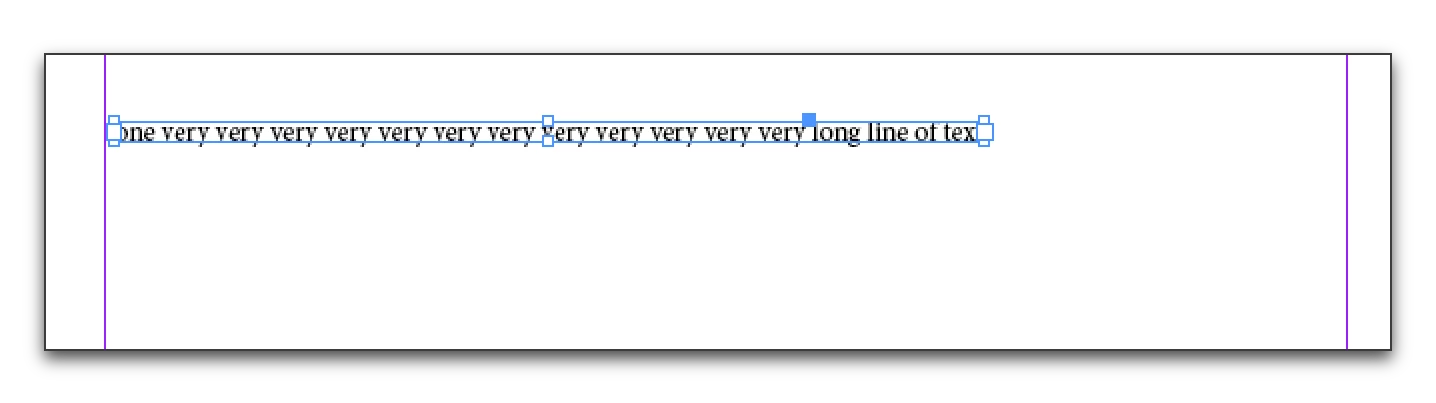
Hello. I recently upgraded on Mac from Indesign CS4 to CS6. In CS4 I was able to double click the corner of a text frame and it would fit frame to text regardless of how many characters was in the longest line of text in the frame. In CS6 I double click the corner like I used to and nothing happens or if the frame is large vertically it will fit to text but word wrap the content in it which is not what I want. I have check all settings preferences I can think of trying to match what I had in CS4 to CS6 and cannot figure out how to make this work again. CS6 also has additional settings I don't see or know if may be effecting this that CS4 didn't.
Is there a way to set the text frame so that it fits to text horizontally according to the how long the text line is and how to I fix this?
It seems when I do change a setting it isn't for the entire document either which doesn't make any sense either.
Thanks in advanced for the help.
 AdChoices