


Participant
May 27, 2023
Answered
Cannot find how to change a swatch
- May 27, 2023
- 3 replies
- 541 views
So I have something quite weird going on. I received an old in design file from the client. In the file, there is a link to file that contains a special spot, channel. Somehow, the previous designer managed to assign a specific swatch colour to that channel. And what happens now is that I cannot find, for the life of me, how to change the colour. I have searched dozens of articles, and I can't even find a single one that explains how you can even do that (assign a particular colour in InDesign to a colour channel). So I am stumped. Does anyone have any idea?
If I double-click on the swatch in the swatches panels, I see the following thing. As you can see, most options are just greyed out and there's nothing I can do to change it.
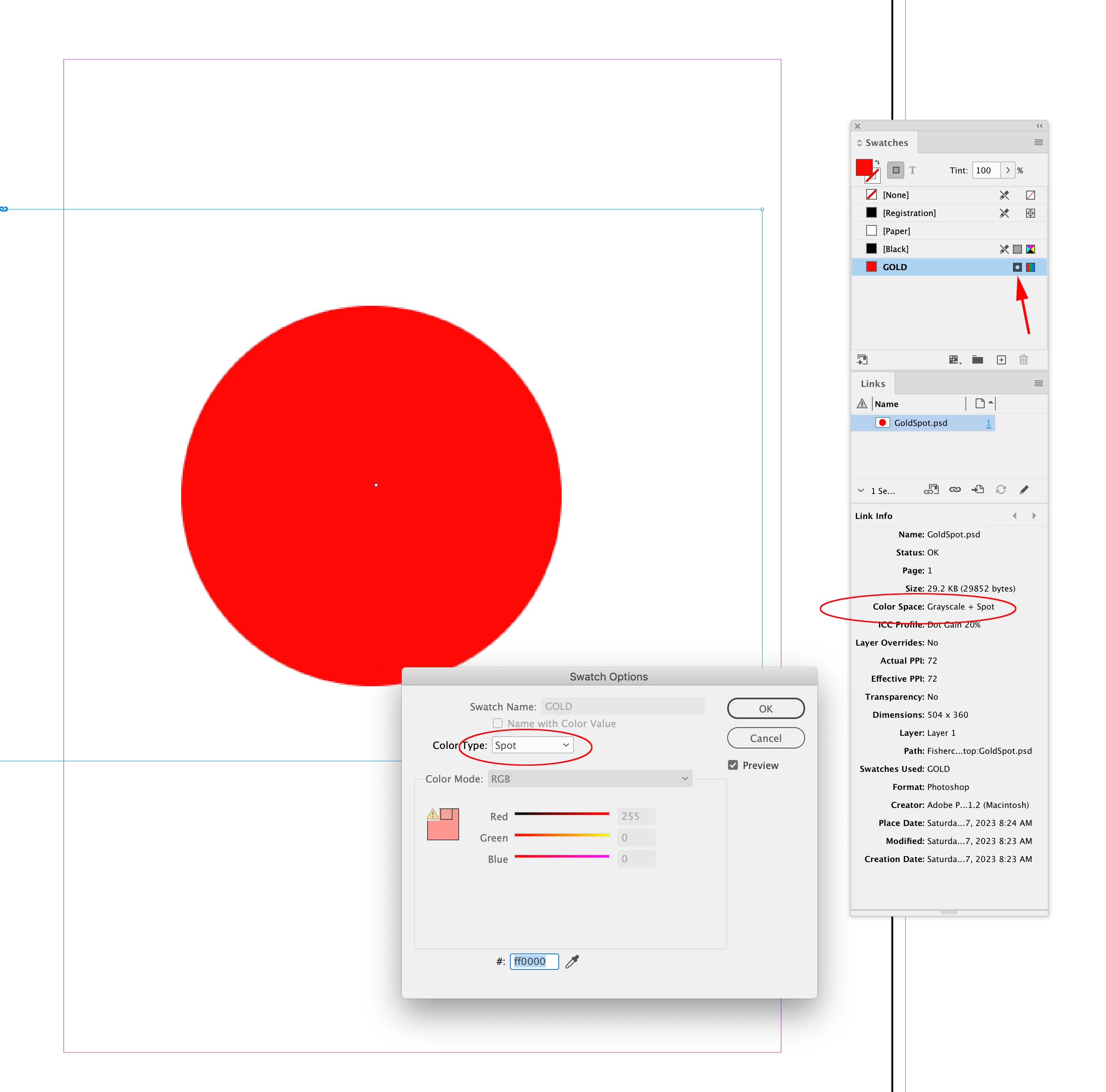 If I remove the placed .PSD the color is editable: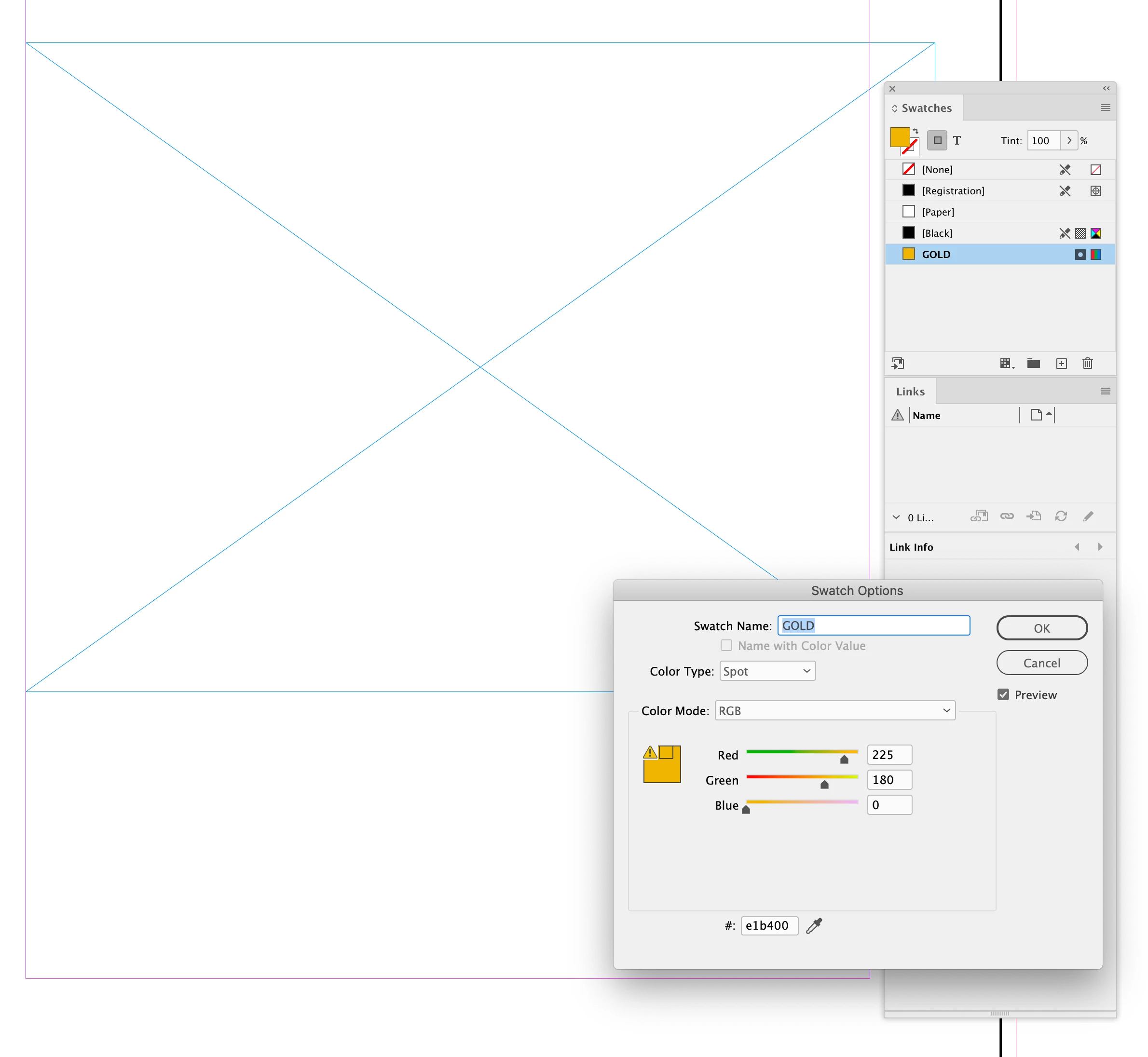
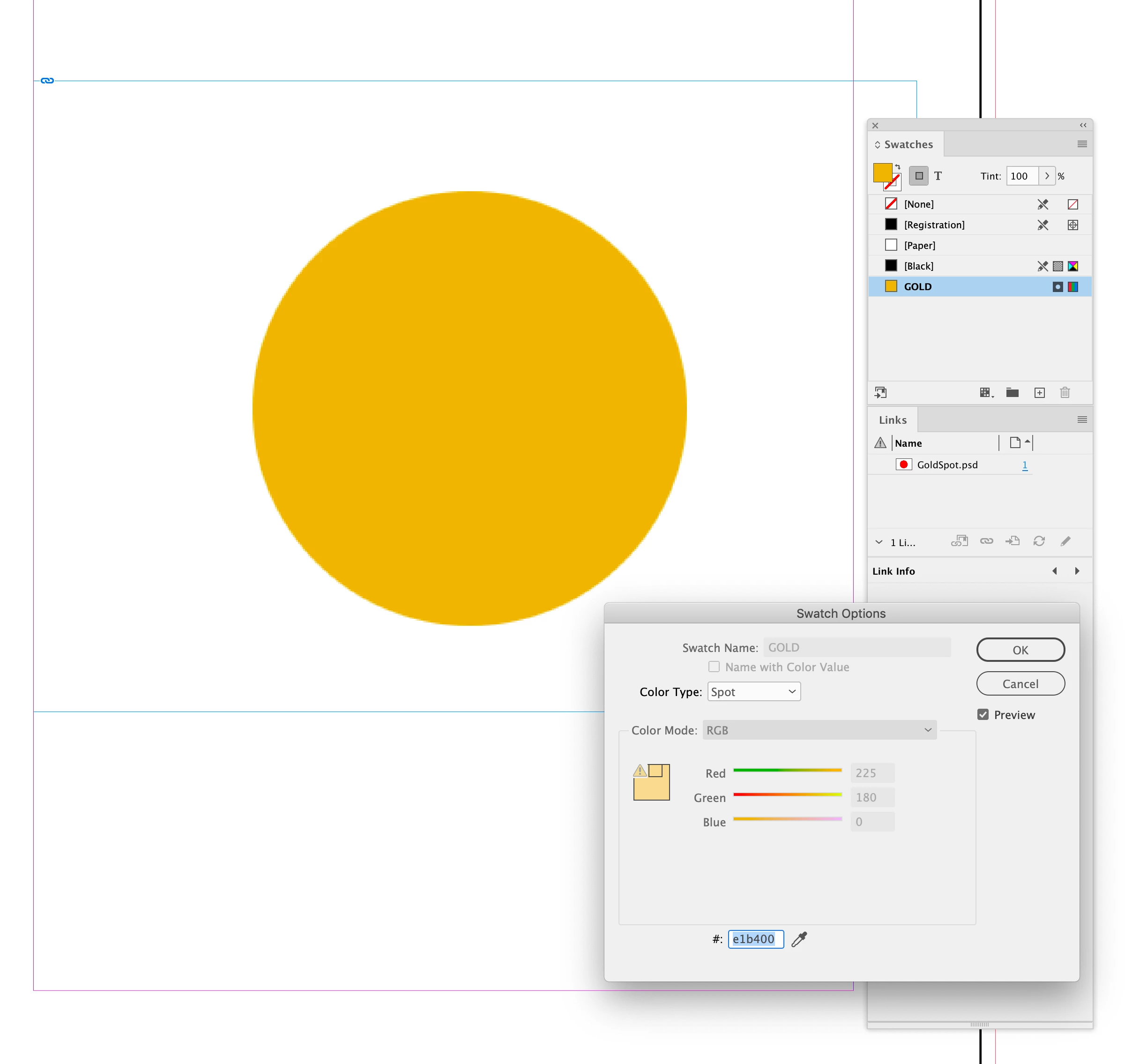
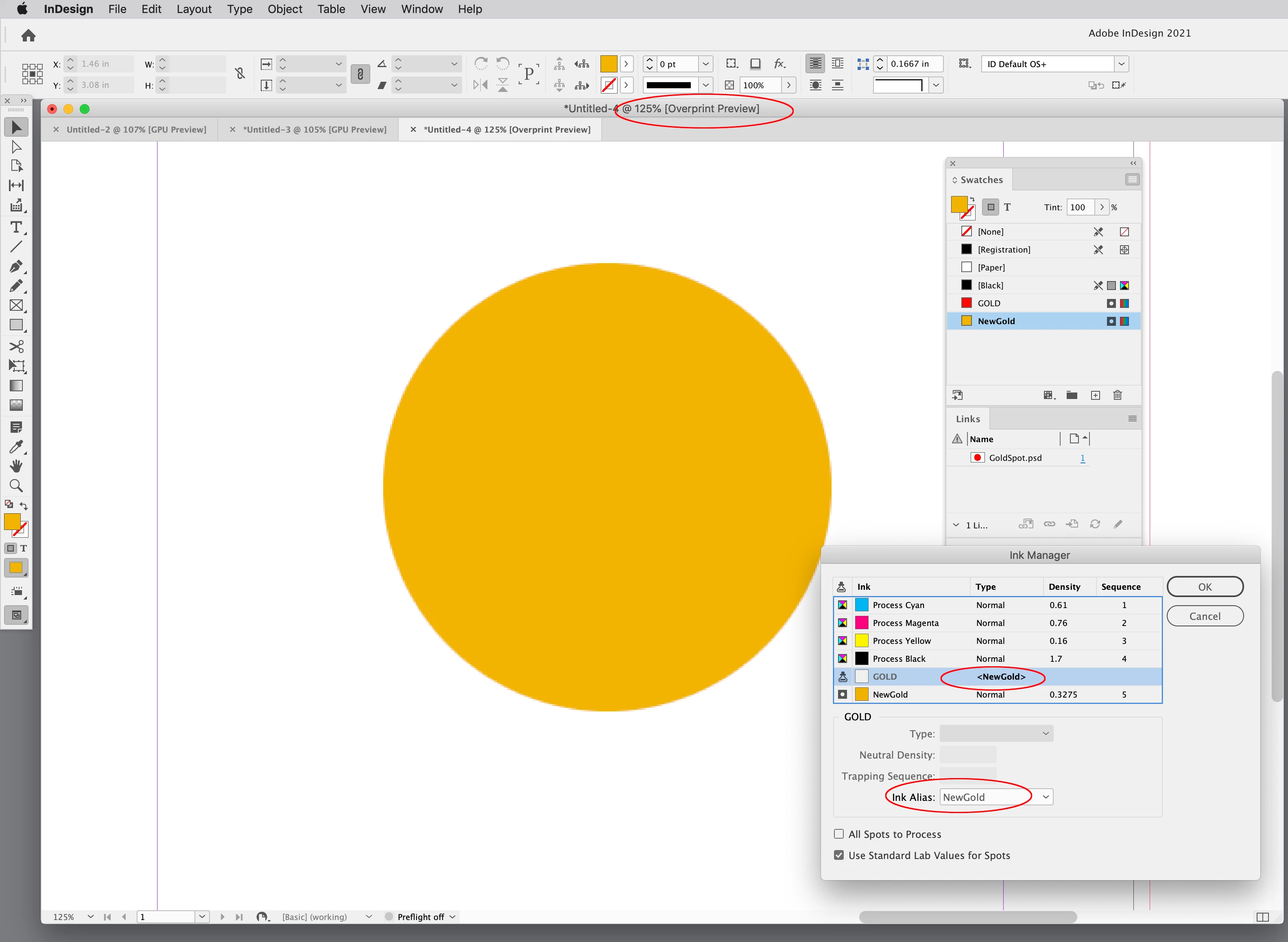
 AdChoices