New Participant
July 17, 2020
Answered

Cannot move with partially hidden pop-up window

  • July 17, 2020
  • 5 replies
  • 3347 views

Hello everyone, 

I am often working with different screen sizes, moving from a wider screen to smaller; it happened to me that a pop-up window - in this case, the Find&Replace window - got stuck in the screen's corner and I am unable to move it from there because - obviously for some reason - the enabling control element is only in the top bar of such windows. Can you help me with it?  Thank you.
 

Correct answer Barb Binder

Hi Maya:


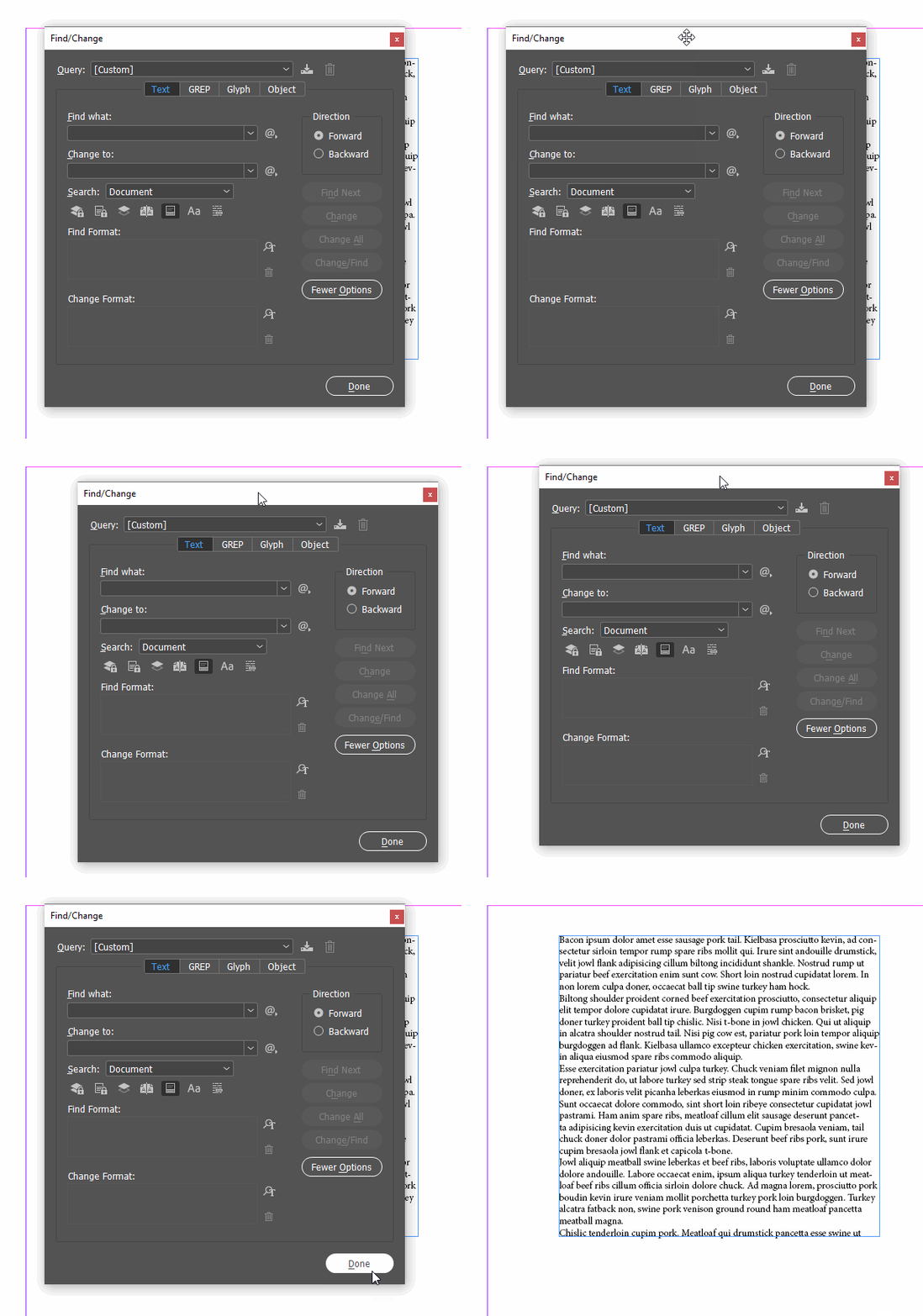
Click on the Find/Change dialog box to make it active. Tap Alt+Spacebar (to open the menu), then the letter M (for move). Now tap the down arrow keys and right arrows keys to move it with the keyboard.


~Barb


5 replies

New Participant
October 27, 2023

I know this is an old thread but I came across it while I encountered a similar issue with my Preferences dialog box. None of the provided solutions worked (here and elsewhere) and I was hoping to avoid resetting my preferences. I ended up changing the resolution of my screen and that allowed me to move it. 

Rishabh_Tiwari
Community Manager
Community Manager
December 20, 2023

Hi @lindsayw60746877,


Thank you for reaching out and sharing the solution that worked for you. I am sure it will help other community members. 


Thanks

Rishabh

MayaKavAuthor
New Participant
August 3, 2020

Thank you, Barb. It worked. 🙂

Ashutosh_Mishra
Inspiring
July 25, 2020

Hi there,


Thanks for reaching out. I hope your issue is resolved now. We'd appreciate if you can mark the appropriate answer correct.

If you used any other method, please share it here. It'll help other users having similar concern.

If you still have issues, let us know. We'll be happy to help.


Regards,

Ashutosh

Barb Binder
Barb BinderCorrect answer
Community Expert
July 17, 2020

Hi Maya:


Click on the Find/Change dialog box to make it active. Tap Alt+Spacebar (to open the menu), then the letter M (for move). Now tap the down arrow keys and right arrows keys to move it with the keyboard.


~Barb


~Barb at Rocky Mountain Training
New Participant
October 13, 2022

I have the same problem, but the thing is, pressing ALT-spacebar, then M and arrows does nothing. I can't move that box.

It's the dialog you get in Indesign when you want to export a document to PDF.

Hope someone can help, resetting workspace, change to another etc. didn't help.

Thanks.

/Thomas

New Participant
October 14, 2022

Found a solution. the problem is the dialog is not a normal window, like the find/change. I hasn't got a CLOSE button fx.:

Anyways, I foudn out I needed to clear any preferences within indesign, so SHIFT+CTRL+ALT when starting the program let's you do that.

Community Expert
July 17, 2020

Hi mayakav,

you could close it by typing Ctrl + f or Cmd + f ( when on Mac OS X ).

You should be able to change its position if you reset your current workspace "Maria".

Or if you switch to a different workspace like "Typography" and reset that.


Regards,
Uwe Laubender

( ACP )

MayaKavAuthor
New Participant
July 17, 2020

Hi Uwe 

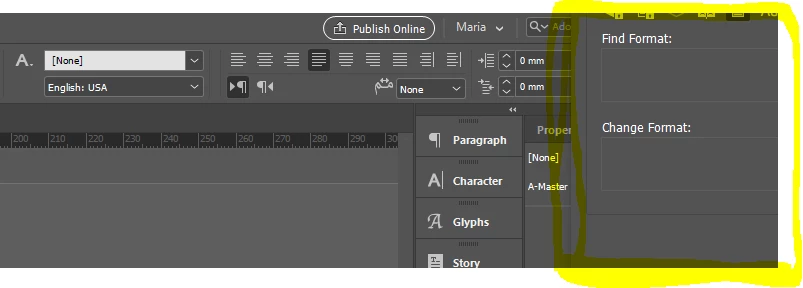
I have already tried these options but it is still staying in the same position in my right screen corner. See the snip. 

Last time this happened, I had to reinstall InDesign to get rid of it. I'd like to avoid that today. 

Thank you,

Maria