


Inspiring
November 30, 2020
Answered

Changed language in InDesign and everything changed - how to reset workspace

  • November 30, 2020
  • 2 replies
  • 3184 views

I changed my language in InDesign to English by using this method:
https://community.adobe.com/t5/indesign/how-to-change-language-in-indesign-i-would-like-to-change-it-from-russian-to-english/td-p/7754869?page=1

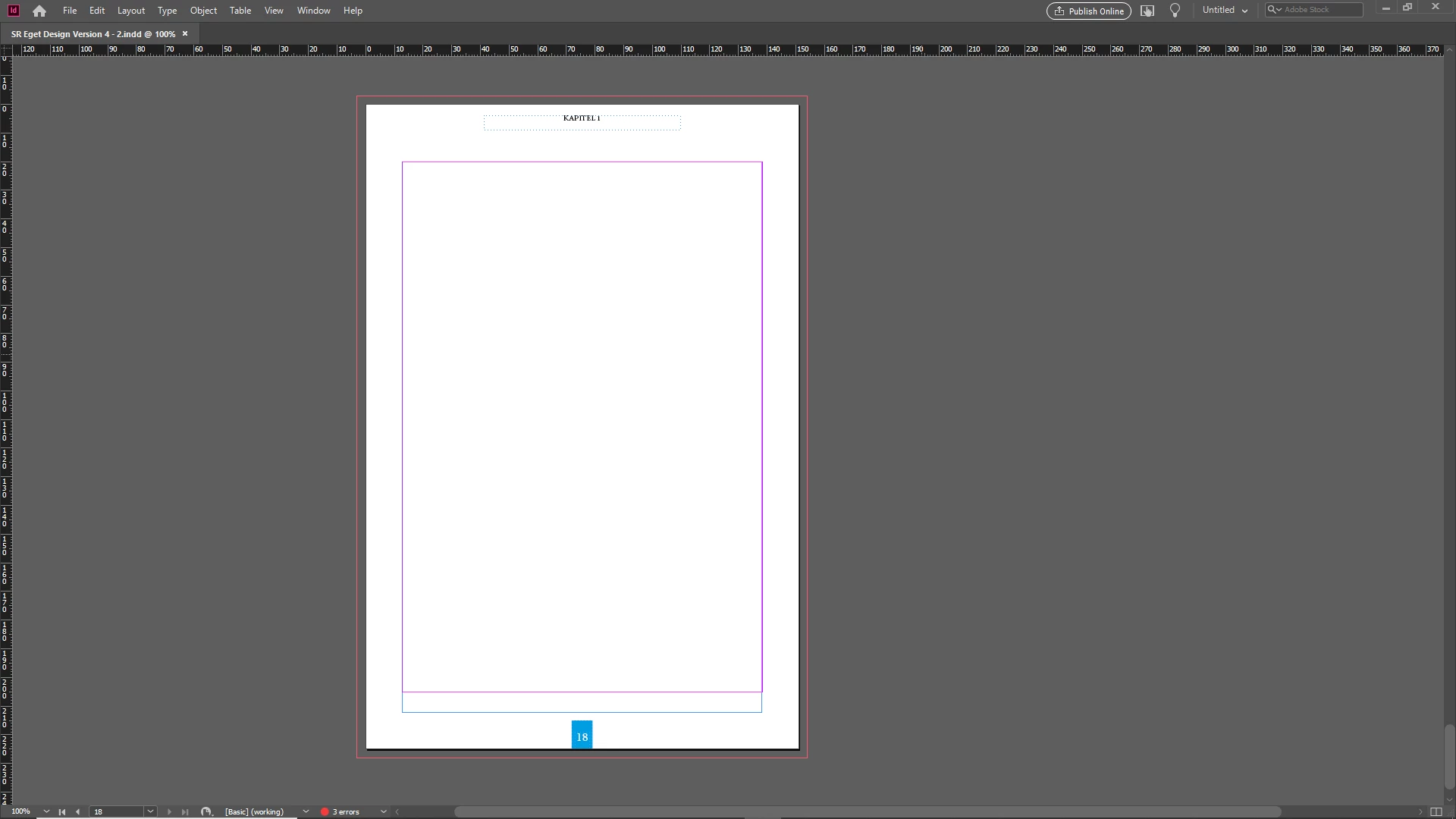
However, this changed everything. Now I can't even click into "book mode" which used to show at the upper right. Could someone help me make things look normal again?


This topic has been closed for replies.
Correct answer Frans v.d. Geest

Then reinstall first. Then RENAME the existing folders so that files inside the folders are kept 😉

2 replies

simon5CD0Author
Inspiring
November 30, 2020

Well I can of course click "new workspace" but the problem is that everything is gone so I'm quite handicapped here.

The drop down menu at the top right does no longer show a "book" option and tools etc are gone.

Maybe by changing the language I also deleted the preset workspaces that comes with InDesign.


Seems like quite a bad software design to make it this much of a hassle to simply change the language.

Frans v.d. Geest
Frans v.d. GeestCorrect answer
Adobe Expert
November 30, 2020

Then reinstall first. Then RENAME the existing folders so that files inside the folders are kept 😉

simon5CD0Author
Inspiring
December 1, 2020

I reinstalled now with settings changed and without any changes again to the folder. And everything seems to be up and running now. Thanks for your inputs, Frans.

Frans v.d. Geest
Adobe Expert
November 30, 2020

You have to choose your Workspace and Short cuts again. Just gonto Workspaces in the right upper cornervand choose you desired one, then choose Edit - Short Cuts and assign the desired set.