Inspiring
March 22, 2022
Answered

Changing Multiple Cell Styles Across the files

  • March 22, 2022
  • 1 reply
  • 579 views

Hello,

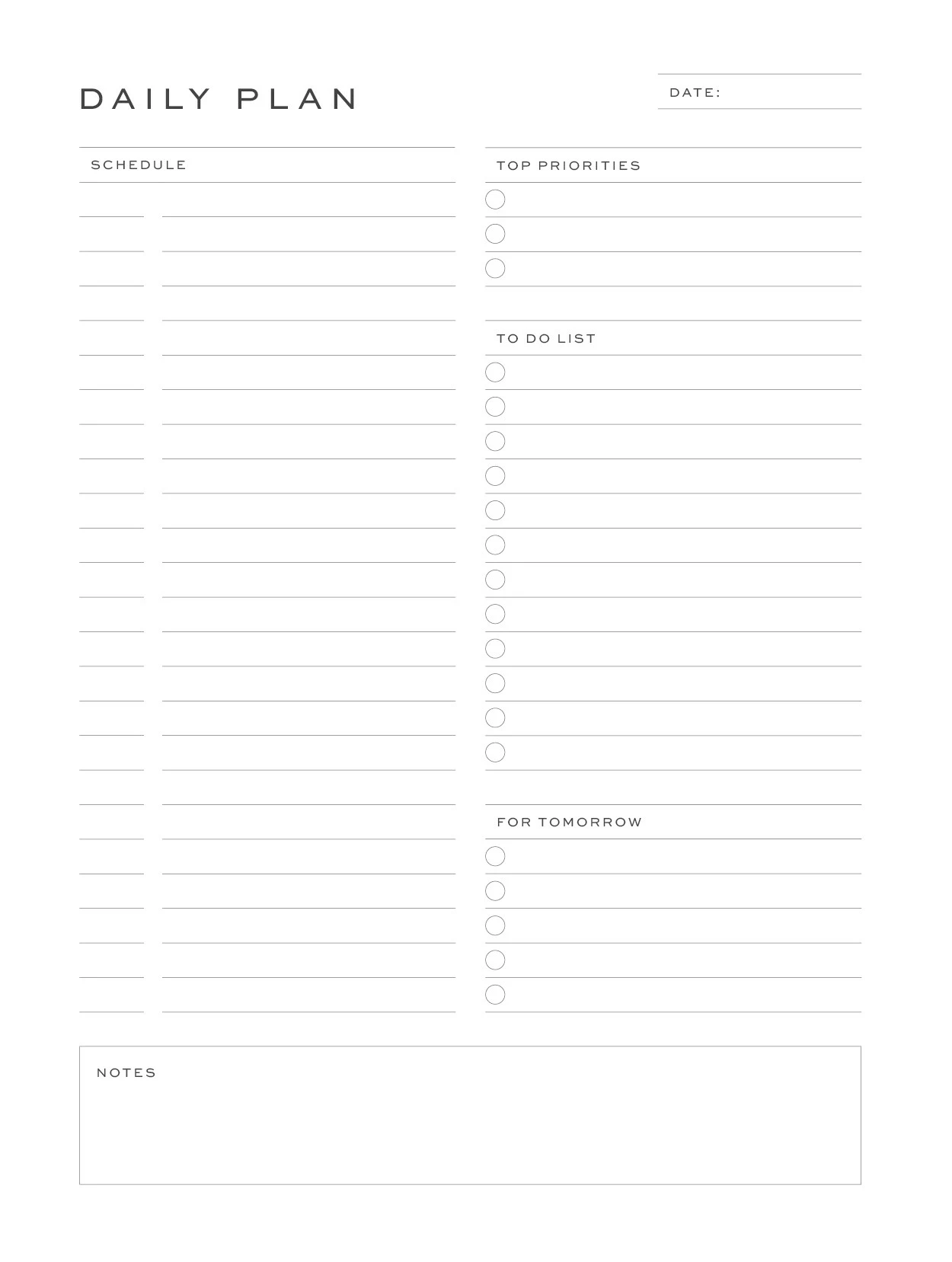
As in the first image in the attachment, I have a lot of separate files in five different sizes and I want to make some cells in these files like the second image.
(Actually I have to make 8 different colors and export them all as seperate PDFs.)

When I set a cell style and try to apply it to the cells I want, the top and bottom strokes do not appear.
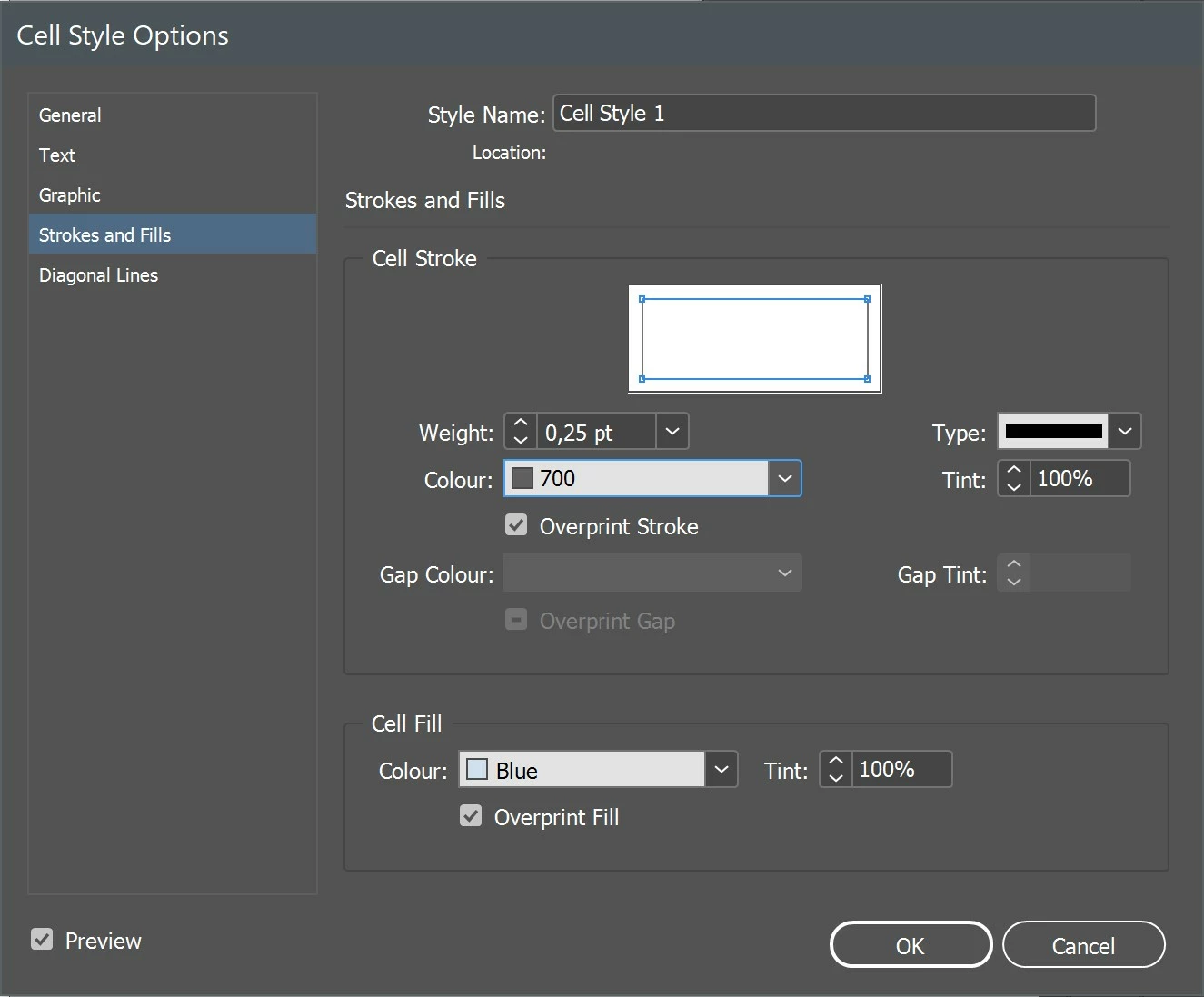
(In the third image you can see my cell style settings.)

I also have to reload the color palettes and set the cell style again every time I switch to other files.

Is there a shorter and easier way to do this?

Thank you for your answers in advance.

 

This topic has been closed for replies.
Correct answer cemc18303069

Hello,

Thanks for reply. I think I solved this problem.
When I clicked the alt + none in cell styles and after clicked the cell style which I set up it works. 

1 reply

Braniac
March 23, 2022

Hello

Sorry I'm a bit confused.

I can see the strokes on both - which ones are not showing up?

Do you mean the fills for the cells?

cemc18303069AuthorCorrect answer
Inspiring
March 23, 2022

Hello,

Thanks for reply. I think I solved this problem.
When I clicked the alt + none in cell styles and after clicked the cell style which I set up it works. 

Braniac
March 23, 2022

Ah great - glad you solved it.