

Inspiring
May 24, 2019
Answered

Changing multiple photos

  • May 24, 2019
  • 3 replies
  • 3752 views

Is there a way to select multiple photos and  change the photo
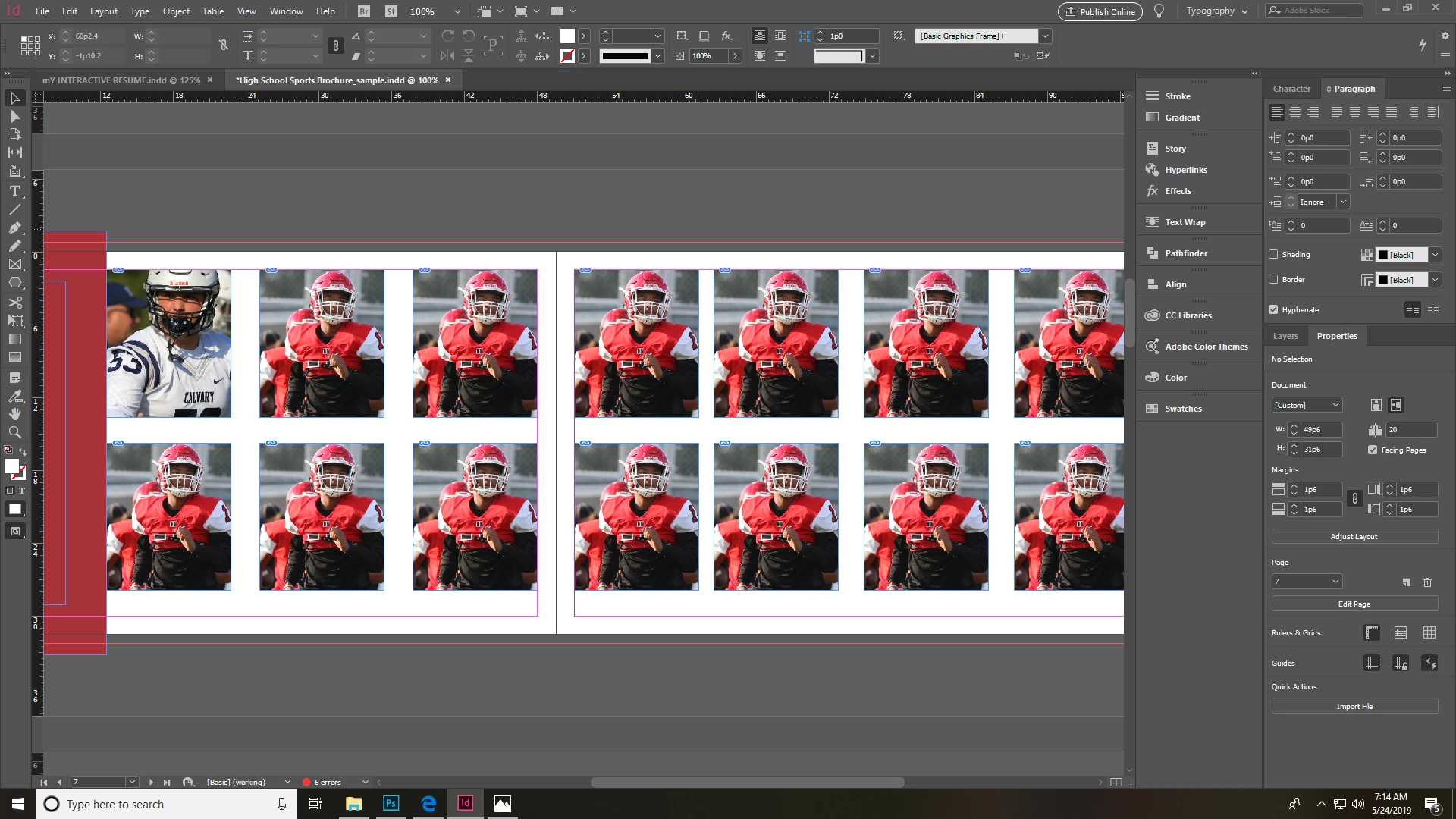
Say I wanted to select all the photos here and replace them with another photo.... how can I do that?

This topic has been closed for replies.
Correct answer c.pfaffenbichler

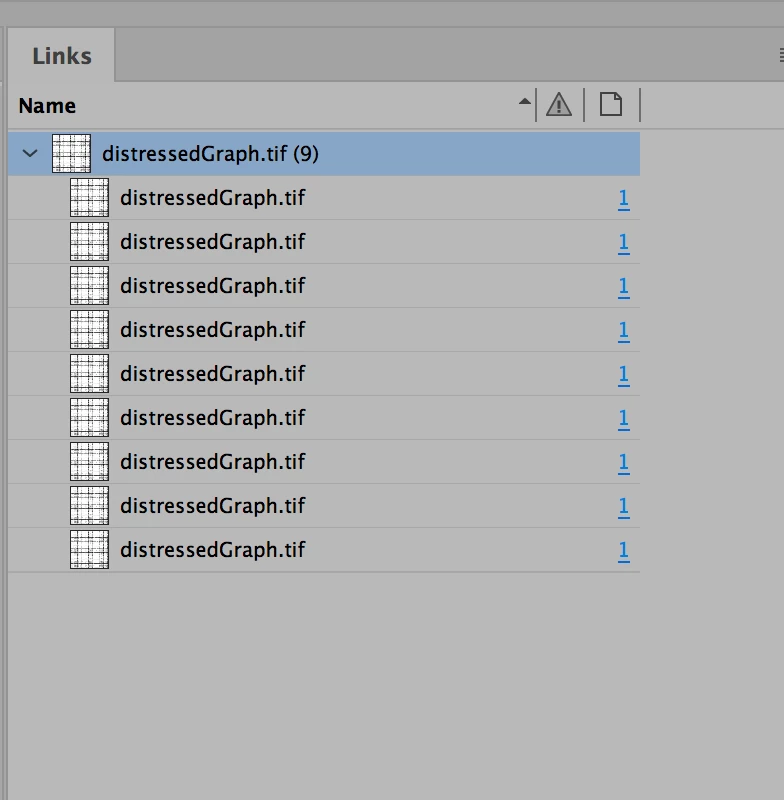
One can relink all instances of a linked image in one go by selecting the »parent« link.
    

3 replies

Grant H
Community Expert
May 24, 2019

you should use data merge for what you are doing. You will find it easy and quick.

(although I might be misunderstanding which are trying to end up with)

A.HerdenAuthor
Inspiring
May 25, 2019

Since this is just a template, I wanted to change the photo. Instead of having to change the photo of each square independently, I thought there was a way to select all and import the photo.

(select all squares, ctrl and d to import a photo and walaa... all the photos are changed to the new photo)

A.HerdenAuthor
Inspiring
May 25, 2019

Did you read the answers you have been given so far?


Yes I have...

I don't understand your links panel.. nor can I find a data merge

c.pfaffenbichler
c.pfaffenbichlerCorrect answer
Community Expert
May 24, 2019

One can relink all instances of a linked image in one go by selecting the »parent« link.


c.pfaffenbichler
Community Expert
May 24, 2019

Could you post a screenshot with the Links Panel visible.

In the Links Panel one can relink images (from the pop-up menu or with the icon at the bottom of the Panel).

A.HerdenAuthor
Inspiring
May 25, 2019

c.pfaffenbichler
Community Expert
May 25, 2019

I asked for a screenshot including the visible Links Panel.