


Participant
December 28, 2023
Answered

Changing Paper Size in Print Dialogue ("Setup") from A4 to A3 causes B&W printing - Please help!

  • December 28, 2023
  • 2 replies
  • 2904 views

I am trying to print a carton design from InDesign. The printer is loaded with A3 paper. When I print using the default settings, the file prints in color but not everything fits on the A3 paper. 
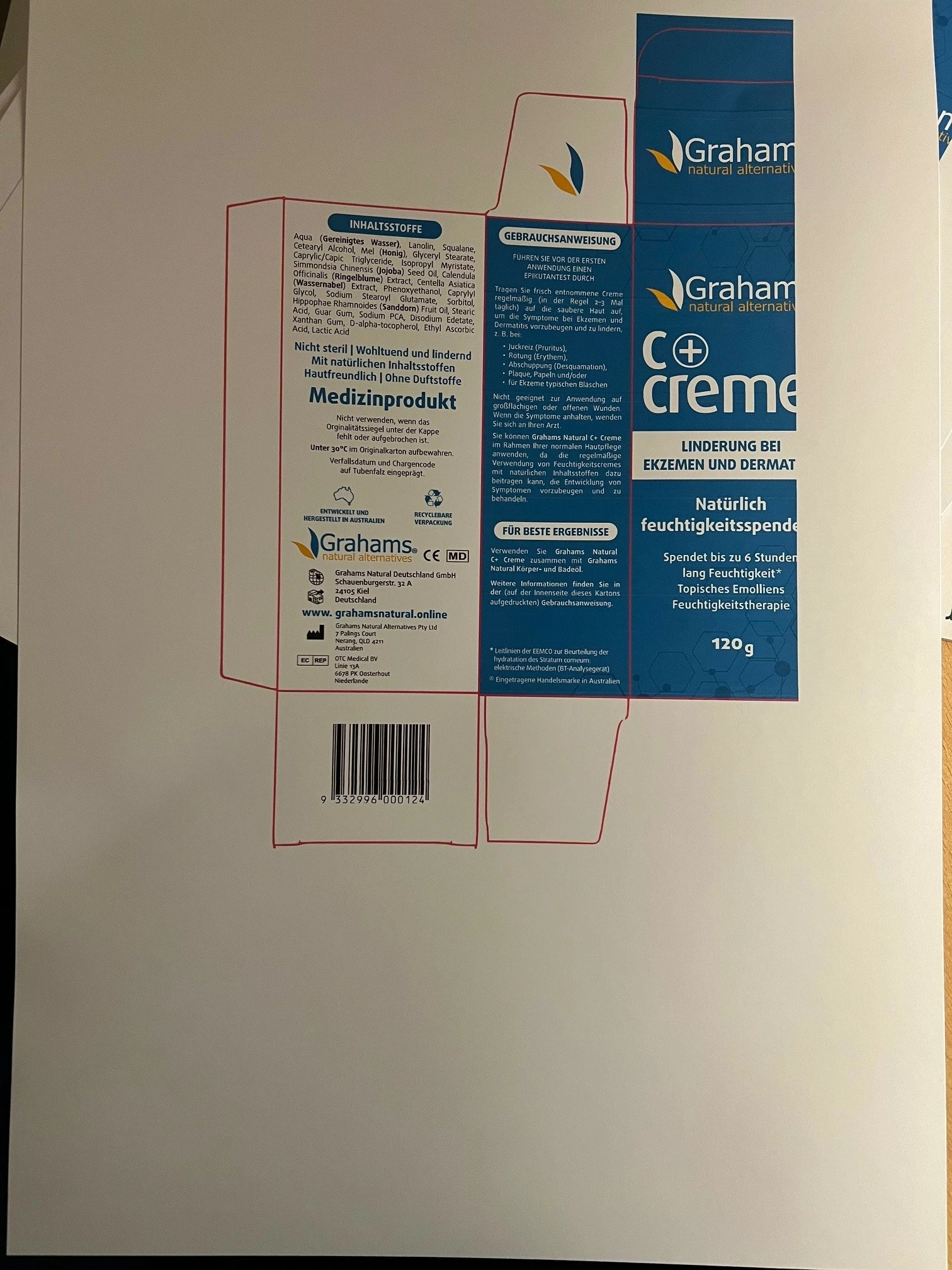


When I change the paper size (in Print -> Setup - > Paper Size) from A4 to A3, the carton fits perfectly onto the A3 paper, but is printed in black and white.
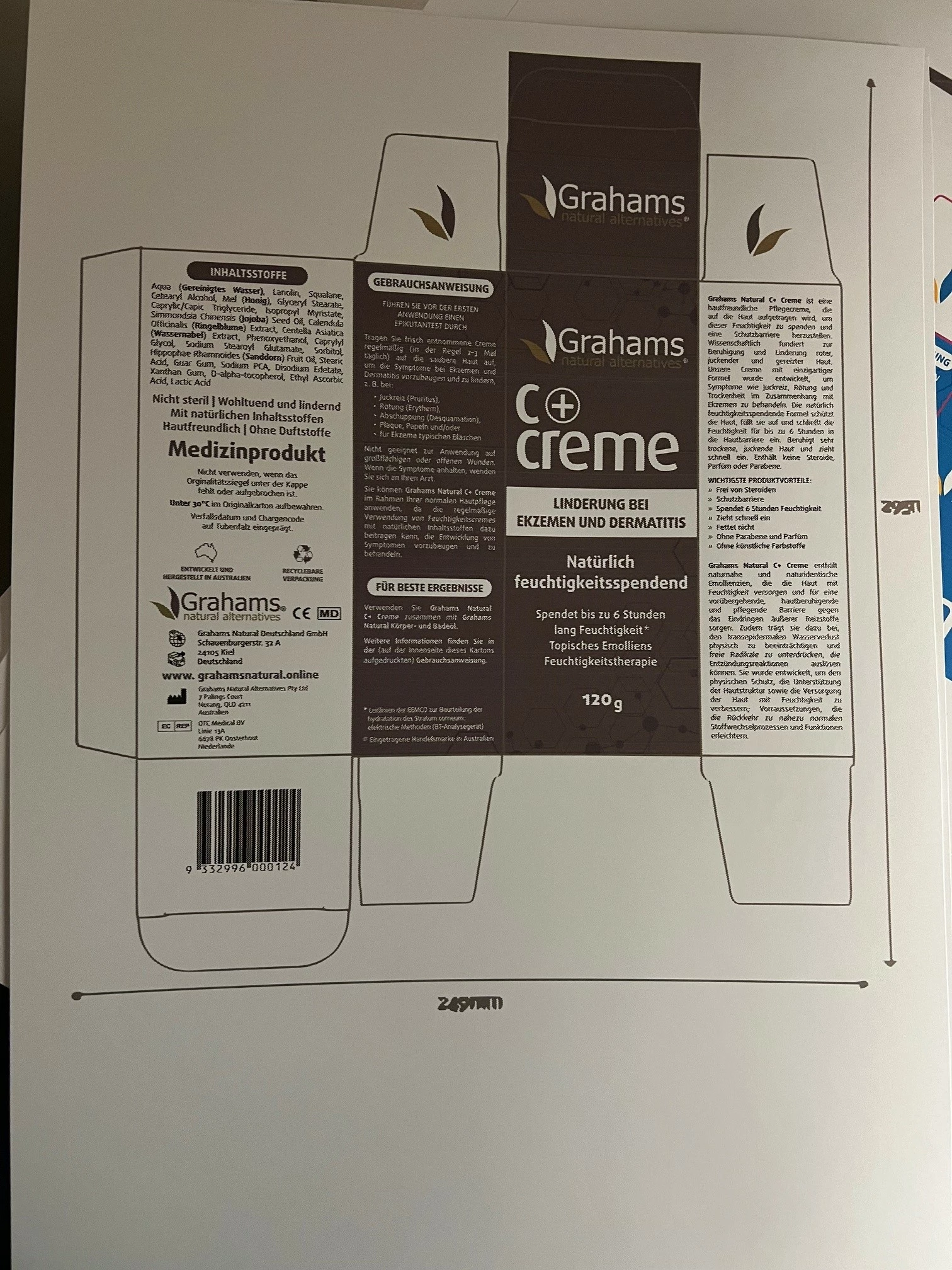


I am not touching any other settings. Output and Color Management are still set to Composite RGB  and "Let Indesign determin colors"/ Document RGB respectively.


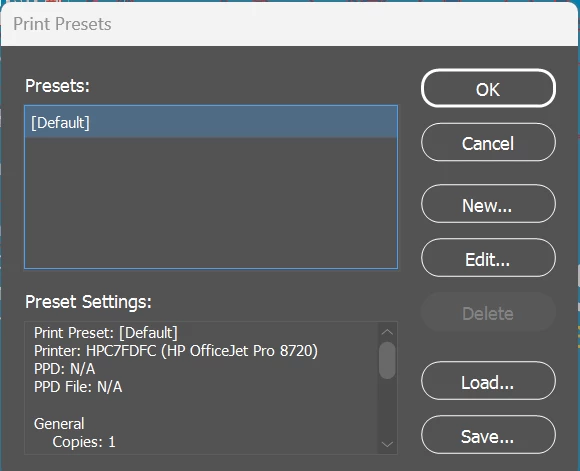
I have attached the print settings for Default and for A3 below. Please advise, what am I doing wrong? How can I get my carton printed in A3 in color.   
This topic has been closed for replies.
Correct answer Stefanie30610149krvr

Oops - just when you think you found the answer..... 

After writing the above I tried printing a different carton and ran into the same problem as before (A3 in Balck & White) - this time despite borderless printing set to "On".  As the only other thing I had done was to save (again) a "Print Preset" for the A3 printing, I deleted this again so that in the "Print Preset" it only has the [default]. I had created a Print Preset for A3 before and deleted it at the same time as changingh borderless printing from "off" to "on". So somewhere in the Print Presets the must be an issue - even though i checked all settings before saving it. 

So solution: Deleted A3 print preset. Then everything works fine, prints come out in full size and color. 


2 replies

rob day
Community Expert
Community Expert
December 28, 2023

Hi @Stefanie30610149krvr , Have you checked the HP print driver settings?


Click Printer... (might be Priter Setup on Windows) to get at the driver settings—there should be additional printer specific settings in the Layout dropdown. Here I’m showing the Print Settings options for my Epson printer where i can set the Ink to Black even though InDesign is sending Composite RGB to the printer:


Participant
December 29, 2023

Hi @rob day many thanbks for your reply. 

Yes - I checked the printer settings and the printer is also set to color. 


I did however now change the setting for borderless printing in my printer settings from "off" to "on" and am now able to print the full carton on A3 in color. 🙂


Stefanie30610149krvrAuthorCorrect answer
Participant
December 29, 2023

Oops - just when you think you found the answer..... 

After writing the above I tried printing a different carton and ran into the same problem as before (A3 in Balck & White) - this time despite borderless printing set to "On".  As the only other thing I had done was to save (again) a "Print Preset" for the A3 printing, I deleted this again so that in the "Print Preset" it only has the [default]. I had created a Print Preset for A3 before and deleted it at the same time as changingh borderless printing from "off" to "on". So somewhere in the Print Presets the must be an issue - even though i checked all settings before saving it. 

So solution: Deleted A3 print preset. Then everything works fine, prints come out in full size and color. 


Steve Werner
Community Expert
Community Expert
December 28, 2023

I print with an HP OfficeJet Pro, and when I want to change from printing between Color and B&W, I make the setting change on the controls of the printer itself. It's not controlled from a setting in InDesign.

Participant
December 29, 2023

Thanks for your reply Steve. 

I actually followed the advice from Adobe on this and only change the settings in InDesign:


That said, also my printer is set to print in color: