

Answered
Changing the title beside numbering?!
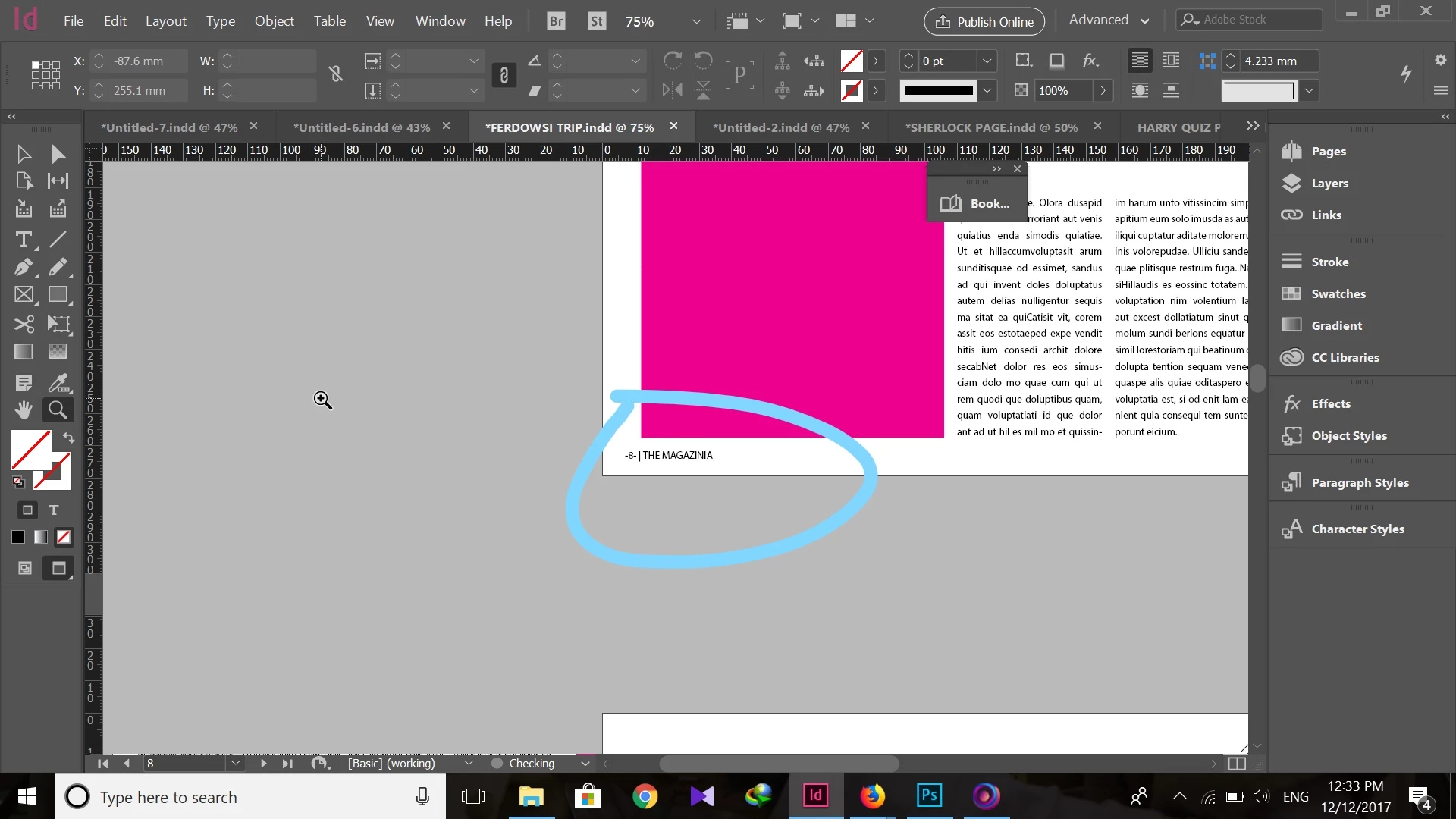
so i have purchased an indesign template and i don't know how to get rid of this thing beside the page numbering.
 can anyone help please?

so i have purchased an indesign template and i don't know how to get rid of this thing beside the page numbering.
can anyone help please?
Hi NOOSHINRAD,
1) Go to your pages panel
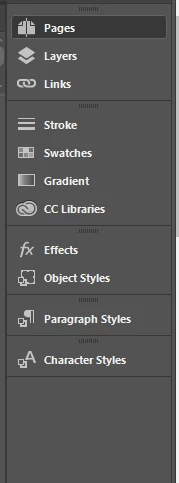
2) Expand the top area in this panel to reveal all of the master pages
3) Select the master page you wish to change
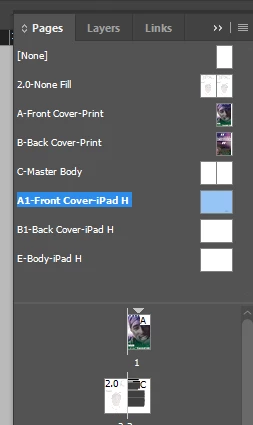
4) Select the text and change it to your desired title

Hope this helps.
Already have an account? Login
Enter your E-mail address. We'll send you an e-mail with instructions to reset your password.
 AdChoices