Hi Barb,
Thank you for the test file. With your help, I think I have finally determined what was going on.
When I opened your document in Acrobat, I saw the dreaded checkmark instead of your custom art. So my first thought was that maybe the behavior was caused by a Preference setting. I opened Acrobat Preferences and looked at the Forms prefs.
Under the Highlight Color section, the "Show border hover color for fields" was enabled in my preferences. I turned that off. Low and behold, both your test file and mine behaved the way we intended.
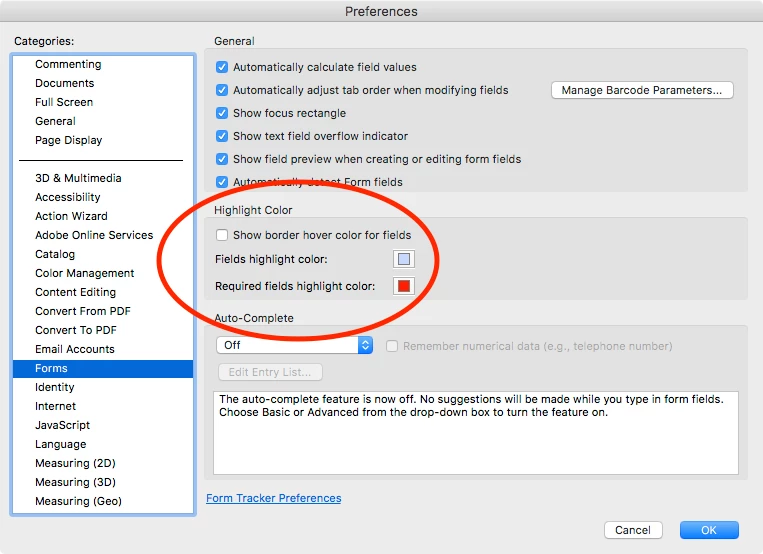
I think this may have been my issue. Would you mind confirming that suspicion by looking at your preferences and verifying that your Highlight Color option is deselected.
THANK YOU for all your help!
Joel
Hi Joel:
Yes, I can confirm that I keep Show border hover color off—I'm not a fan.
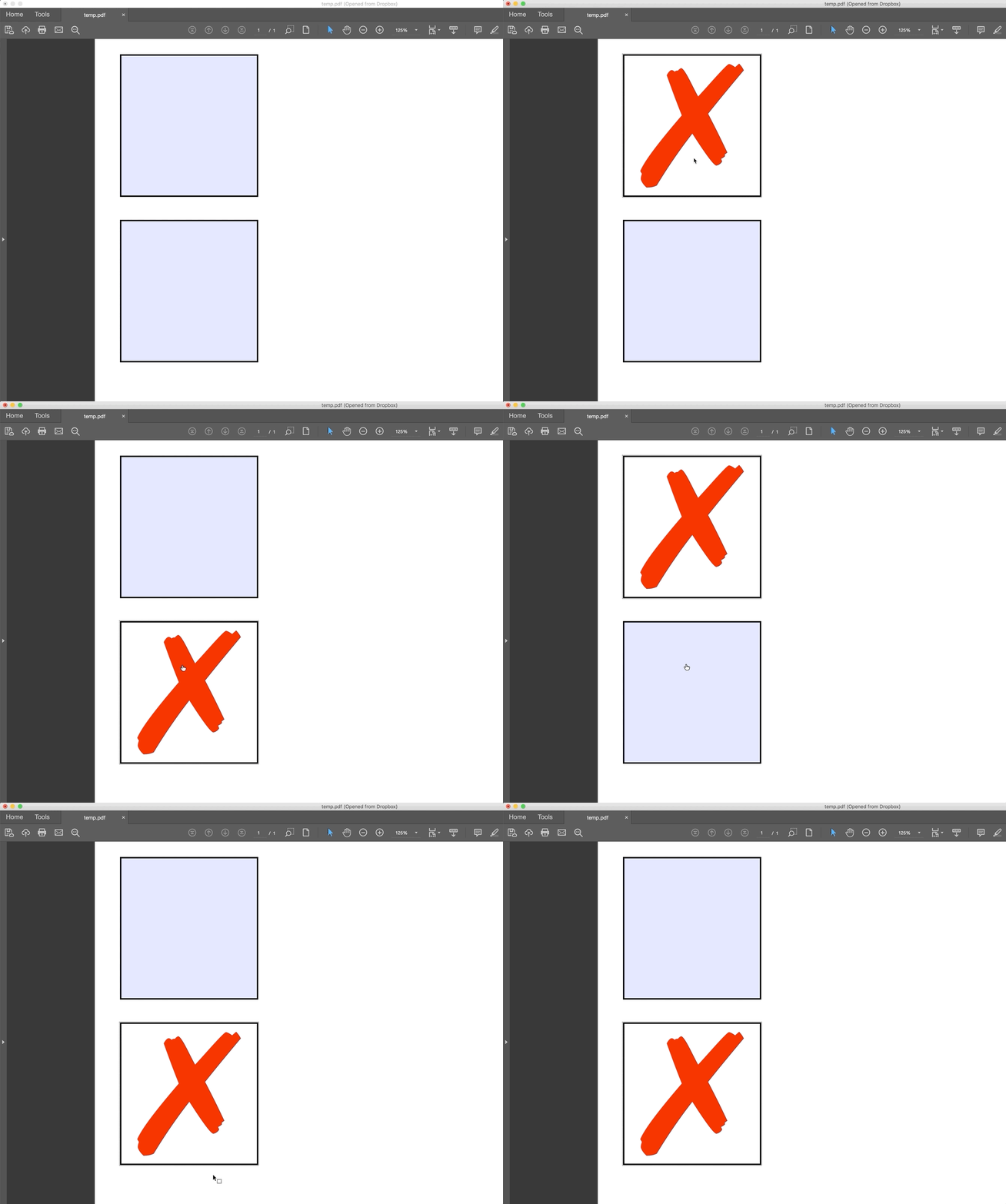
Once I turned it on, I do see the black checkmark flashing by. So strange.
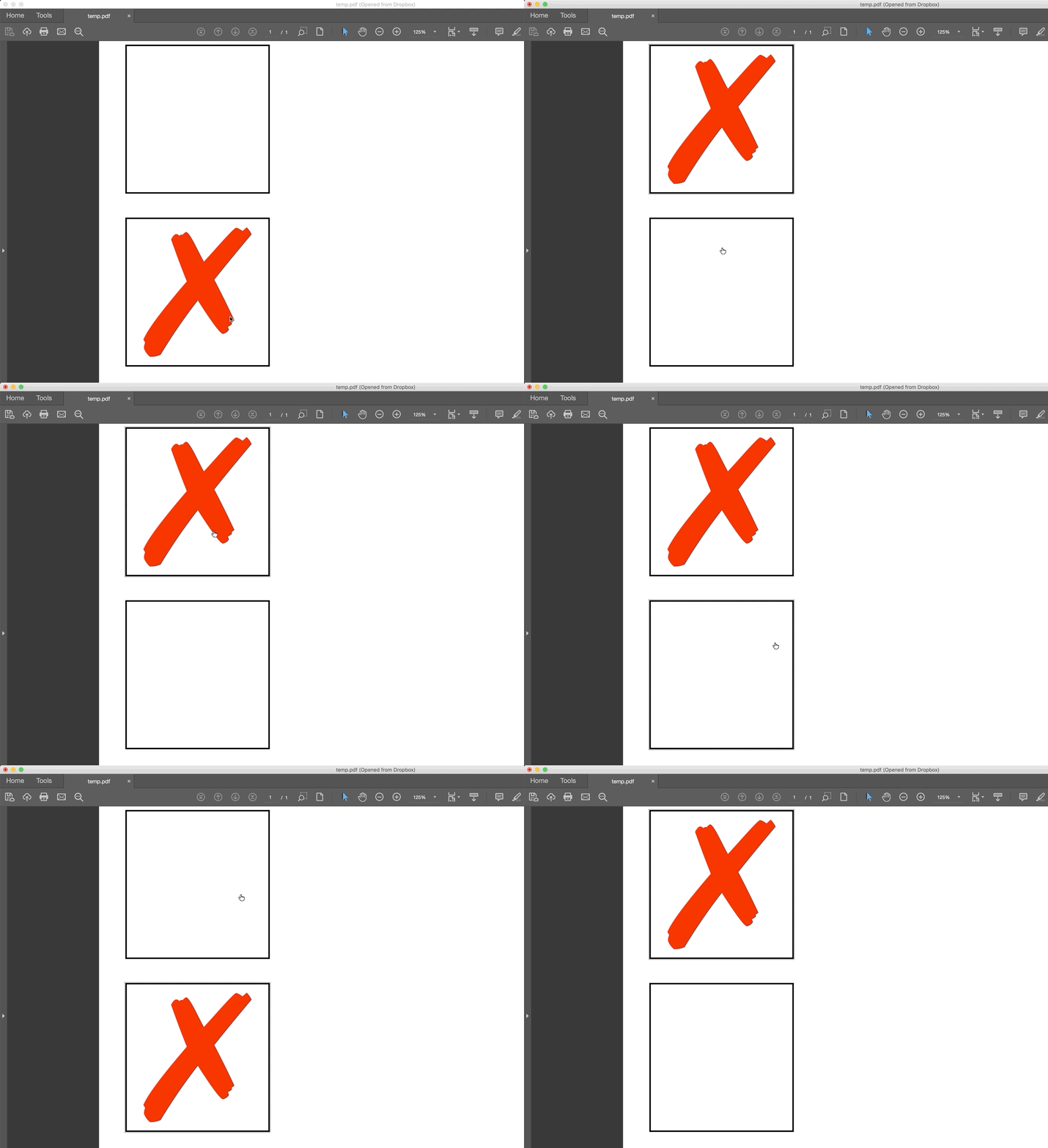
It doesn't do it when Show border hover is off:
~Barb




 AdChoices