@rob day wrote:
You could setup a document to the output’s pixel dimensions and with the ruler units set as Pixels draw 1x1 pixel black squares snapped to the grid, but I doubt that would be easier than editing a Bitmap mode image in Photoshop.
InDesign doesn’t have pixels as a unit. Do you mean OP should do this in Photoshop?
The Document Setup’s Width and Height can be defined in Pixels and Rulers can be set to Pixel units in Preferences
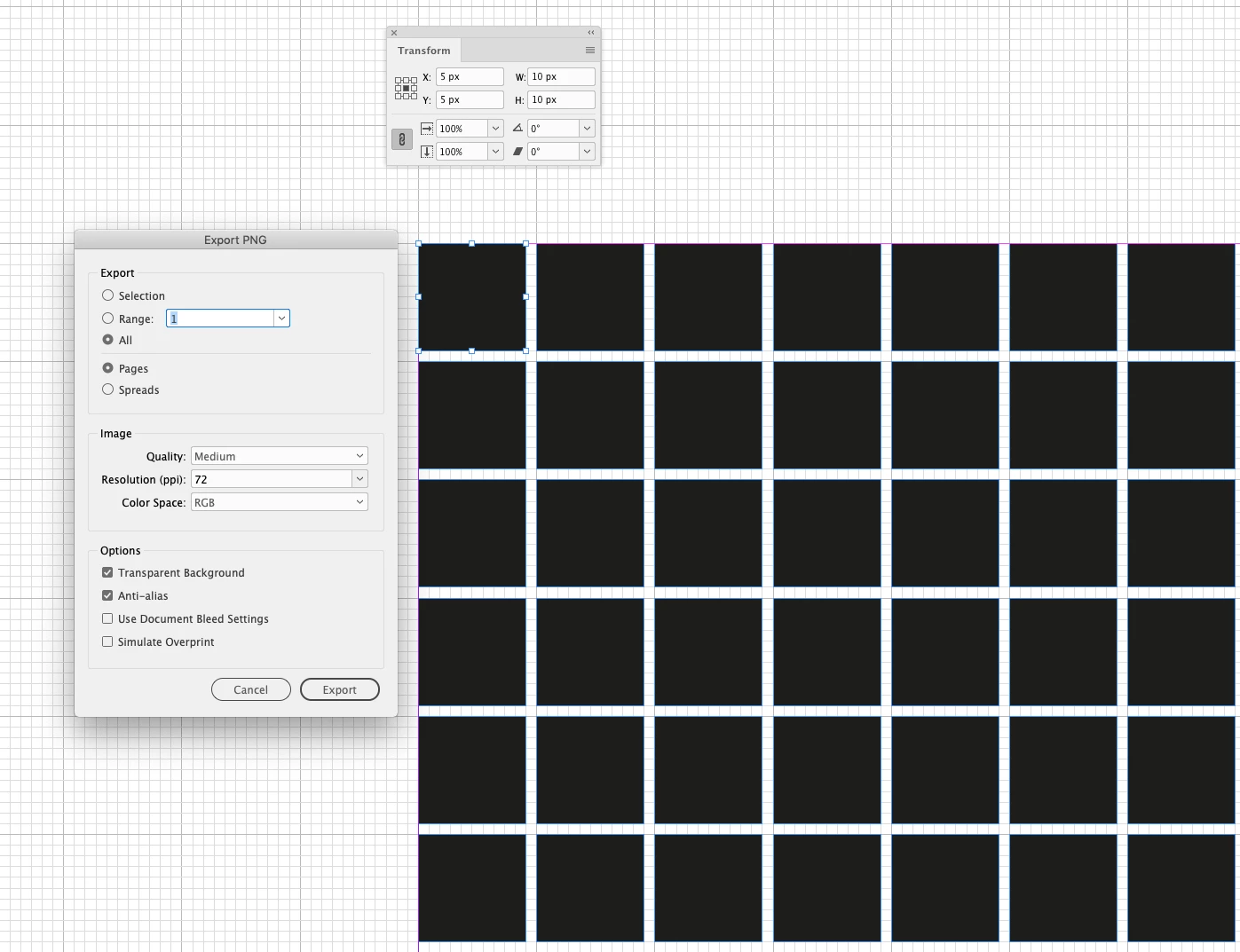
If the Document Setup is set to the desired output pixel dimensions, it could be exported as a PNG or JPEG image format at 72ppi and the pixel dimensions in Photoshop would match.
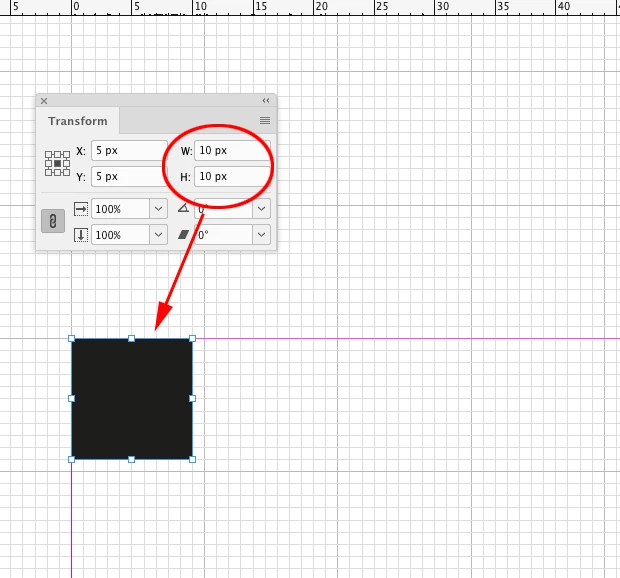
@Christiane5E2D is looking for a 1-bit Black & White image, so as an example the document grid could be set at 1 Pixel increments, and 10x10 pixel rectangles could be step and repeated with 1 px in between. An export to PNG at 72ppi would export the grid with the same pixel dimensions:
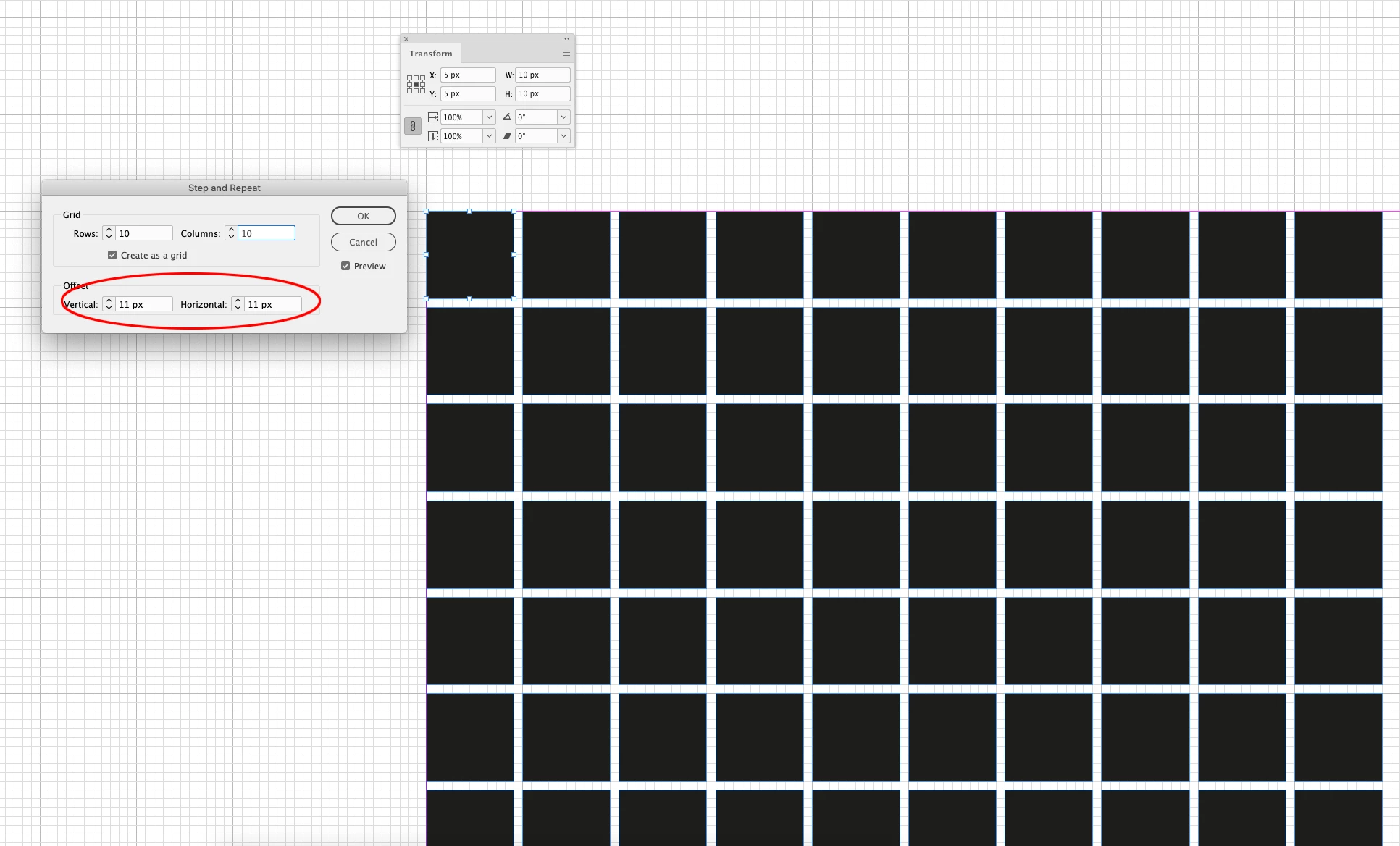
An Export at 72ppi exports the page at its specified pixel dimensions
In Photoshop the square’s pixel dimensions match the InDesign rectangle dimensions:
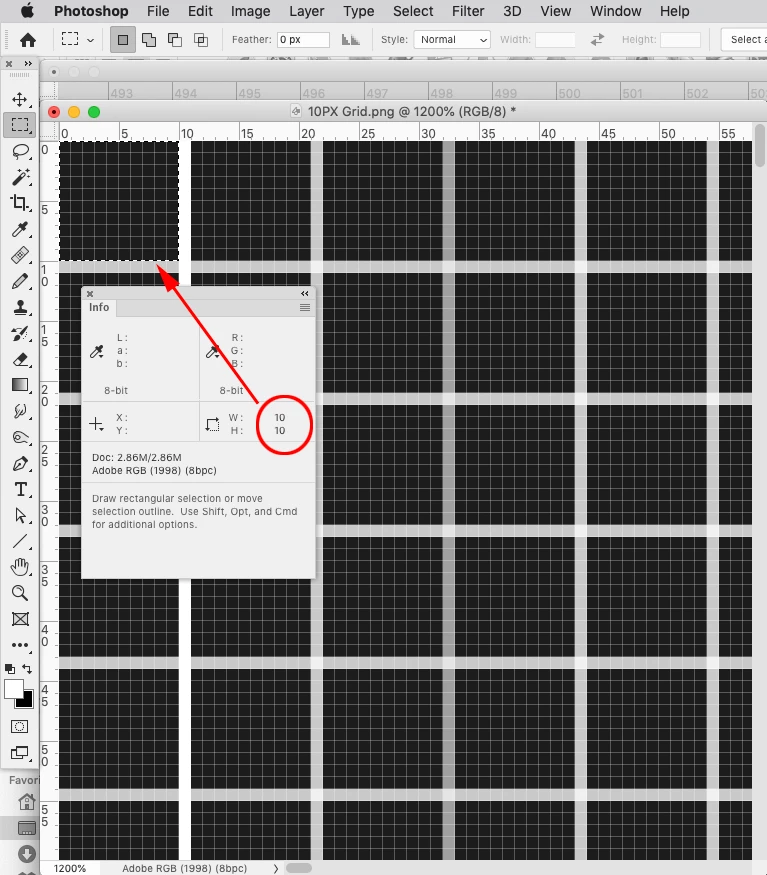
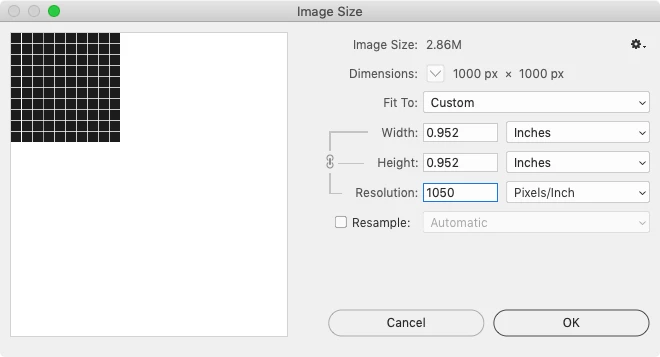
The Photoshop image can be resized to any Resolution without changing the pixel dimensions, it doesn’t have to be left at 72ppi export resolution:



 AdChoices