



MattheausG
Known Participant
July 24, 2025
Question

Copy / Pasting not working properly in ID20

  • July 24, 2025
  • 2 replies
  • 818 views

We are finding occasionally that when you copy an item to paste elsewhere (either in the same doc or another) that instead of replicating the item you get a pseudo screengrab. It looks just like the item you have copied, but is just a screengrab, and a screengrab with no link at all

So I copied this
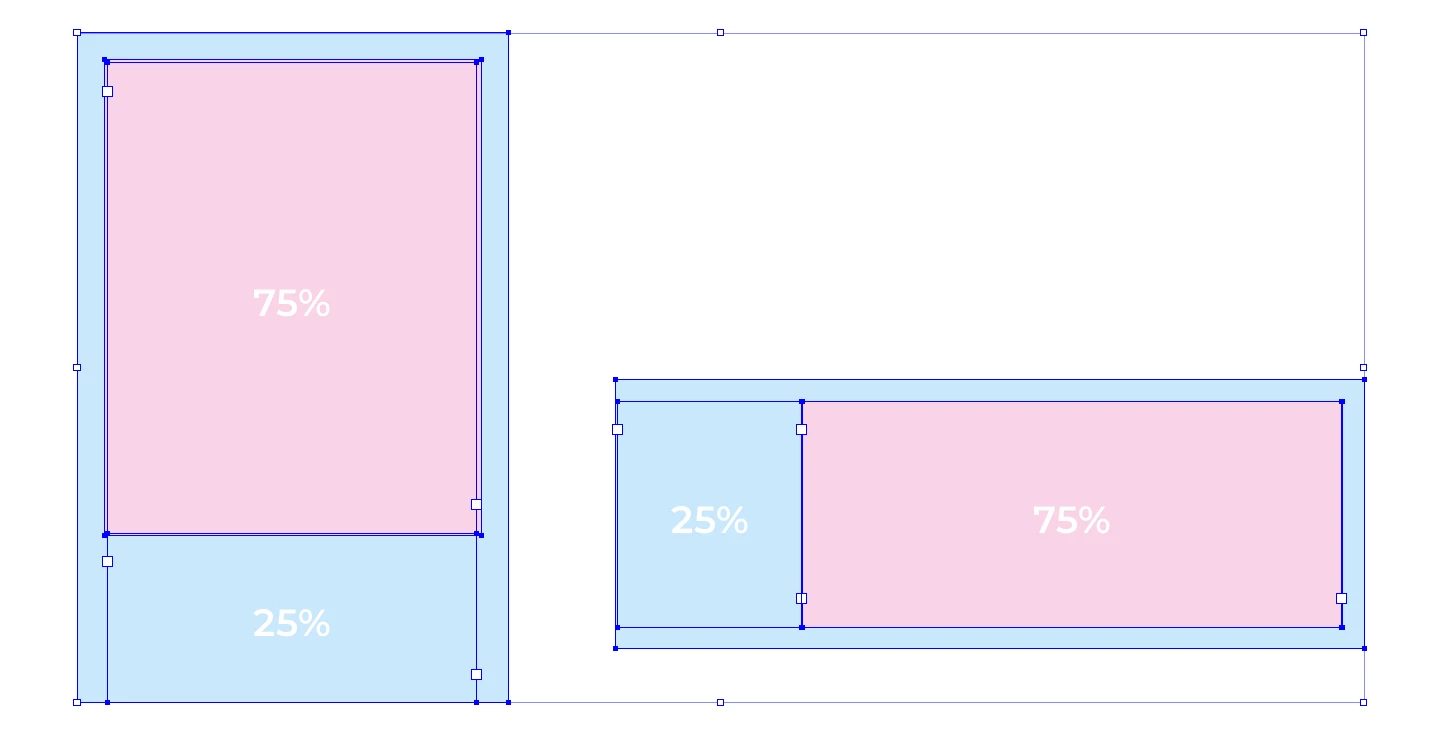
(all vector) and it returned this
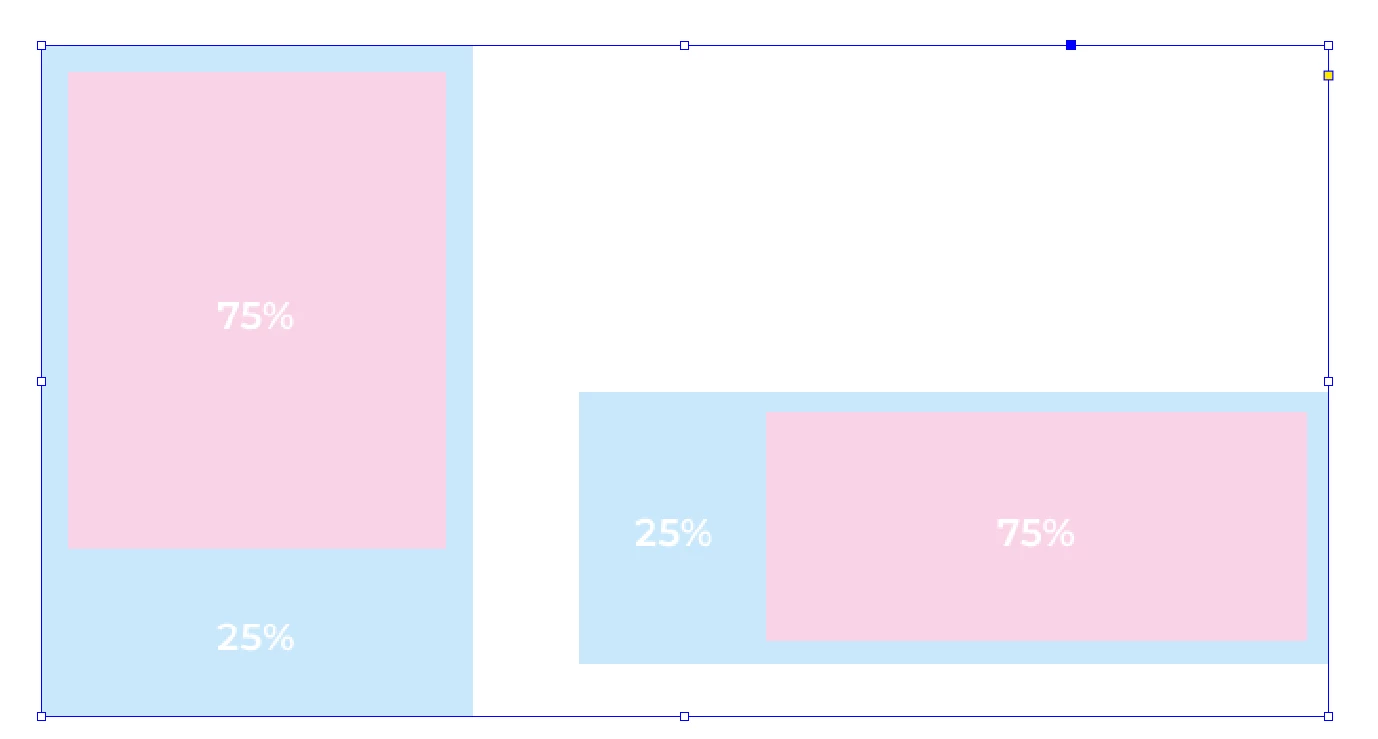
I am a very experienced Indesgner, having used it since ID2 (and have trained others in it) and I have never experienced this or know why it is happening – so reaching out the the community. I assume it is an issue with ID20, but be curious to learn if others are getting this phenomena or what could be causing it?


2 replies

Legend
July 25, 2025

Data exchange like the clipboard here, but also drag and drop, comes in flavors.

That is, the source provides text, utf, rich text and so forth for text and the destination chooses what's best to them.


For page items that includes internal objects stored in a scrap area, snippet, PDF and TIFF, you likely get one of the latter.

Third party export format plugins may add their own flavors. Are you using any one of those? Declaring the appropriate priority is tricky.


The "Copy" process has multiple phases, internal flavors differ from external flavors.

For performance reasons, as long you stay within InDesign the data is not exported to the external clipboard.

So the first step is to strictly stay within InDesign, not switch over to other applications.


You don't sound like you did, but do you have any extension (CEP) panels open that might trigger externalization?

There could also be different applications that request such an externalization in order to perform changes on the clipboard.  Never heard about them, but search points to Maccy, Flycut, CopyClip, ClipMenu. Does any of them sound familiar? Maybe a new security annoyance, or something to hand over the clipboard to a mobile device?


Instead of copy paste, you could also try drag and drop as its externalization is triggered in different ways (external windows). Any change there?

If you drag your page items to the desktop, does that produce a snippet or also the picture?


leo.r
Community Expert
Community Expert
July 24, 2025

What's your operating system version? Also, do you have the same issue in InDesign 2024?

MattheausG
Known Participant
July 24, 2025

OS Sequoia 15.4.1
ID 20.2
No, it did not happen before ID v19s = 2024

MattheausG
Known Participant
July 24, 2025

Note, my entire team here are also experiencing this, some 25 designers