


Philip_MillersJuice
Inspiring
October 4, 2019
Answered

Data Merge | how to work with comma's in text

  • October 4, 2019
  • 2 replies
  • 3153 views

Hi there,

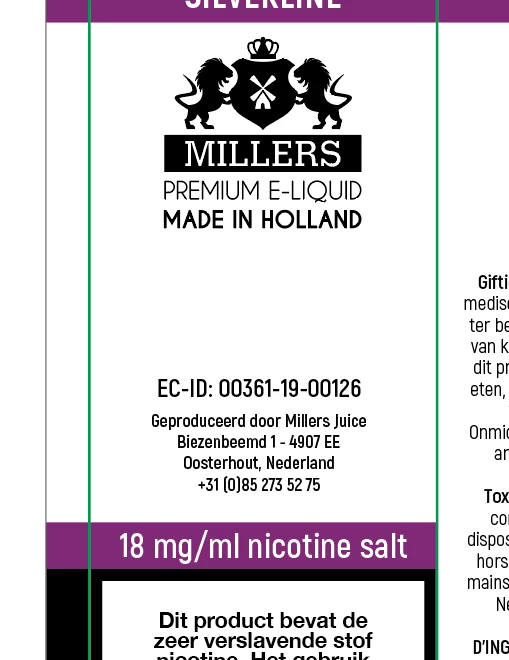
I am automating my packaging design. The design contains a column with certain ingredients that are variable per design. The text that should be there is in the csv file.


Now I'm running into a problem. Only one word is displayed while there is more text in the csv file. There are commas in the ingredients to separate them. Now I know that the csv file also uses commas to distinguish between rows.


How can I ensure that the full text is visible?


See attachement, ingredients should be: Propylene Glycol, Glycerol, Water, Ethylacetoacetaat, Ethyl 2-methylbutyrate etc...

    This topic has been closed for replies.
    Correct answer SJRiegel

    Try saving your data file as tab-delimited text instead of CSV.

    2 replies

    SJRiegelCorrect answer
    Community Expert
    October 4, 2019

    Try saving your data file as tab-delimited text instead of CSV.

    New Participant
    September 7, 2023

    No, it is not working

    Community Expert
    September 7, 2023

    @default22512526vb8hce ,

    please share a sample of your CSV file or a sample of your tab-delimited text file.

    Plus a sample of the InDesign document with the fields for data merge.


    "No, it is not working" simply is not enough to help you.


    Thanks,
    Uwe Laubender
    ( Adobe Community Expert )

    vladan saveljic
    Inspiring
    October 4, 2019

    enclose the text within quotation marks "Propylene Glycol, Glycerol, Water, Ethylacetoacetaat, Ethyl 2-methylbutyrate"