


Known Participant
August 1, 2025
Answered

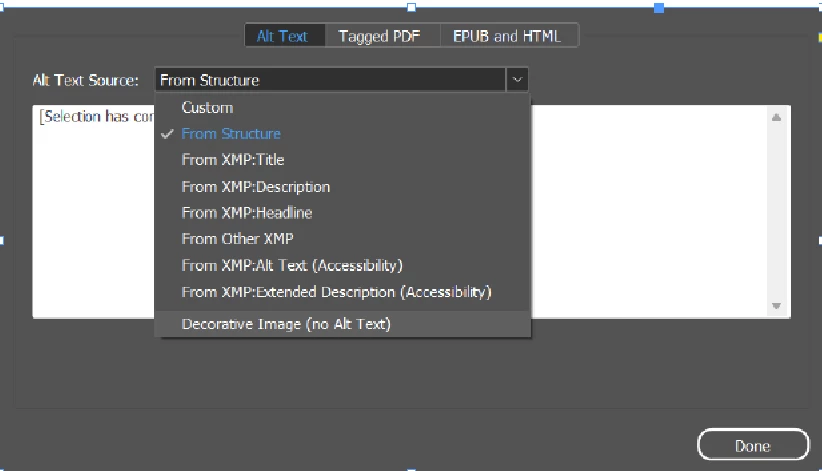
Decorative image (No Alt text) option is not working

  • August 1, 2025
  • 2 replies
  • 503 views

If we select the option “Decorative Image (no Alt text)” after creating Tagged PDF this image was not tagged as Artifact. This option is not working in InDesign 2025 

OS Windows 11

Indesign Version 2025 latest version.

PDF tag output
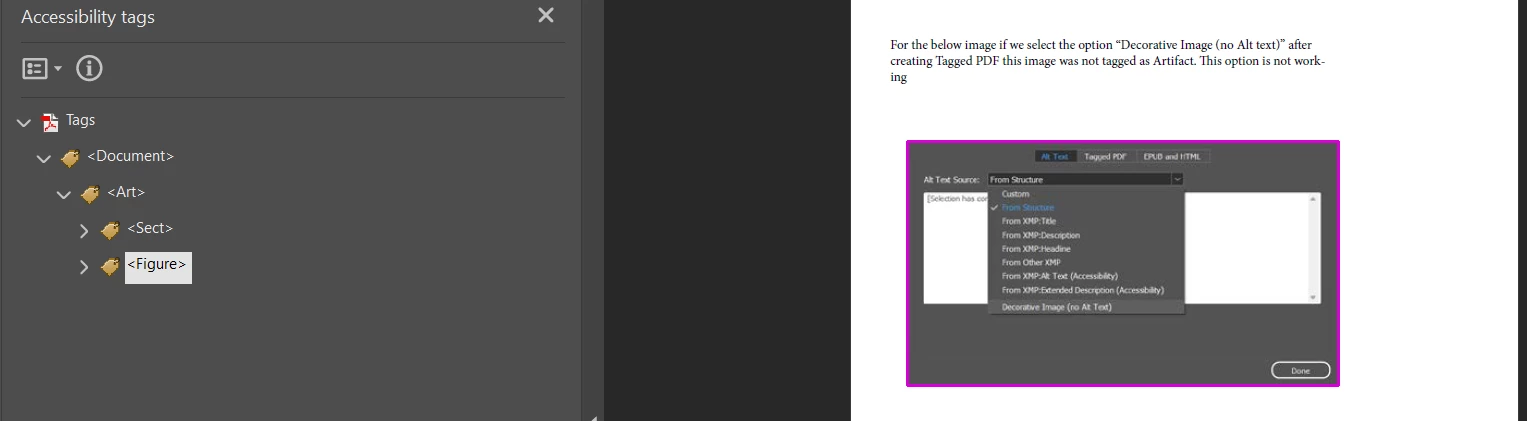

I attached tagged pdf for your reference

Thanks

Ganesh.R


Correct answer Frans v.d. Geest

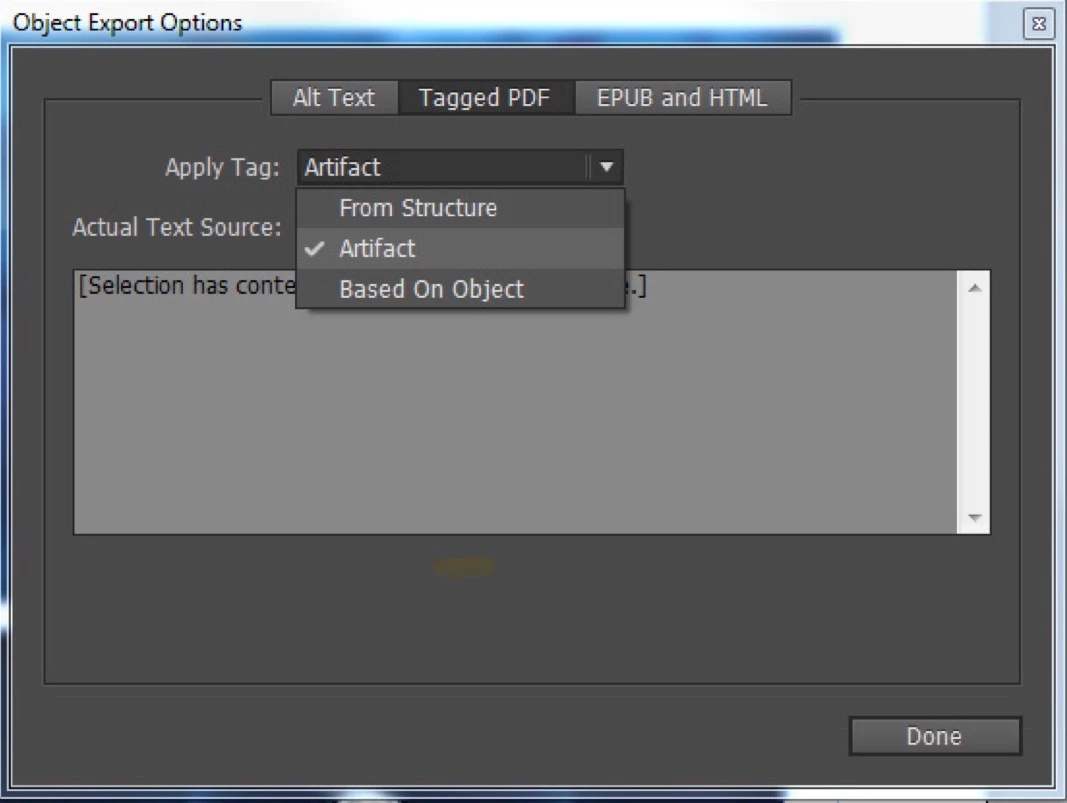
This is not how it works to artifact an image correctly. See the middle tab 'Tagged PDF'? There you select 'Artifact' (apply tag).


(In the tags tree in Acrobat you will not find a tag 'Artifact' by the way, for that look under the Contents pane in Acrobat for the containers.)

2 replies

Frans v.d. Geest
Frans v.d. GeestCorrect answer
Community Expert
August 1, 2025

This is not how it works to artifact an image correctly. See the middle tab 'Tagged PDF'? There you select 'Artifact' (apply tag).


(In the tags tree in Acrobat you will not find a tag 'Artifact' by the way, for that look under the Contents pane in Acrobat for the containers.)

Known Participant
August 1, 2025

Hi 

Thanks for you reply

we are suppose to use the Artifact option only, but there is new option as per my First screenshot, then what is the use of it.

Thanks

Ganesh.R

Frans v.d. Geest
Community Expert
August 1, 2025

Yes, I agree, confusing and rather stupid option,  but it means simply No Alt text for PDF is set. It is indeed wrong in many ways. That said, see the solution I gave.

Abhishek Rao
Community Manager
Community Manager
August 1, 2025

Hi @ganesh_2836,


Thanks for bringing this up and for sharing the details.

Could you please confirm the exact InDesign version you're using, specifically if it's the latest 2025 (version 20.5)? That'll help us better understand the behavior.

I've reached out to the product team to check whether this is expected or a potential issue, and I'll follow up here as soon as I hear back.


Appreciate your patience in the meantime.
Abhishek

Known Participant
August 1, 2025

HI @Abhishek Rao 


InDesign version 20.5


Thanks

Ganesh.R 


Known Participant
August 4, 2025

Hi 


Any update for the above issue


Thanks

Ganesh.R